114
Viscount Concerto III - Operating Manual
after which it will ask you to enter the name of the new song:
Use the [CURSOR] buttons to move the cursor and the encoder to select the characters required.
Press [ENTER/YES] again to go ahead with the final saving of the song, during which the display
will show:
MODIFYING THE TEMPO
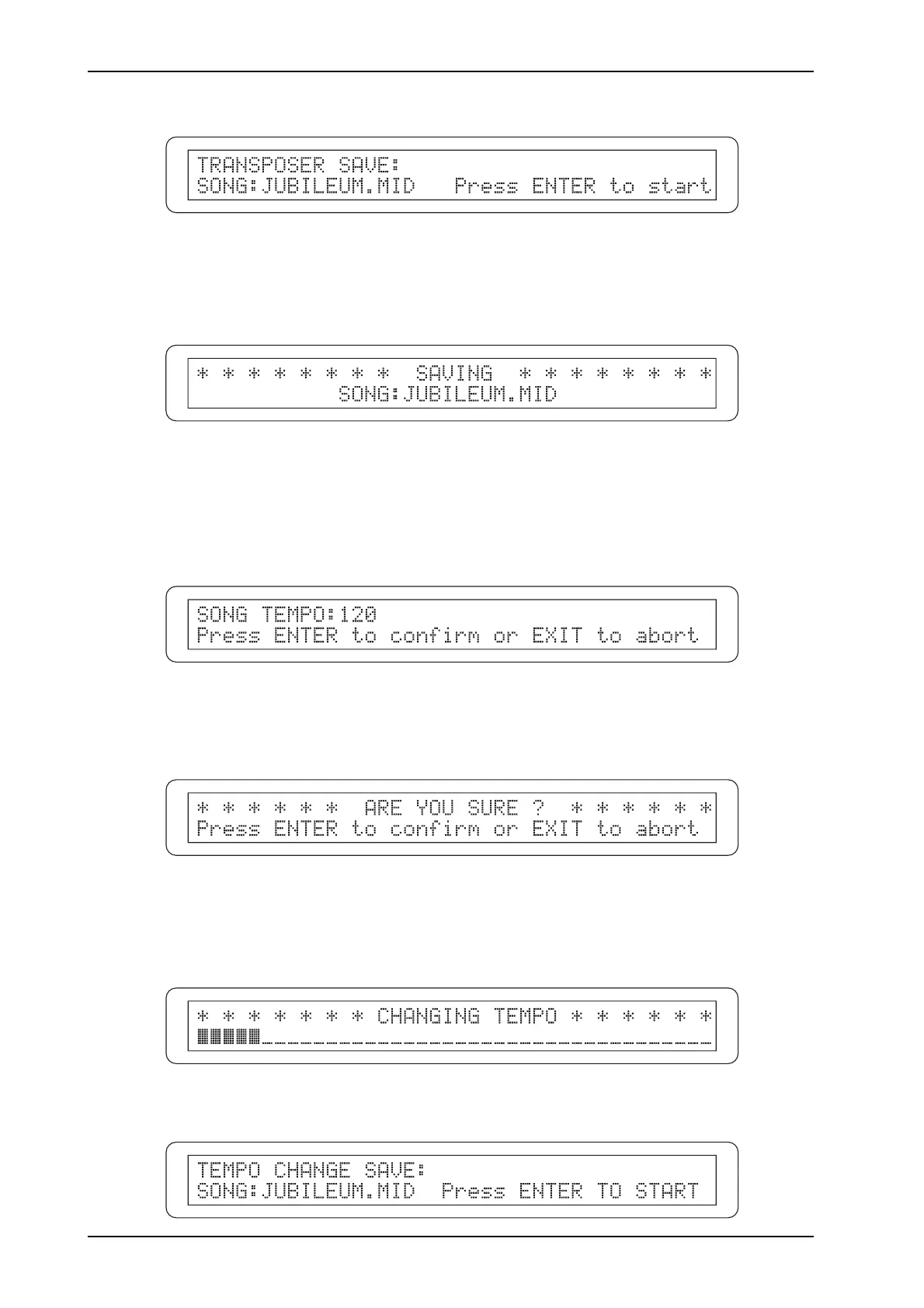
To modify the tempo of the currently loaded song, select the TEMPO field in the EDIT menu and
press [ENTER/YES]; the following video page will be displayed:
Use the encoder to enter the new value, then press [ENTER/YES] again to go ahead with saving the
song. The display will show a confirmation prompt:
Here again, press [ENTER/YES] to continue or [EXIT/NO] to abort the change and return to display
of the EDIT menu.
If you confirm the change, the display will show:
for the time it takes to make the changes, and then:












 To Next Page