109
Viscount Concerto III - Operating Manual
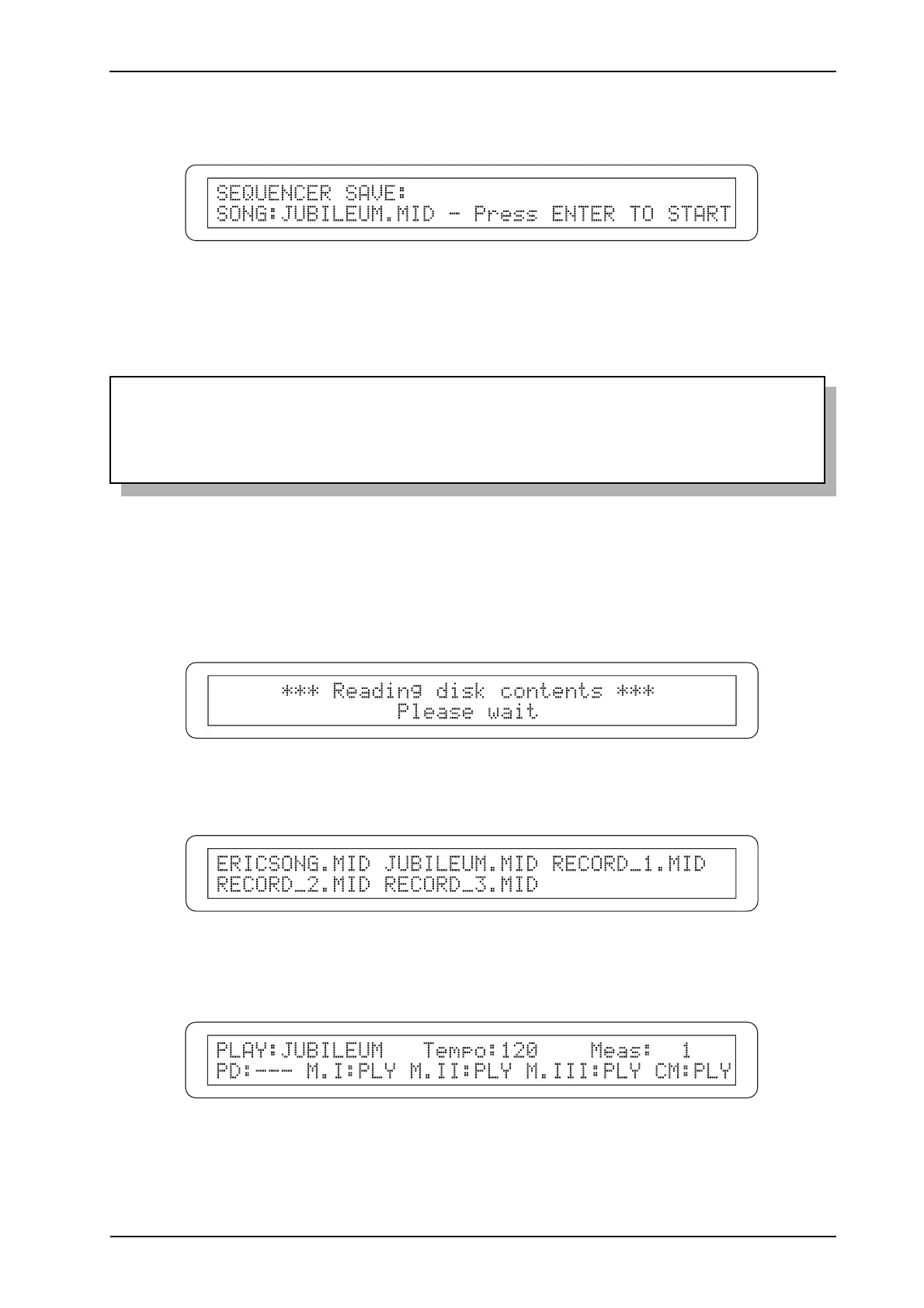
To stop the recording, press [START-STOP] again; the display will show the video page for saving
the sequence just recorded, in which the name of the song can be entered.
With the usual procedure, use the [CURSOR] buttons to move the cursor and the encoder to select
the characters. Then press [ENTER/YES] to save the recording on the floppy disk [EXIT/NO] to
abort the saving operation.
WARNING!
To take sure that existing recordings are not lost, when entering the name of the song take care
not to enter a name already on the disk. In this case, the original file will be overwritten.
8.2 PLAYING BACK A PERFORMANCE
To play back a song recorded using the sequencer, insert the floppy disk in the drive and press.
The system will proceed to read the floppy disk:
after which all the songs (.mid files) saved on the disk will be displayed:
Use the [CURSOR] keys to select the song you wish to play and press [ENTER/YES]. The display
will show the page:
As described in the previous point, the tracks which make up the song are identified by the PLY
code.












 To Next Page