85
Viscount Concerto III - Operating Manual
CHANGING LABELS
As we have seen, once you have loaded a set of voices it may be necessary to change the labels of
the stops, since most of the voices will have changed and the name of the stop will no longer
correspond to the voice loaded in the memory.
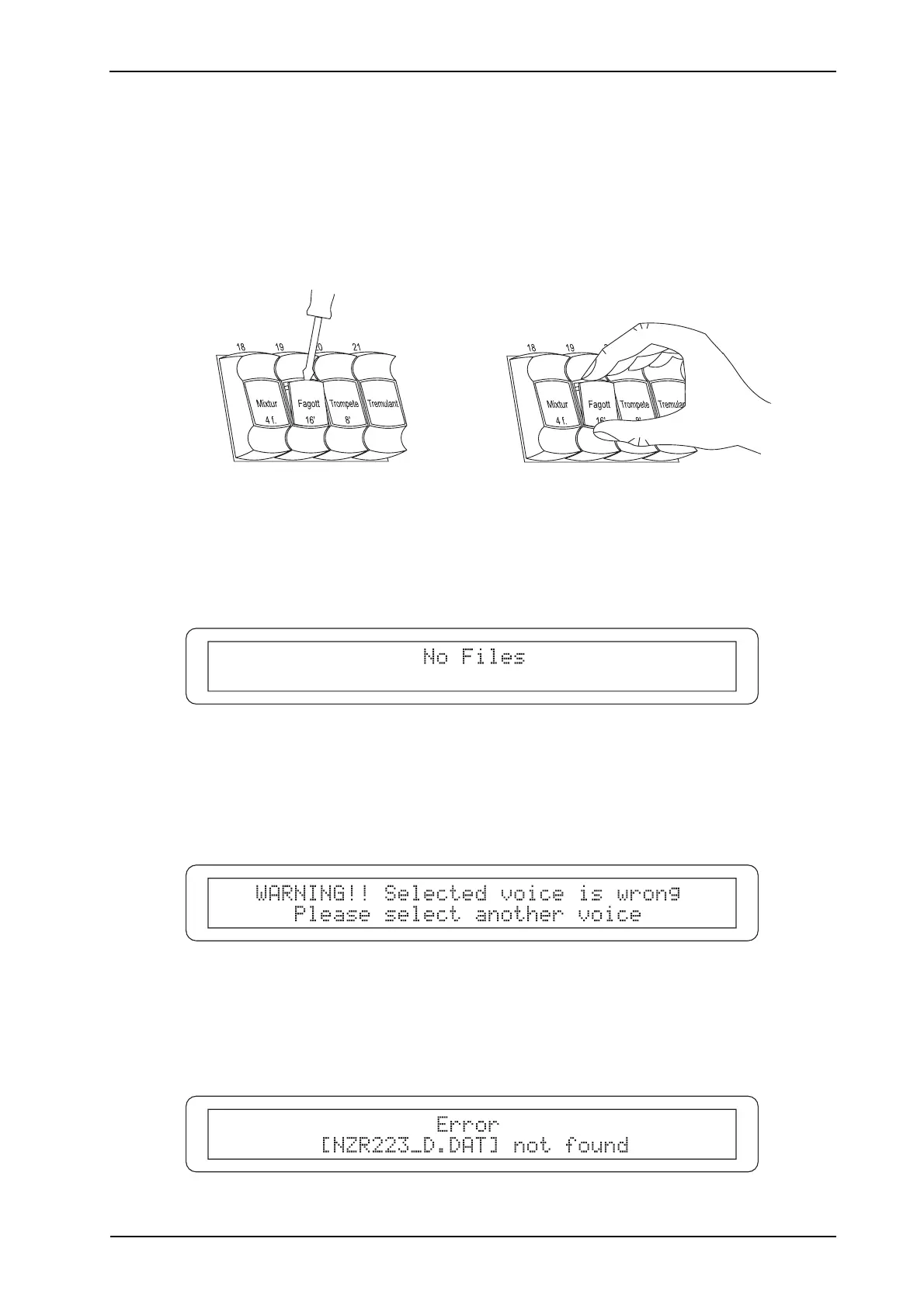
However, it is very easy to change the labels because they are just pressed into the stop.
Remove the label with your fingers or using a small screwdriver (as shown below) and fit the
correct one (supplied with the set of disks for loading the voices).
4.5 ERROR MESSAGES - VOICES MENU
- NO FILES
This error is displayed if you recall the LOAD VOICE FROM DISK function and the floppy disk
inserted does not contain voice files.
- SELECTED VOICE IS WRONG
This error may appear during loading of the voices if one or more files are damaged and/or not
valid for completion of loading of the voice.
- FILE.DAT NOT FOUND












 To Next Page