81
Viscount Concerto III - Operating Manual
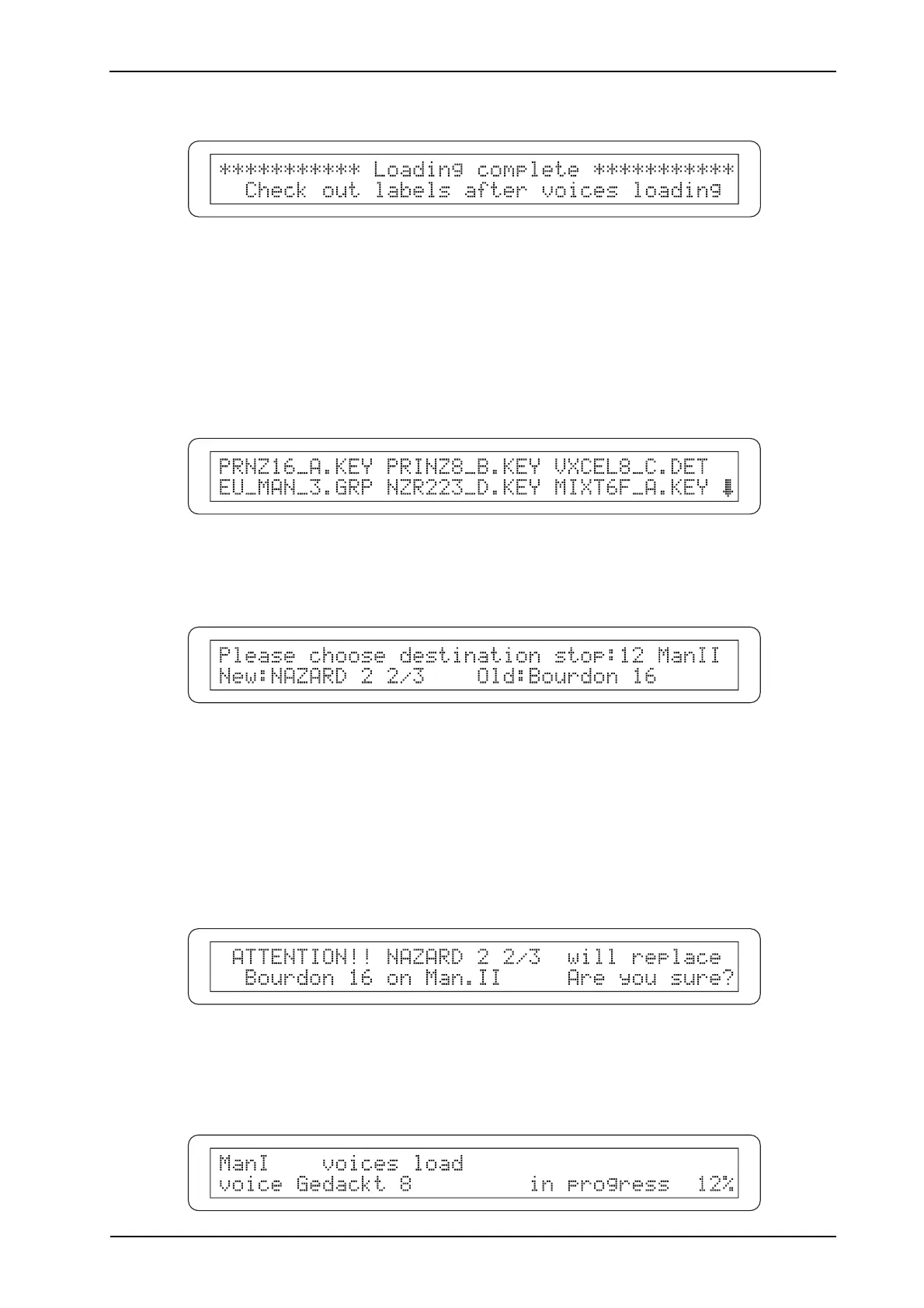
Once the procedure is complete, the display will show:
instructing you to check the labels on the stops against the new voices loaded.
Press [EXIT/NO] and perform the LABEL CHECK function described in point 4.4.
LOADING AN INDIVIDUAL VOICE
To load just one voice, select the LOAD VOICE FROM DISK option in the VOICES menu.
As we have already seen, the display will show all the voices files on the floppy disk.
Now select the voice you wish to load in the internal memory of the organ ( files: KEY, PED or
DET), The display will show:
The instrument uses this video page to ask where you wish to place the new voice.
Use the encoder to set the stop you have chosen; you will see that it lights up on the panel.
To simplify the procedure, the display shows the new voice (New parameter) and the voice to be
replaced (Old parameter).
Now press [ENTER/YES] to start the function: the system will request confirmation, showing the
new voice and the voice to be replaced (and therefore deleted).
Press [ENTER/YES] again to proceed with the installation or [EXIT/NO] to abort.
During loading, the following video page will be displayed:












 To Next Page