94
Viscount Concerto III - Operating Manual
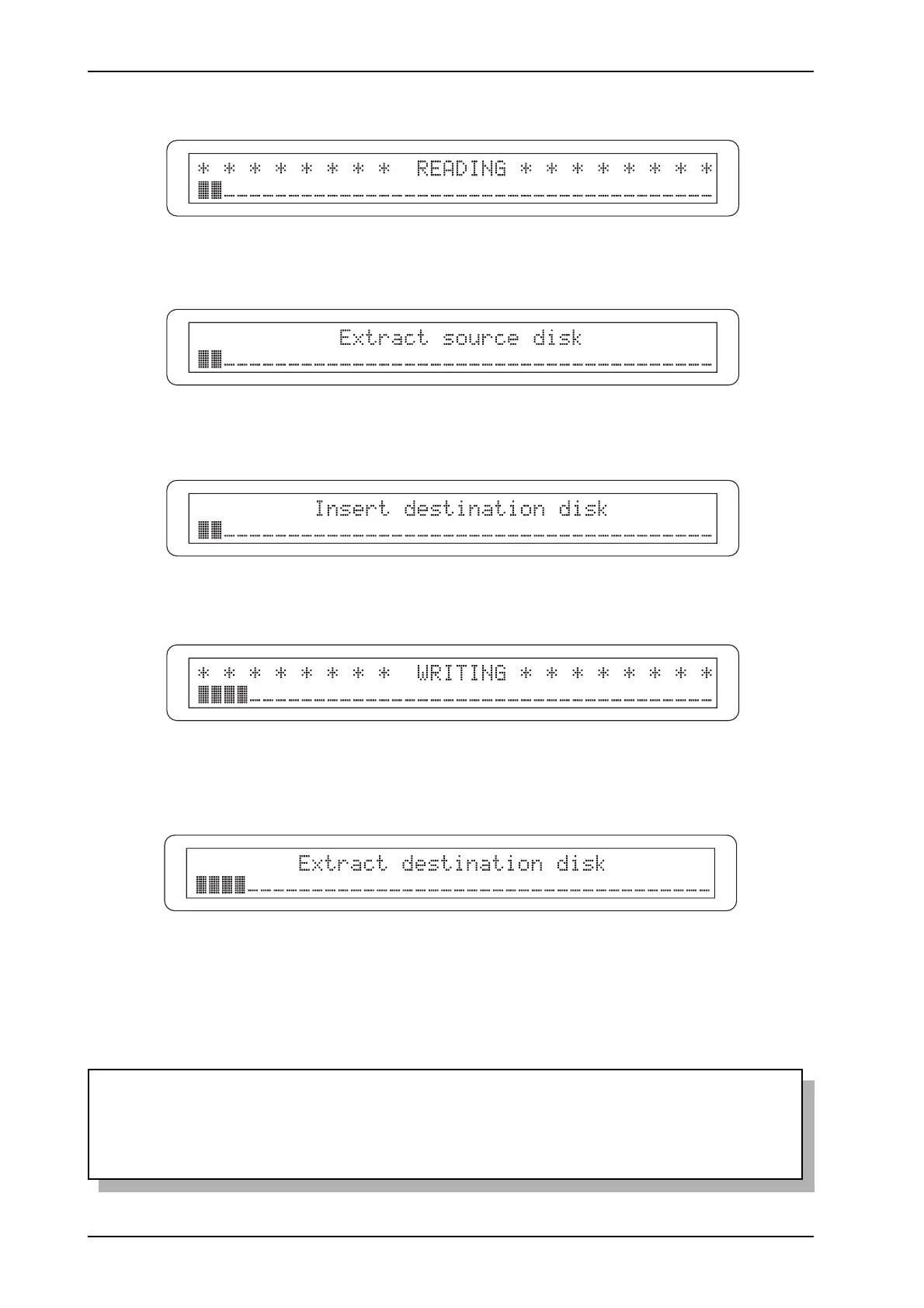
After the copying procedure is started, the display will show:
When reading of the first file is complete, you will be prompted to extract the source disk:
and insert the destination disk (i.e. the disk onto which you wish to copy the files).
The system will then proceed to write the file:
In case of a multiple copying operation (*.ALL, *.MEM, *.SET, *.MID and *.*), if there are more
files to be copied, you will have to extract the destination disk:
and carry out another reading and writing session, following the video pages shown above.
When all the files have been copied, the system will prompt you to reinsert the source disk, and
then return to display of the DISK menu.
N.B.:
Bear in mind that any files on the destination disk with the same names as those being copied
will automatically be overwritten.












 To Next Page