EasyManua.ls Logo

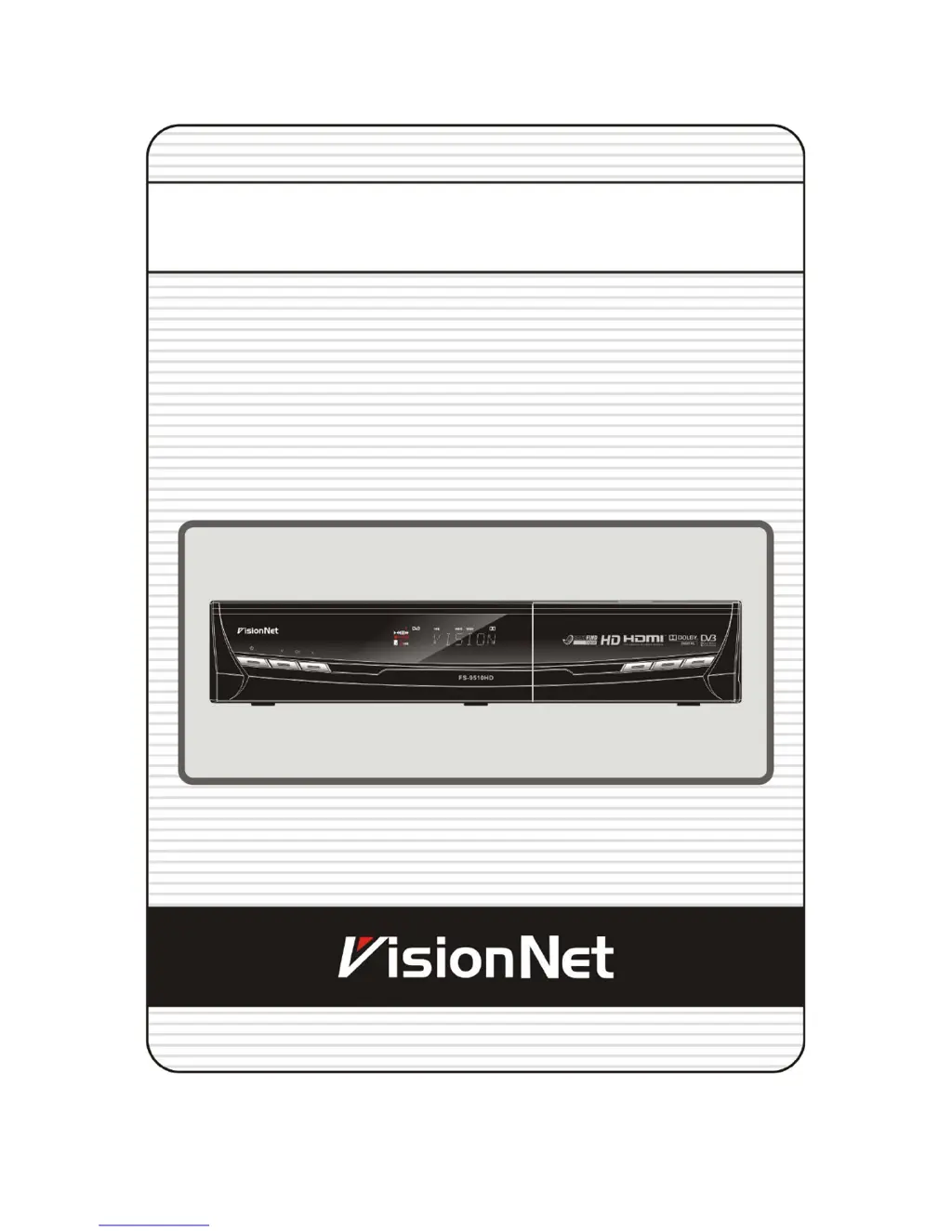
VisionNet FS-9510HD - User Manual

VisionNet FS-9510HD
51 pages
Print Icon
To Next Page IconTo Next Page
Loading...
High Definition PVR Satellite
Digital Innovation Life
User's Manual
FS-9510HD

Questions and Answers

  • R
    reynoldstamiAug 1, 2025
    What to do if my VisionNet FS-9510HD Receiver has no picture?
    • M
      Megan WilliamsAug 1, 2025
      If your VisionNet Receiver displays no picture, there are several things you can check: * Ensure that the video output port is firmly connected to the TV or VCR. * If using the RF output, verify the RF lead is securely connected to both the receiver and the TV/VCR. * Confirm you've selected the correct video input on your TV. * Press the STB button on the remote to control the receiver. * Adjust the brightness level on your TV. * Check the resolution supported by your TV and set the appropriate resolution using the remote's Resolution button. * You may also want to refer to the troubleshooting steps for 'Does not display any message on the front panel'. * To match the receiver system with your TV system (PAL/NTSC), press the V.Format button until a picture is displayed.
  • S
    snydershawnAug 8, 2025
    How to fix a VisionNet Receiver that doesn't display anything on the front panel?
    • J
      Jacqueline HodgeAug 9, 2025
      If your VisionNet Receiver is not displaying any message on the front panel, please check the following: * Ensure the main power cable is properly connected to both the receiver and a functioning power outlet. * Verify that the main power switch located at the rear of the receiver is in the ‘ON’ position.
  • S
    Stephen RyanAug 16, 2025
    What to do if my VisionNet FS-9510HD remote control does not operate?
    • B
      brian85Aug 16, 2025
      If your VisionNet Receiver remote control is not working, try these steps: * Point the remote control directly towards the receiver. * Check and replace the batteries in the remote.
  • T
    Taylor GarciaAug 22, 2025
    How to troubleshoot a 'No or Bad Signal' issue on a VisionNet FS-9510HD Receiver?
    • T
      Tina WarnerAug 22, 2025
      If your VisionNet Receiver shows no or bad signal, here are some things to check: * Inspect the LNB and replace it if needed. * Check the cable connected to the LNB. * Verify the dish position and realign if necessary. * If using a DiSEqC 1.0 switch, ensure the LNBs are correctly connected and programmed to the appropriate connections on the switch. * Check the ‘Signal Level’ and the ‘Signal Quality’.

Summary

Precautions

Important Safety Instructions

Important safety instructions to prevent fire or shock hazards.

Hardware Description

Rear Panel Configuration

Remote Control Unit

Connections Diagram

Guide of Functions

Electronic Program Guide (EPG)

PVR (Personal Video Recorder) Function

Recording

Explains how to select storage devices and recording methods.

Recording Edit

Time Shifting

Playback (Play List)

Main Menu of Guide

Service List Manager

Configuration

Recording Option

Configure recording settings like stop message, extra time, and skip time.

Parental Control

Control access to services and programs using a 4-digit PIN code.

Display Setting

Time Setting

A;V Output Setting

Installation

Positioner Setting

Service Search

Network Setting

System Recovery

Troubleshooting

Does not display any message on the front panel.

Solutions for when no message is displayed on the front panel.

No Picture

Solutions for when the screen displays no picture.

Specifications

VisionNet FS-9510HD Specifications

General IconGeneral
Input Frequency Range950MHz-2150MHz
Audio DecodingMPEG-1 Layer I/II, MPEG-2 Layer II
Video OutputHDMI
USB PortUSB 2.0
EthernetYes (10/100 Mbps)
DemodulationQPSK, 8PSK