PVR (Personal Video Recorder) Function
1. Recording
You can select a recording storage device with the following sequence :
Menu > Configuration > Recording Option > Record Device.
Default is set to ‘USB’.
1.1 Recording methods
There are 3 type recording methods.
(Instant Recording / Time Scheduled Recording / Event Scheduled Recording).
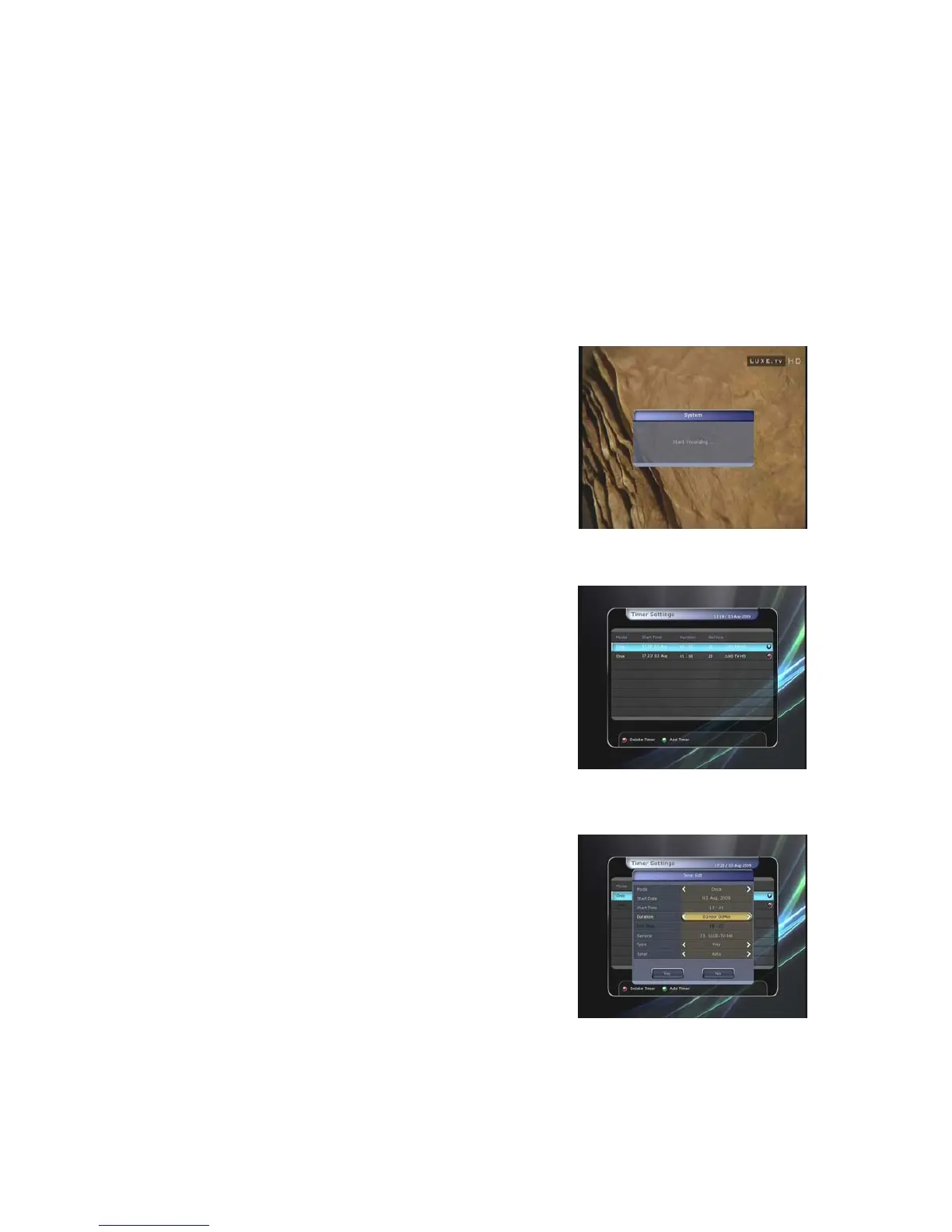
z Instant Recording :
At anytime, you may press the RECORD button to start your
recording instantly.
z Time Scheduled Recording :
-
-
-
In Timer Settings menu, you may set the time & program
to record your desired service program.
(Main Menu > System Tools > Timer Settings)
Press the GREEN button to activate the new timer edit screen.
In the Timer Edit screen, you may choose start date/time,
duration, service, mode, type (Recording/Play), then
simply press the Yes button to schedule your recording
event. Please note that the minimum offset time of 3
minutes is required from the Start time & current time for
appropriate recording process to take place.
23


 To Next Page