and restore default setting.
z System restore to stored position : This menu allows you to restore the stored values including
service data and system parameters. Press the OK button to restore all data.
z Store system data : If you want to use system parameters and service data in the future, this
menu allows you to store current state. Press the OK button to store current state.
3.6 System Information
This menu displays general information about the hardware and software version of your receiver.
4. Utilities
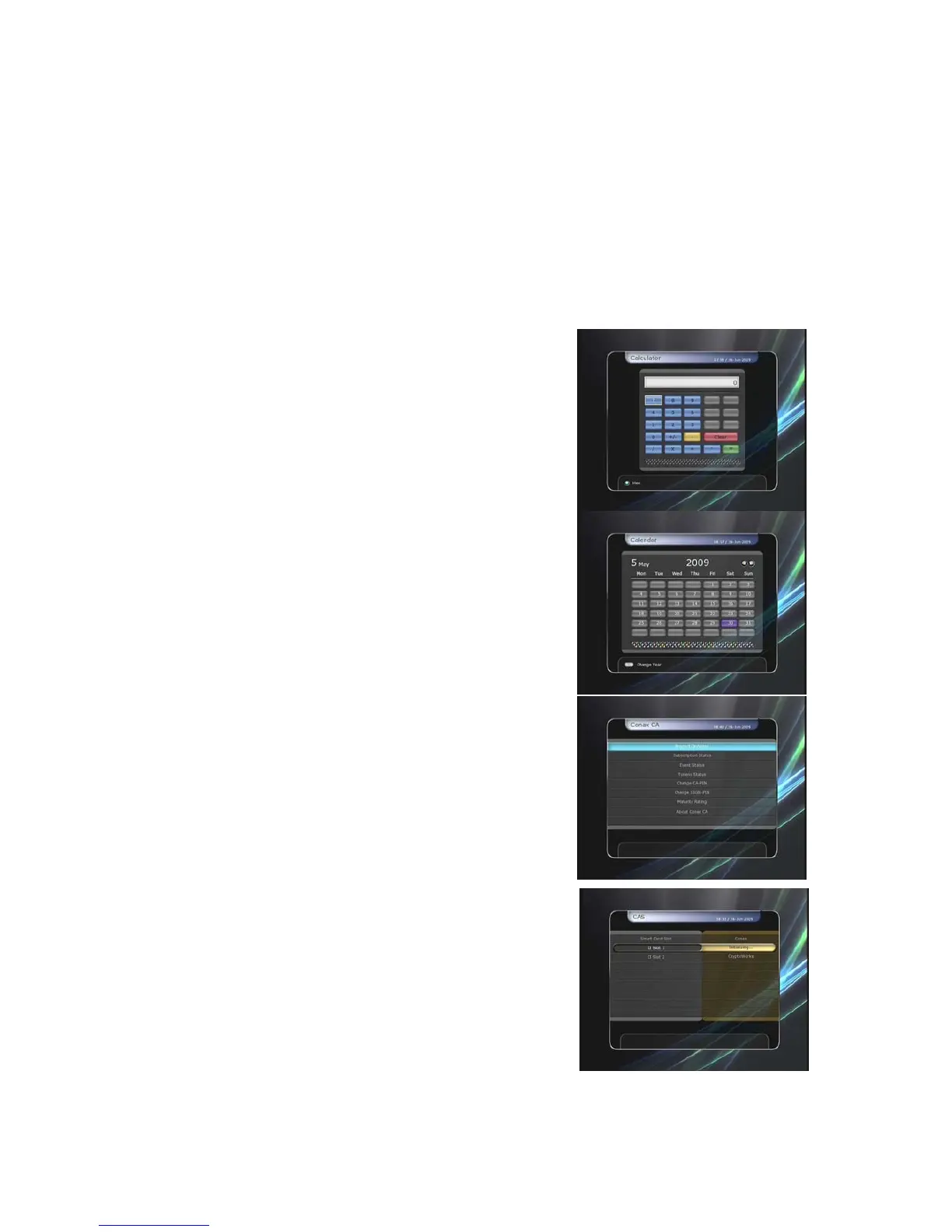
4.1 Calculator
To use the calculator, highlight the calculator and press the
OK button.
4.2 Calendar
To display the calendar, highlight the calendar and press
the OK button. Utilize the ARROW buttons to choose the
date. If you press PAGE UP/DOWN button, you can see
the past/next month of the calendar.
4.3 CAS (Conditional Access System)
z
Smart Card Slot
Conax smart card menu
To watch scrambled services, you need to have an
appropriate Conax smart card from the service providers.
Insert a valid smart card into smart card slot. The
message of ‘Smart card Initializing…’ will appear on the
screen. After the message disappears, you can watch
the service you want.
-
-
Smart card information
You can view the current status of smart card. Select the
slot which you want to view using the ARROW buttons.
And press the OK button.
z CAM Initializing
To watch scrambled services, you need to have a
Common Interface Conditional Access Module(CAM) and
an appropriate smart card from the provider. Insert the
CAM together with a valid smart card into CI slot (two slots
available). The message of ‘CI Initializing…’ will appear
on the screen. After the message disappears, you can
watch the service you want.
z CAM information
You can view the current status of CAM. Select the slot
which you want to view using the ARROW buttons, and press the OK button. If the CAM is
available, you can view information about each slot.
43


 To Next Page