2. Time Shifting
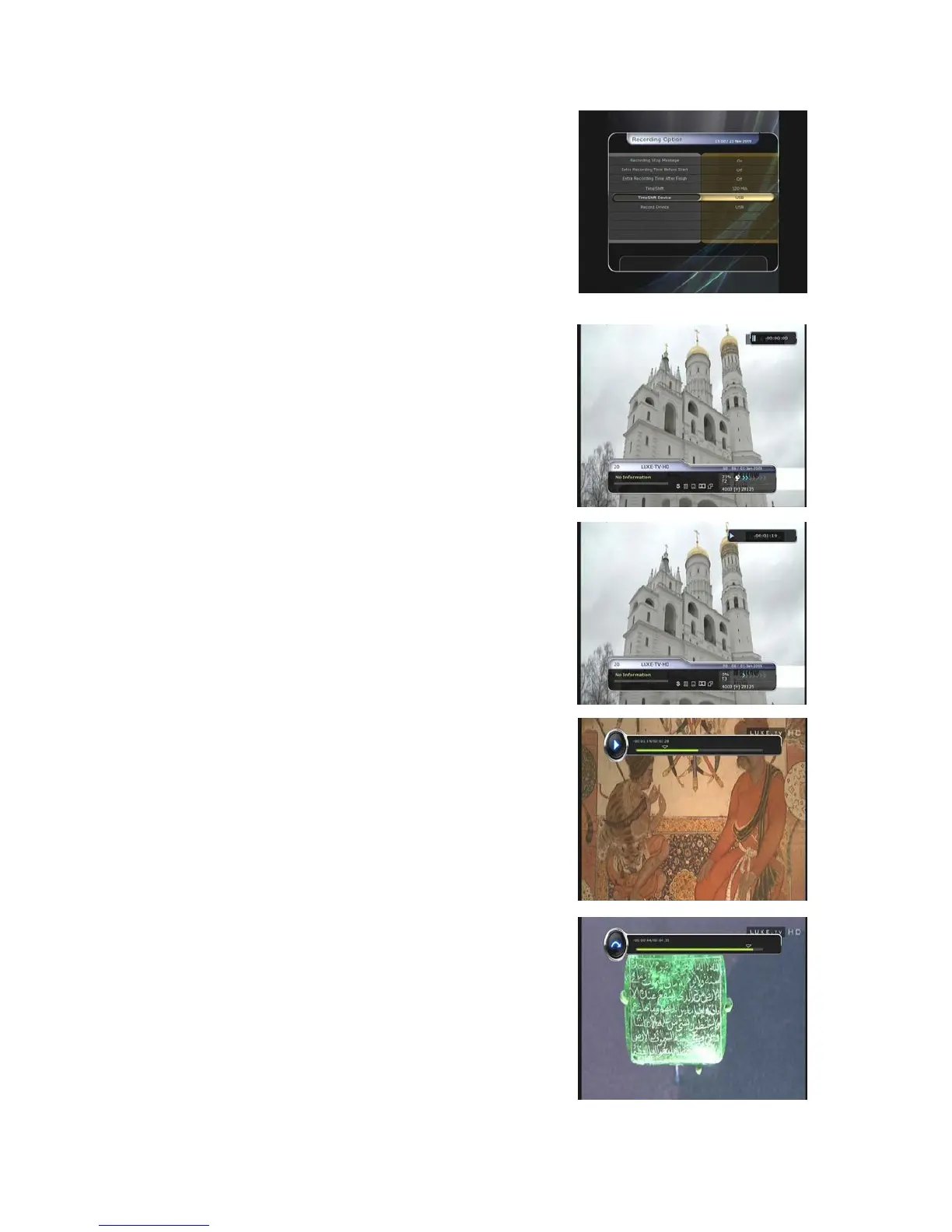
You can select a storage device for a temporary file of the
Time shifting with the following sequence:
Menu > Configuration > Recording Option > TimeShift
Device.
Default storage device is set to ‘USB’
z If pressing the PAUSE button during Time shift, the live
video is paused but the temporary recording for time shift
is continued at the selected storage device.
z Press the PAUSE button once again, then the event will
resume from the paused time.
z While watching live TV, press the PLAY/TIMESHIFT
button to show the play bar on your screen.
z When the play bar is displayed on your screen, you may
use the LEFT/RIGHT ARROW buttons to move freely
through the recorded times bar.
z If you press the STOP button while time-shifting, the
screen will be turned to a live TV channel. You can also
use PREV FILE button to move to a start location of the
Time-shifted file.
27


 To Next Page