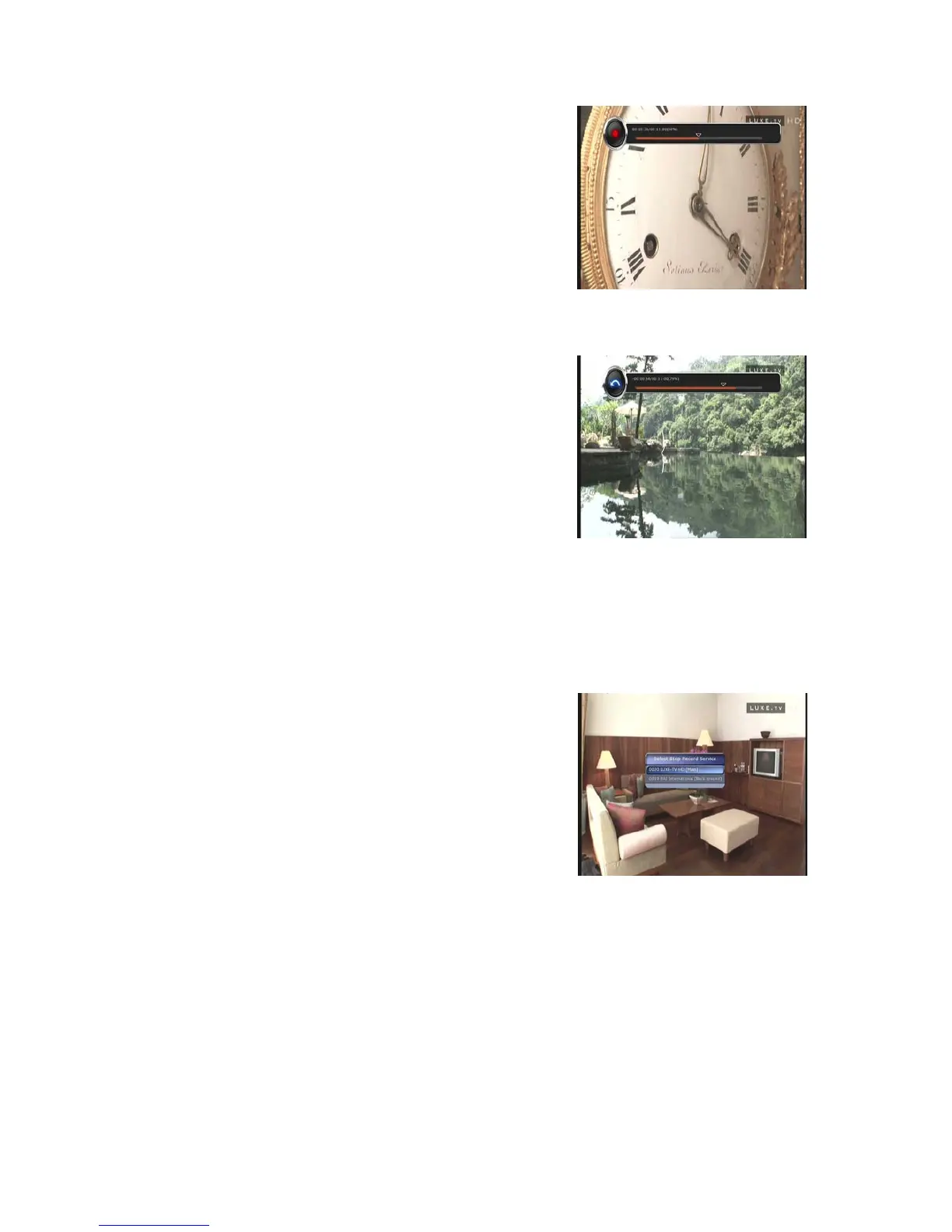
z During recording, press the PLAY/TIMESHIFT button to
show the Play bar screen.
z While the Play bar is shown on your screen, you may use
the LEFT/RIGHT ARROW button to move (forward &
backward) freely within recorded time.
z If you press the STOP button, it will go to LIVE and you may press PREV FILE button to view
the recorded file from the beginning.
z When recording 2 services at the same time, Press the
STOP button to see a message window of current
recording status / information.
If you select one of the 2 recordings and press the OK
button, that recording service will be stopped.
If you press the STOP button during recording 1 service,
the recording will be stopped.
NOTE : Dual Recording
STB can record up to two different services simultaneously only in the same TP. Time shifting
is also a recording, so Time shifting will be possible on one of the two recordings during dual
recording.
26


 To Next Page