MGW Ace Encoder HEVC Encoding and Streaming Appliance
User Manual, Version 2.1 17
4. Press "2" for System option.
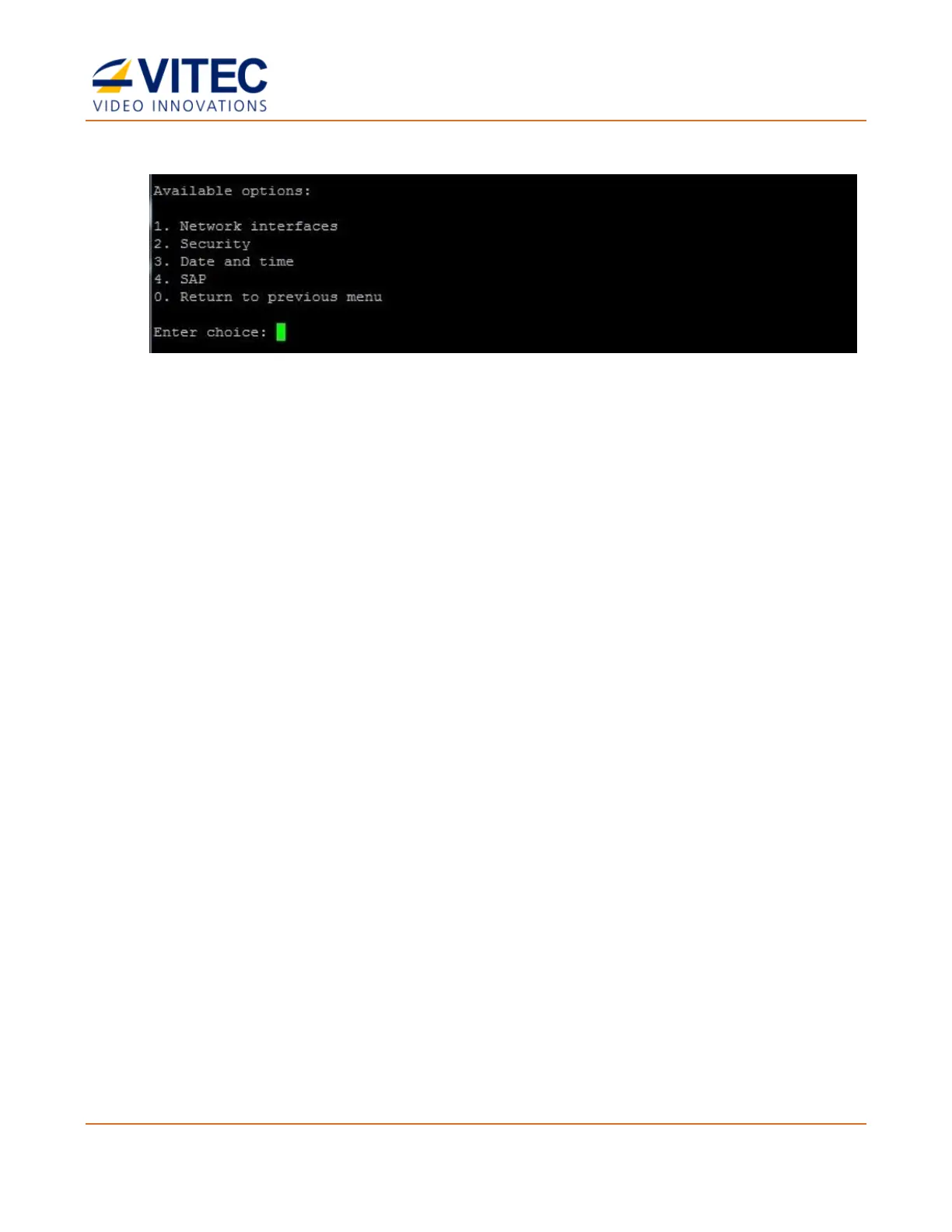
Figure 3-4: The System window
5. Type "1" for "Network Interfaces"
6. Type "1" for the Change TCPIP settings for streaming interface option.
7. Set the TCP/IP parameters as required.
For further details about SSH configuration, refer to Network Configuration using an SSH Client
(on page 84).



 To Next Page