MGW Ace Encoder HEVC Encoding and Streaming Appliance
User Manual, Version 2.1 63
The Configurations Page
MGW Ace Encoder allows you to save screen shots of various configurations to be loaded manually
or automatically in the future.
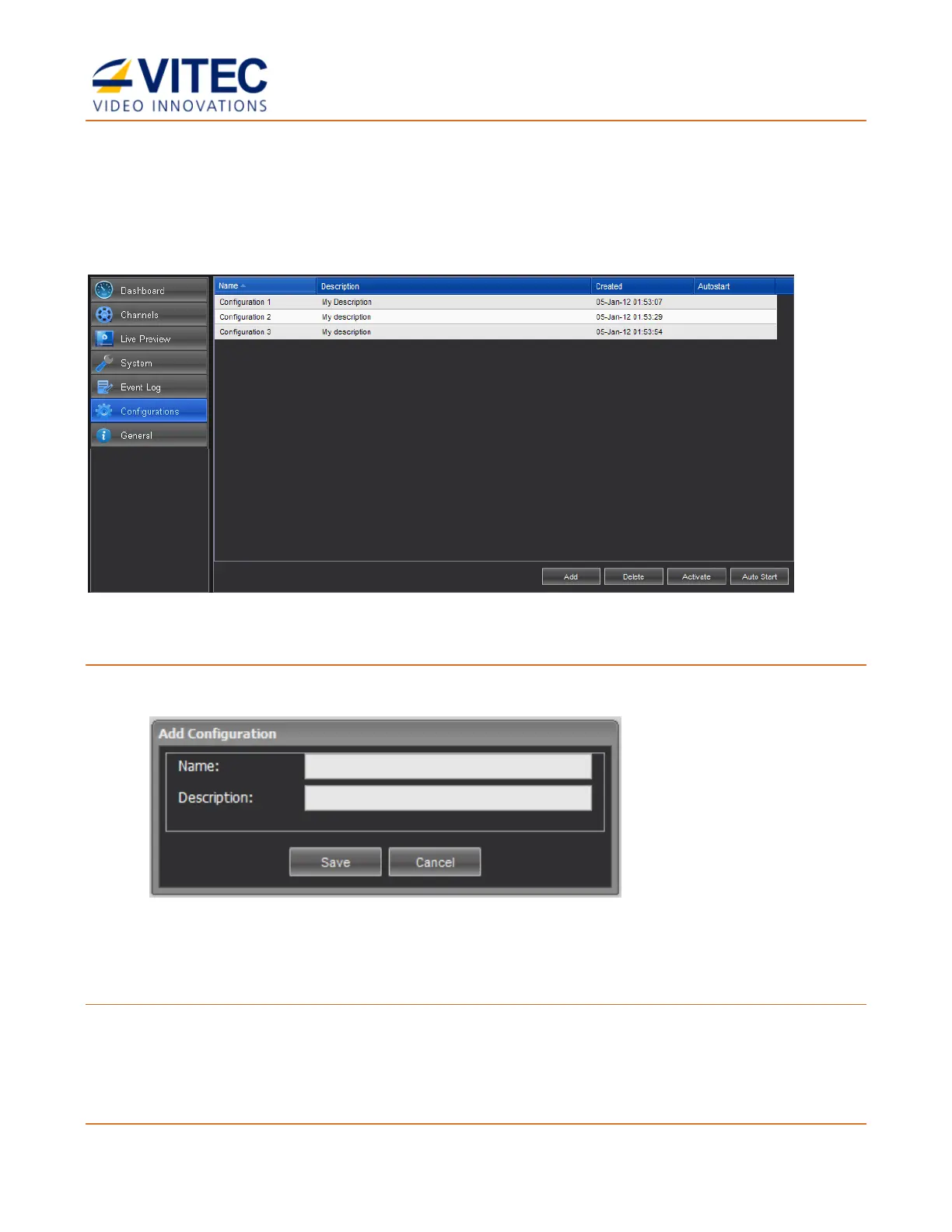
In the Configurations page you can add, activate, and delete channel configurations.
Figure 4-20: The Configuration page
To add a configuration:
1. Click Add.
2. Type the configuration name and description.
3. Click Save. The new configuration appears in the top row.
To activate a configuration:
1. Select the desired configuration row.
2. Click Activate to activate the configuration. The activated configuration is applied.



 To Next Page