MGW Ace Encoder HEVC Encoding and Streaming Appliance
User Manual, Version 2.1 49
The System Page
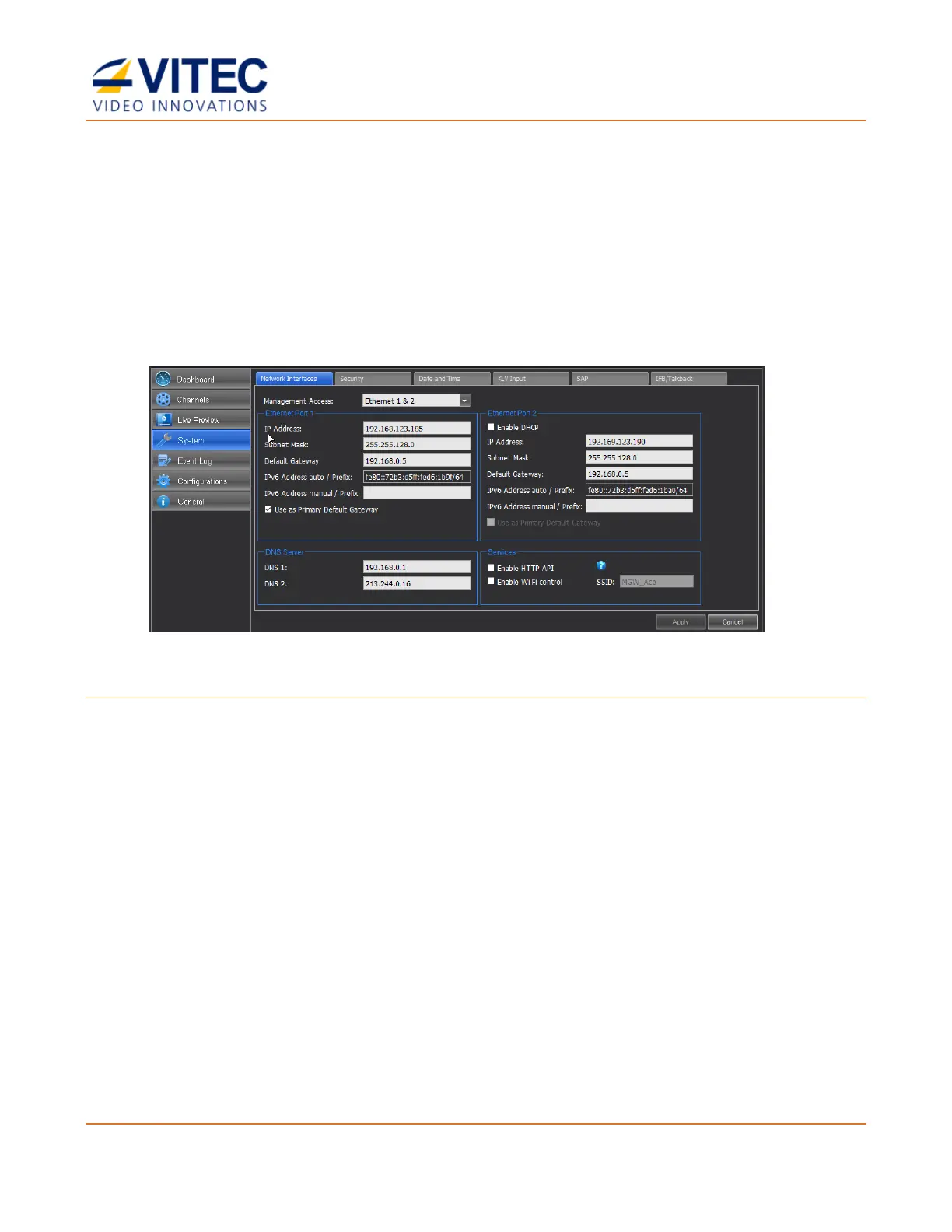
In the System page you set the parameters of the following tabs:
• Network Interfaces (Ethernet Port #1 and #2)
• Security
• Date and Time
• KLV Input
• SAP
• IFB/Talkback
Figure 4-9: The System page
To set the system parameters:
1. From the main menu select System.
2. Set the desired parameters as required in each section and click Apply.



 To Next Page