MGW Ace Encoder HEVC Encoding and Streaming Appliance
User Manual, Version 2.1 65
To view the System Information parameters:
Displays the internal temperature of the appliance (in
Celsius).
Displays the time since last restart.
Displays the hardware serial number.
Displays the Network Interface #1 MAC Address.
Displays the Network Interface #2 MAC Address.
To view software and hardware version & licensing info:
Displays the current hardware revision.
Displays the active software version.
Displays the PCB version.
To set Version & Licensing refer to License and Upgrade.
General Page Functions
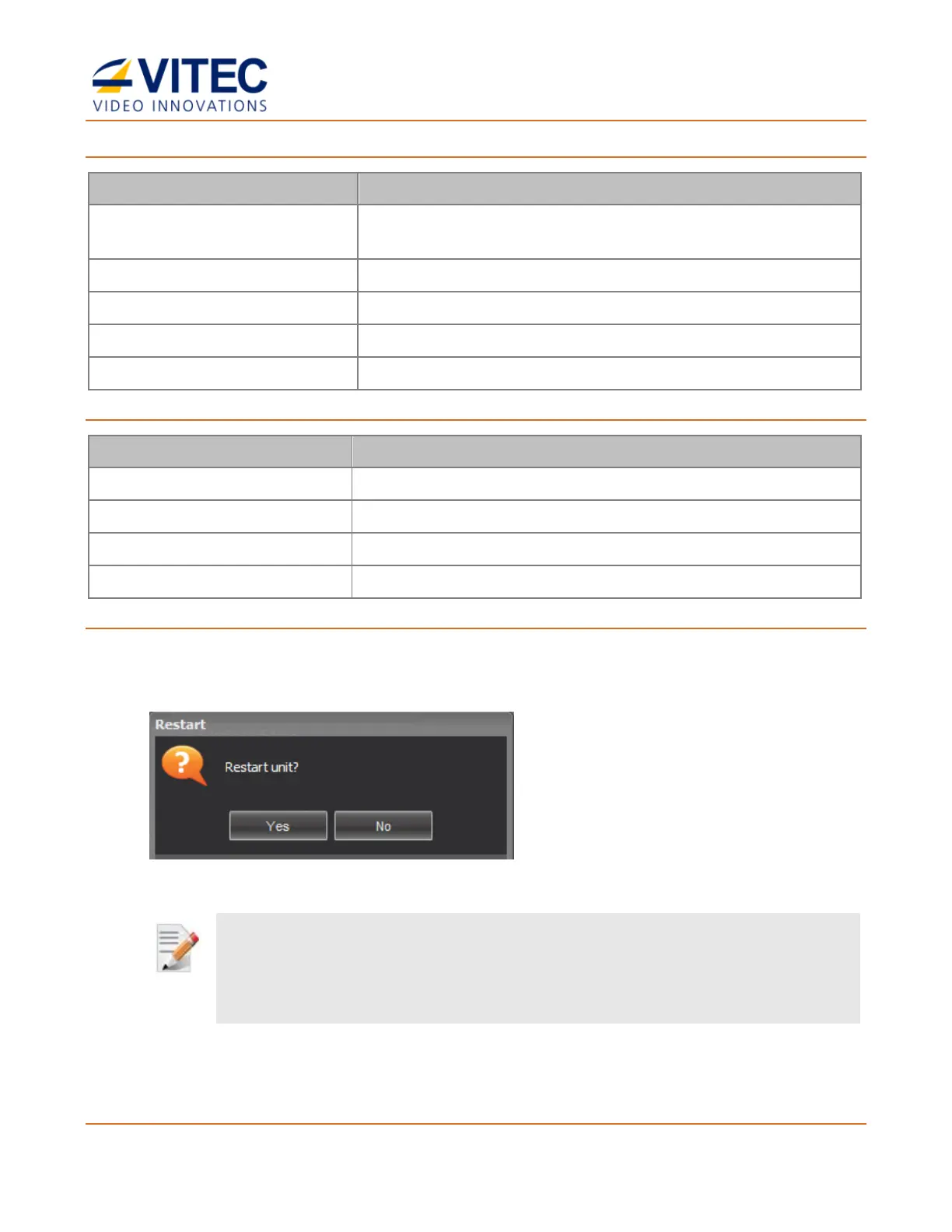
• Click Restart to restart the appliance. The Restart window appears.
• Click Factory Reset to reset all values to default factory values. The Factory Reset
window appears.
NOTE:
The Factory Reset function will return the unit to its default IP settings: 192.168.1.1 with subnet mask
255.255.255.0. If you are connected to the unit from a PC on a different subnet, reconfigure your computer to
the 192.168.1.x subnet to gain access to the unit and modify its settings for network use.



 To Next Page