MGW Ace Encoder HEVC Encoding and Streaming Appliance
User Manual, Version 2.1 67
CHAPTER 5
Resetting MGW ACE Encoder Settings
The appliance can be reset in one of the following ways:
• A hardware reset.
• A software reset.
To reset the MGW Ace Encoder (Hardware):
1. On the MGW Ace Encoder front panel press the RESET button. A Short press will restart
the appliance, long press (8 seconds) will cause return unit to factory settings.
To reset the MGW Ace Encoder (through the application):
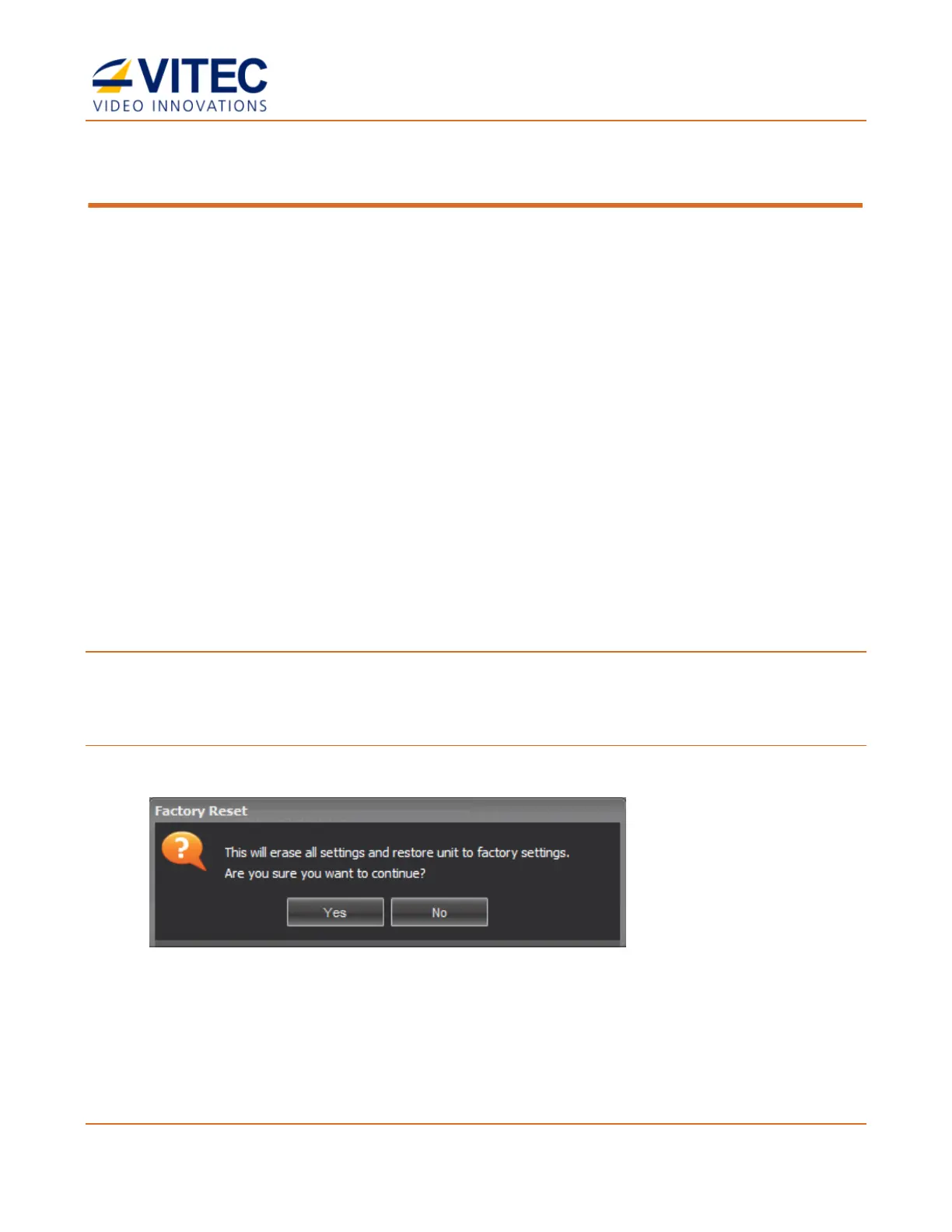
1. In the General page, click Factory Reset to reset all values to default factory values.
2. Click Yes. When reset completes, the appliance will return to factory state with the
following default values:
• IP address: 192.168.1.1 (network interface # 1)
• Password: 1qaz!QAZ.
All saved channel configurations will be erased.



 To Next Page