MGW Ace Encoder HEVC Encoding and Streaming Appliance
User Manual, Version 2.1 18
Logging on
MGW Ace Encoder requires a password to logging on.
To log on to MGW Ace Encoder:
1. Connect to the MGW Ace Encoder web interface by entering in your browser's URL field.
Either use the default appliance's IP address or the new one you have set, by typing
https://<IP address>. By default, MGW Ace Encoder Ethernet Port #1 is set to IP
address 192.168.1.1, and Ethernet Port #2 IP address is provided by a DHCP server.
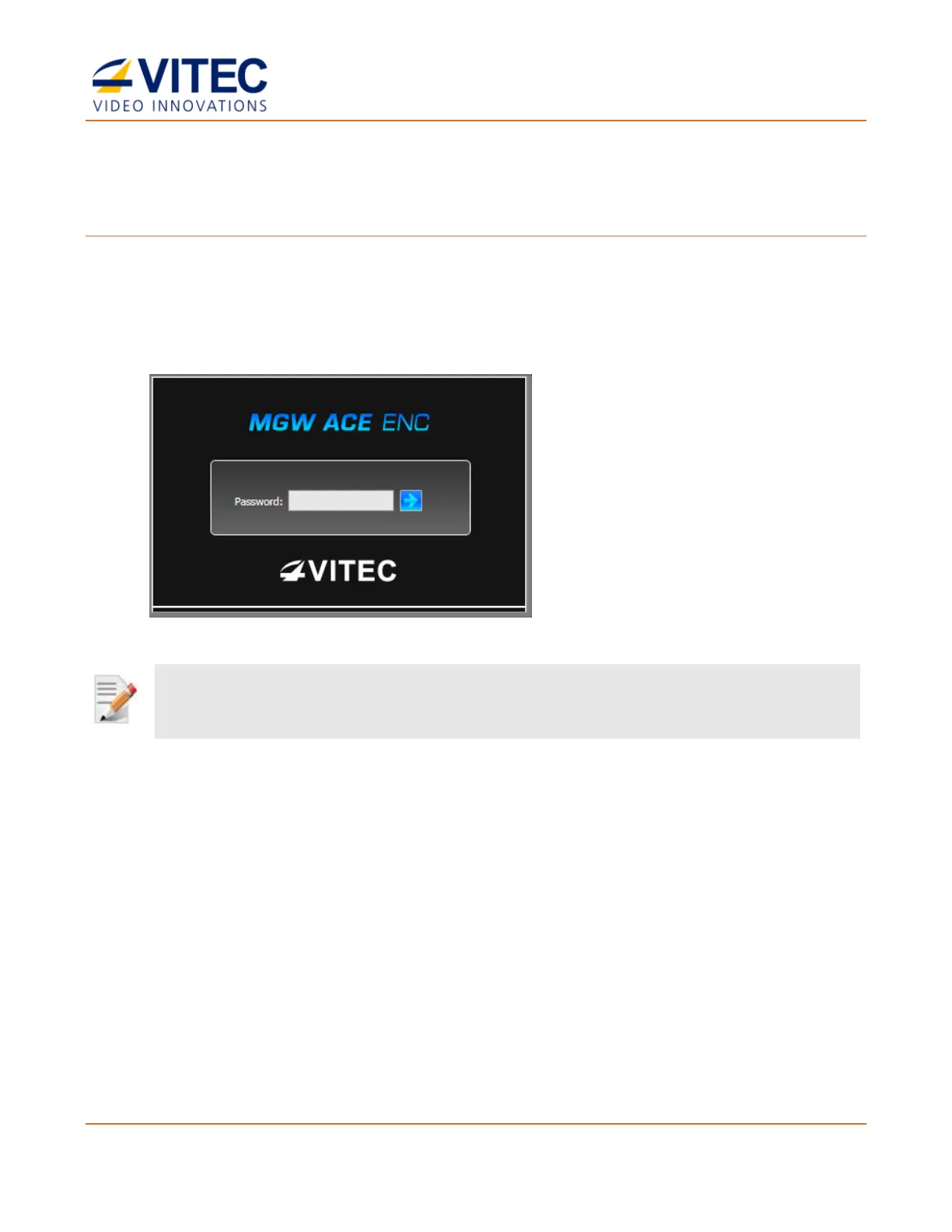
The login window appears:
Figure 3-5: The Login window
2. Type the password (the default password is "1qaz!QAZ") and click the blue arrow. The
MGW Ace Encoder interface is loaded.



 To Next Page