Section 3 - Programming
Eccellenza Touch
VKI Publication #100308-003
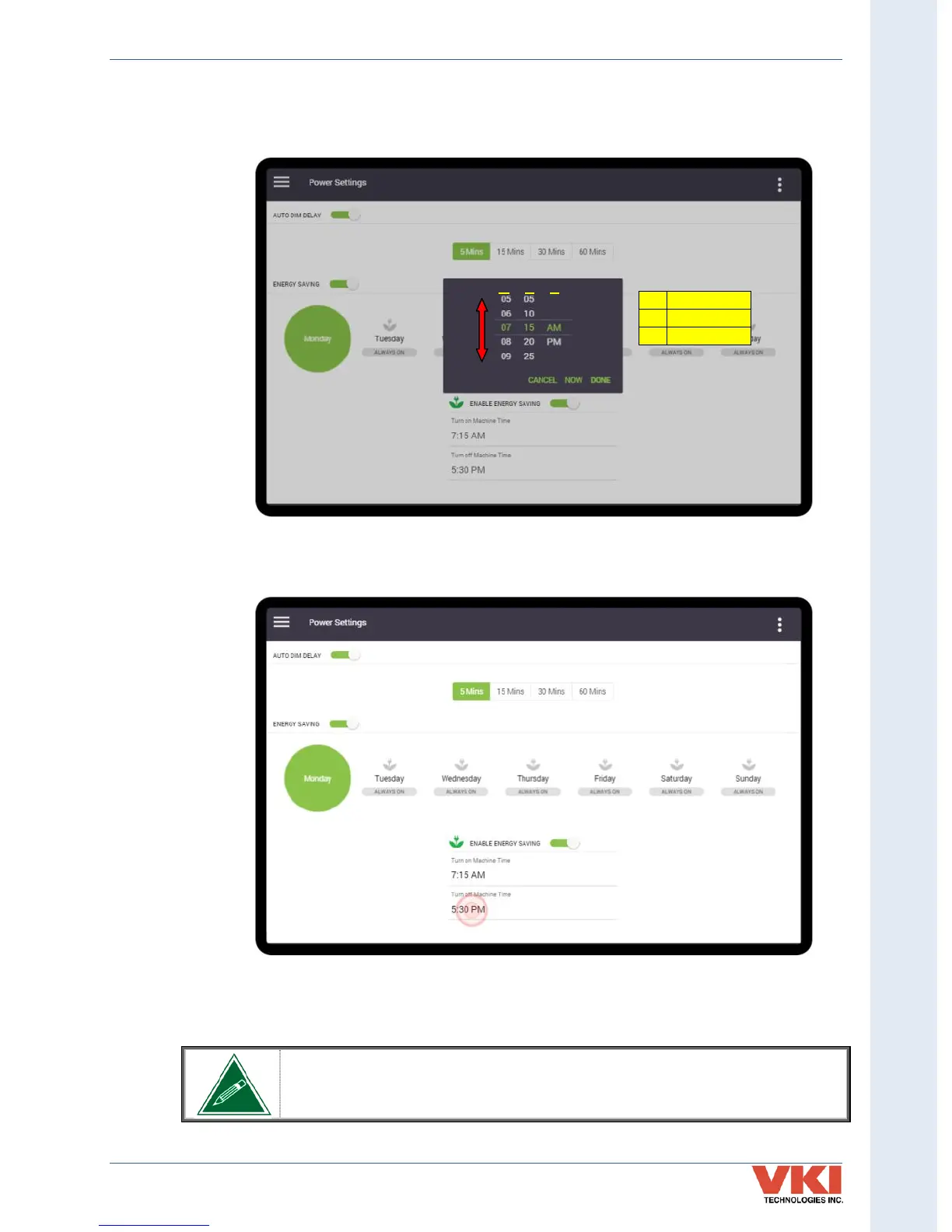
5. Adjust each of the fields by scrolling up or down to the required setting. Once all are
set, press 'Done' to save the time setting. The table in the image identifies what each of
the fields of the scroll list represents.
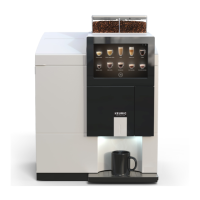
6. Repeat this procedure for setting time that the machine turns OFF by tapping on the
'Turn off machine time' setting, and adjusting the time.
7. Now that Monday is set, repeat the complete procedure to set the Energy Saving for
every other day of the week.
If the Energy Saving mode is active, the machine cannot be used to dispense
beverages and will remain in Energy Saving mode for the duration of the time
period that was set.


 To Next Page