Section 3 - Programming
Operation Manual
VKI Publication #100308-003
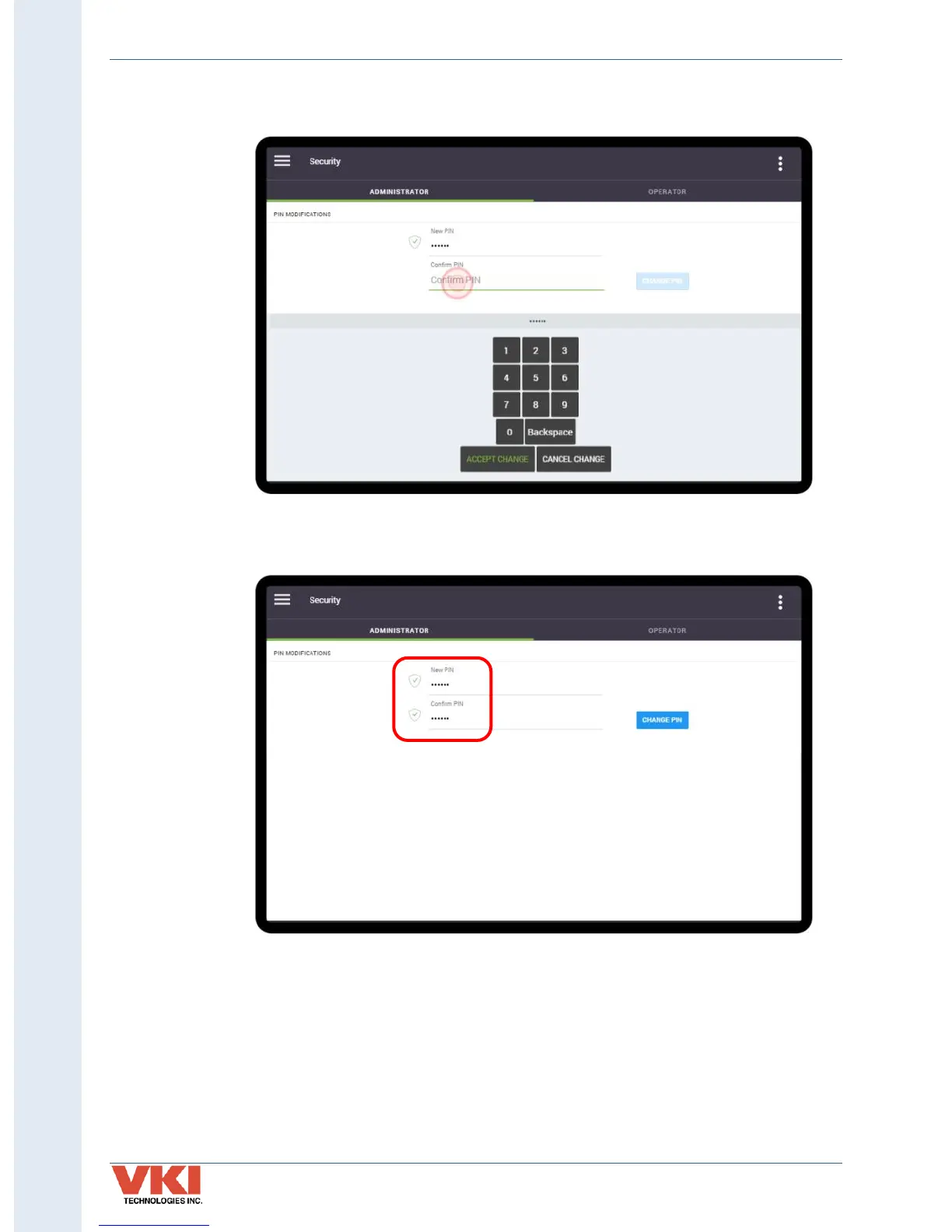
3. Tap on 'Confirm PIN', and re-enter the same PIN on the keypad, and then tap on
'Accept Change'.
4. If the PINs matches, you will see a checkmark beside both entries to inform you that
the new PIN has been accepted.
After entering their PIN on the main screen, the Administrator will have access to the menus for
which the Operator gave them the necessary permissions. In most cases, this access will be
limited and some options will not be available.



 To Next Page