20
After a successful interrogation, the Summary Screen will display.
From this screen, you can perform the following functions:
View generator ID information, including model number and serial number
View and edit patient data, such as patient ID and implant date
View last known diagnostics data, such as lead impedance and battery status
Change settings to generator parameters, such as Normal, Magnet, AutoStim,
or Detection settings
Perform Diagnostics
View events and trends such as magnet activations and daily average
AutoStims
Access device history, including parameter settings associated with prior
o ce visits
Interrogate the generator again to verify parameters or refresh data
End programming session
Access other software options
•
•
•
•
•
•
•
•
•
•
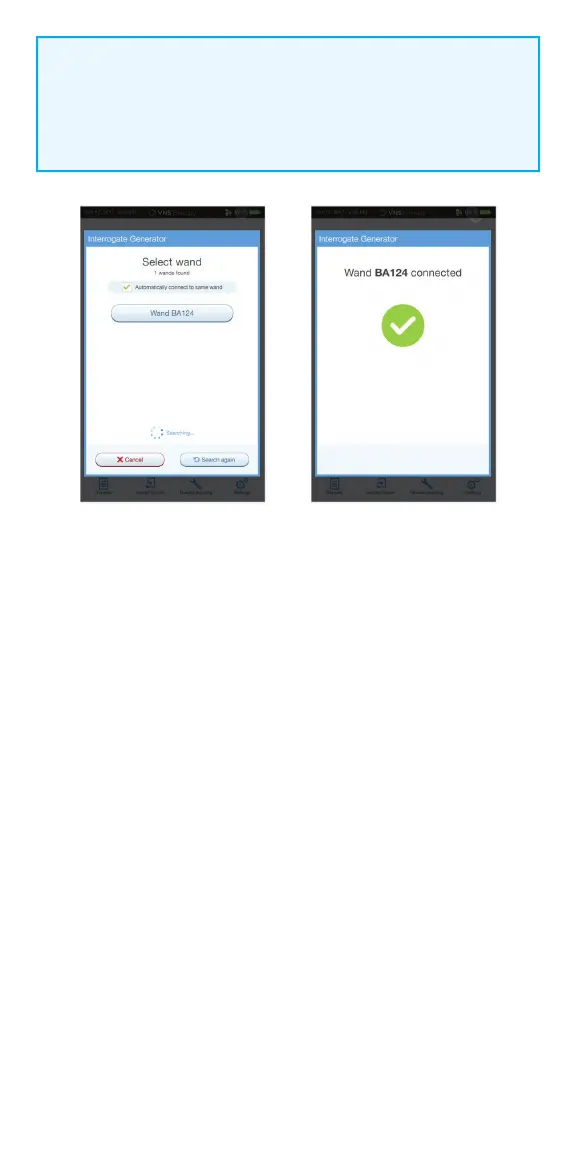
NOTE:
Check box only appears if the programmer does not have a preferred
wand. If a preferred wand is selected, the programmer will search and
automatically connect to the preferred wand.



 To Next Page