QUICK START
PM1000+ Power Analyzer User Manual © Voltech 2010 Page 13
The simplest and safest way to make a connection to the
product under test is to use a Voltech Break Out Box. This
provides a line socket for connection of the product and 4 x
4mm sockets for direct connection to the PM1000+
terminals as described above.
2.3. DEFAULT MEASUREMENTS
Switch on the supply to the load and the PM1000+ is now ready to make
measurements. Note that it is not necessary to switch the PM1000+ either off or on
when the load is being connected.
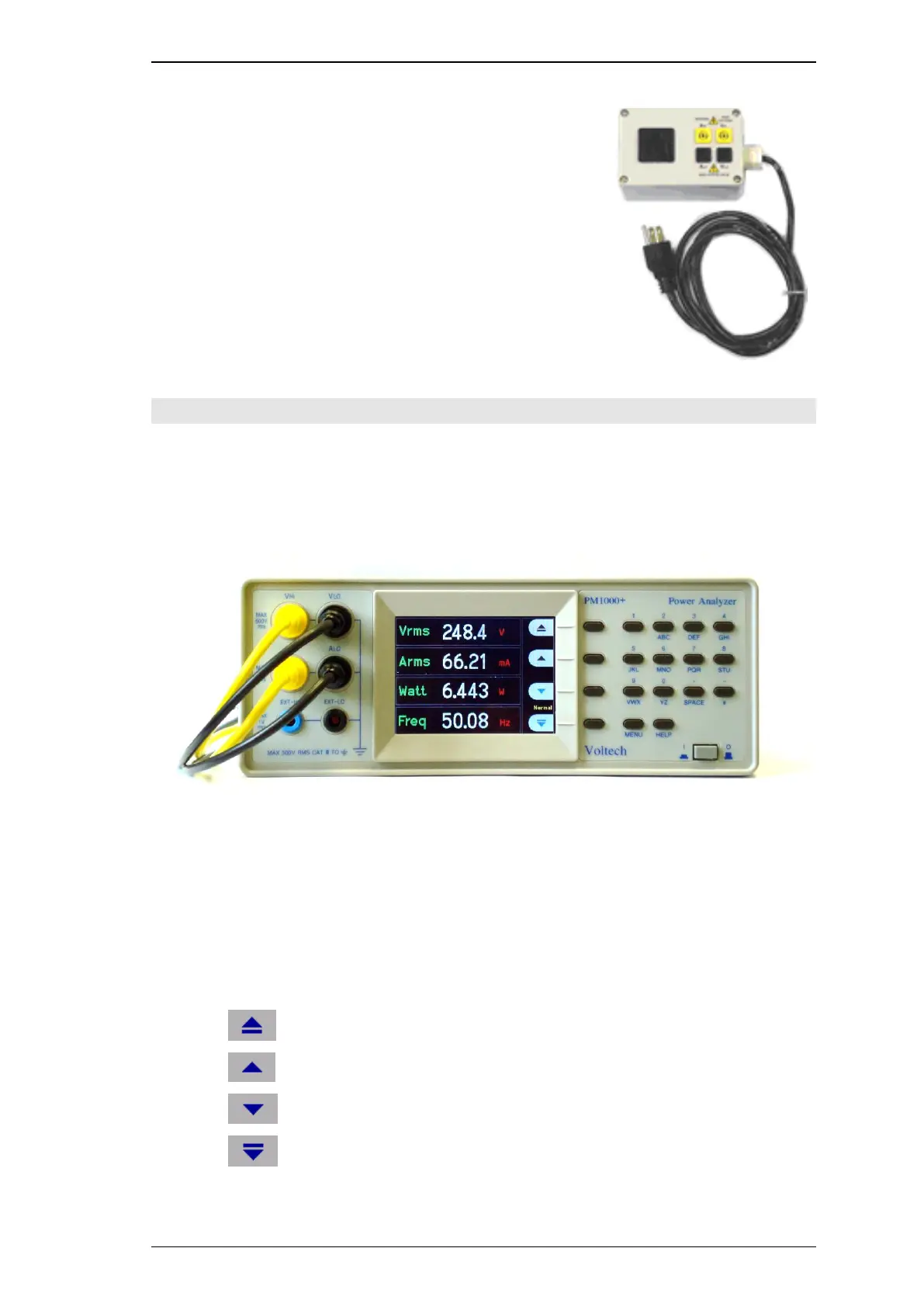
The default display shows 4 values. Each line clearly shows the measurement type
„Vrms‟, the measured value, „248.4‟ and the measurement units, „V‟. Normal
engineering notation is used to describe units, e.g. mV = milli-volts (10
-3
) and MV =
mega-watts (10
+3
).
To scroll through the measurements, use the 4 keys to the right of the display:
Move up through the measurement list.
Move down through the measurement list.



 To Next Page