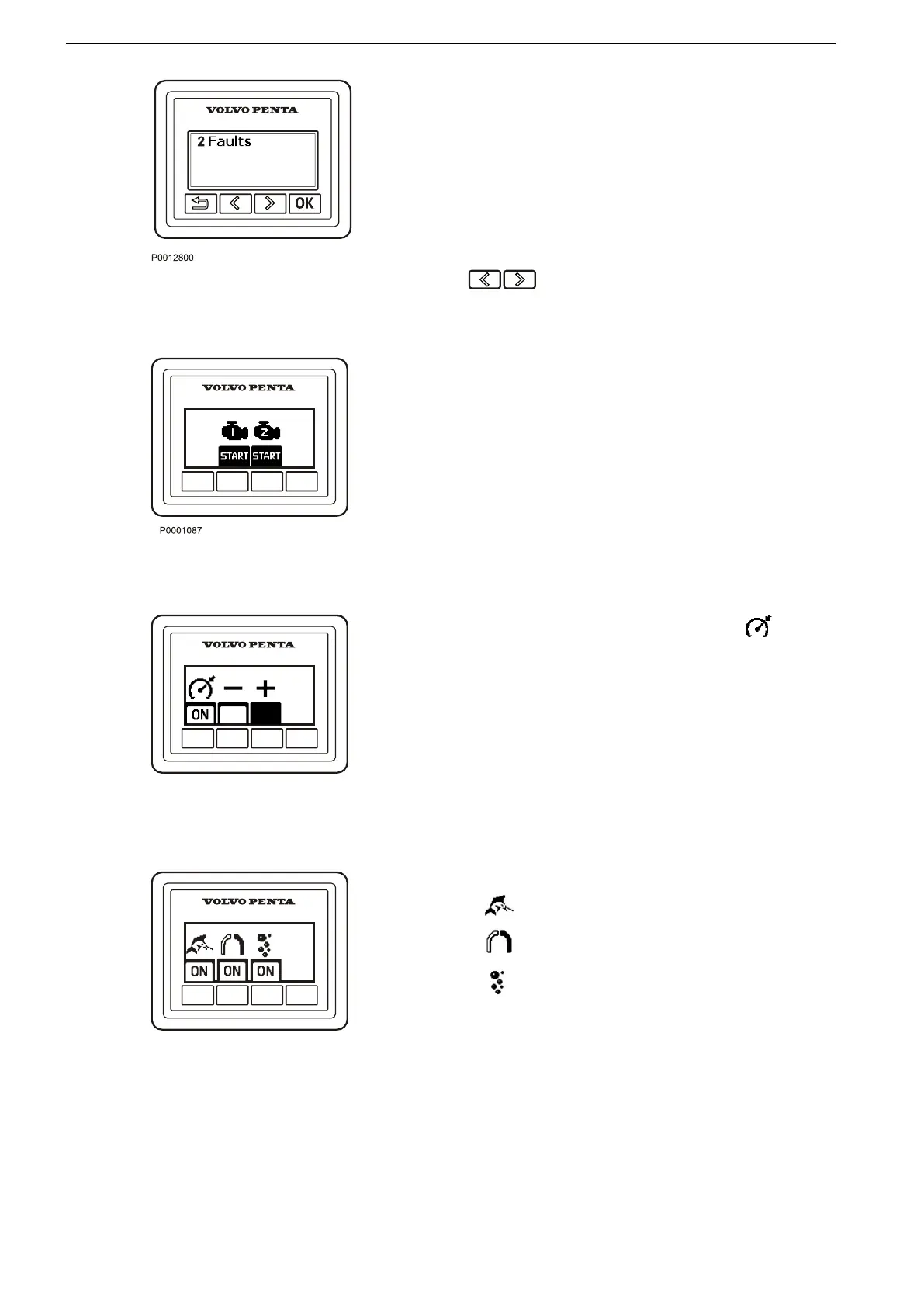
Fault messages
If the system discovers a fault, the word Fault is dis-
played on
the screen. To see the what faults have been
detected, press “OK”.
For further information on how to handle fault mes-
sages and recommended actions, refer to the Fault
Handling page 67 chapter.
Backlighting
Panel backlighting can be adjusted by pressing
simultaneously.
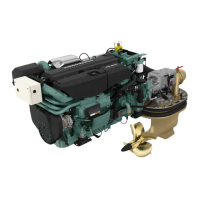
Start/Stop Panel
The start/stop panel is used for starting and stopping
the engine from stations without a start key.
To start the engine it is necessary for the start key to
be in the ”I” operating position.
Read the starting instructions in chapter
Starting page 56 and Engine Shutdown page
64
to
ensure you use the correct start procedure.
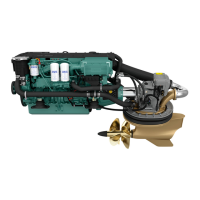
Cruise Control
Switch on cruise control by pressing the
button.
Make fine adjustments to the locked engine speed by
pressing the + or – buttons to increase or reduce it.
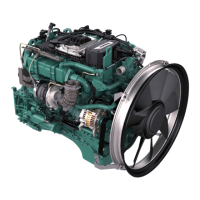
Sport fish panel
Sport fishing
Single lever
Silent idle
For more information regarding these functions, refer
to the Optional page 37
section.
Instruments and Controls
12 47705796 05-2014 © AB VOLVO PENTA





 To Next Page