58
59
Device list - The list of devices that have
been paired to the telephone. You can
pair up to 2 Bluetooth enabled devices
(cell phones or headsets).
Disconnected - when device(s) is/are
disconnected,
1
and/or
2
is/are not
displayed on the handset screen. The
CELL 1 and/or CELL 2/HEADSET light
on the telephone base is/are off.
Discoverable mode - before a Bluetooth
enabled device can be paired, it must
be set to this mode. When pairing your
cell phone, the telephone base will be
set to this mode. Depending on the
manufacturer, this mode is sometimes
referred to as Find Me or Visibility.
HOME line - your conventional telephone
land line. On your telephone system,
press HOME/FLASH on the handset
or HOME on the telephone base to use
the home line.
Paired devices - The Bluetooth enabled
devices (cell phones or headsets) that
have shared registration information
with the telephone base. A total of two
Bluetooth enabled devices can be paired
to the telephone base. However, only
one paired device can communicate
with the base at a time.
Pairing - sometimes referred to as
bonding. The process of sharing
registration information between
two Bluetooth enabled devices. Your
Bluetooth enabled cell phone or headset
must first be paired to the telephone
base in order to use it with this telephone
system.
VTech Connect to Cell™ application
If you are using Bluetooth-enabled
Android® phones (OS 2.3 or higher), you
can further extend the flexibility of your
telephone system with use of the free
Connect To Cell application.
VTech Connect to Cell comprises Caller
ID manager and Alerts manager that
help you integrate your cell phone with
your new telephone system.
To learn more or download this
application via Google Play® Store, go to
https://www.vtechphones.com/app_
connect_to_cell.
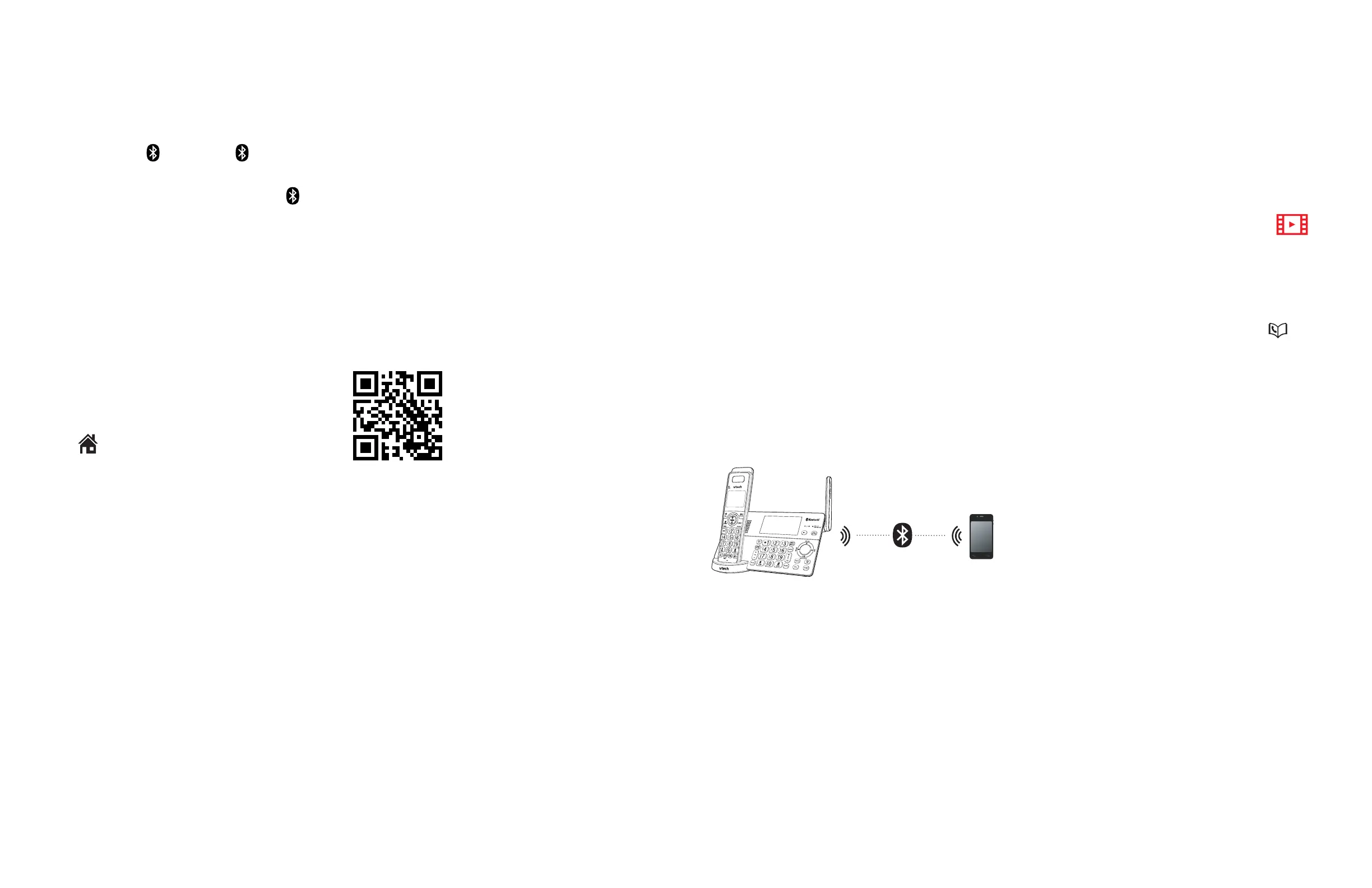
Bluetooth setup
To use a Bluetooth enabled cell phone
with your IS8128/IS8128-2/IS8128-3/
IS8128-4/IS8128-5/IS8128-11/IS8128-
21/IS8128-31/IS8128-41/IS8128-51, you
must first pair and connect it with the
telephone base. The IS8128/IS8128-2/
IS8128-3/IS8128-4/IS8128-5/IS8128-
11/IS8128-21/IS8128-31/IS8128-41/
IS8128-51 telephone base and all
system handsets can be used to make
or answer calls on the cell phone line.
Bluetooth wireless technology operates
within a short range (up to 15 feet).
When you pair a Bluetooth cell phone
or Bluetooth headset to the telephone
base, keep the device within 15 feet
of the telephone base for optimal
performance.
Add a cell phone
Before you begin, make sure that
you have cellular coverage and your
Bluetooth enabled cell phone is not
connected to any other Bluetooth
device. Refer to your cell phone user’s
manual to learn how to search for or
add new Bluetooth devices.
To pair and connect a cell phone:
1. Press MENU/SELECT on the
telephone base in idle mode to enter
the main menu.
2. Press q CID or p to
highlight Bluetooth, then press
MENU/SELECT.
3. Press MENU/SELECT to choose Add
cellular. The screen displays Please
wait... followed by Adding cell....
• If there are already 2 paired
devices on the list, the telephone
prompts you to select a device slot.
If you select a slot, the telephone
displays Disconnect Cell Phone
X? (Cell Phone Y represents the
device name of your cell phone)
If you press MENU/SELECT to
confirm, the current paired device
will be automatically removed,
regardless of whether the pairing
of the new device is successful or
not.
4. Promptly turn on the Bluetooth
feature of your cell phone and search
for or add new devices.
The Bluetooth® word mark and logos are owned
by Bluetooth SIG, Inc. and any use of such marks
by Advanced American Telephones and its
parent, VTech Holdings Limited, is under license.
VTech
Holdings Limited is a member of Bluetooth SIG,
Inc. Other trademarks and trade names are those
of their respective owners.



 To Next Page