| Maintenance
52
|
Puranity TU+ VWR
Chapter 13
Replacing the RO/pretreatment
NOTE!
Only replace the RO/pretreatment cartridge when the maximum limit for the feedwater has
been exceeded, when you cannot extract any water from the sampling tap or when the
replacement interval is due.
Step Action Figure
1 Switch the system off (unplug main
power supply).
2 Remove the cover over the
RO/pretreatment cartridge by pressing
the snapper and pull the cover
forward.
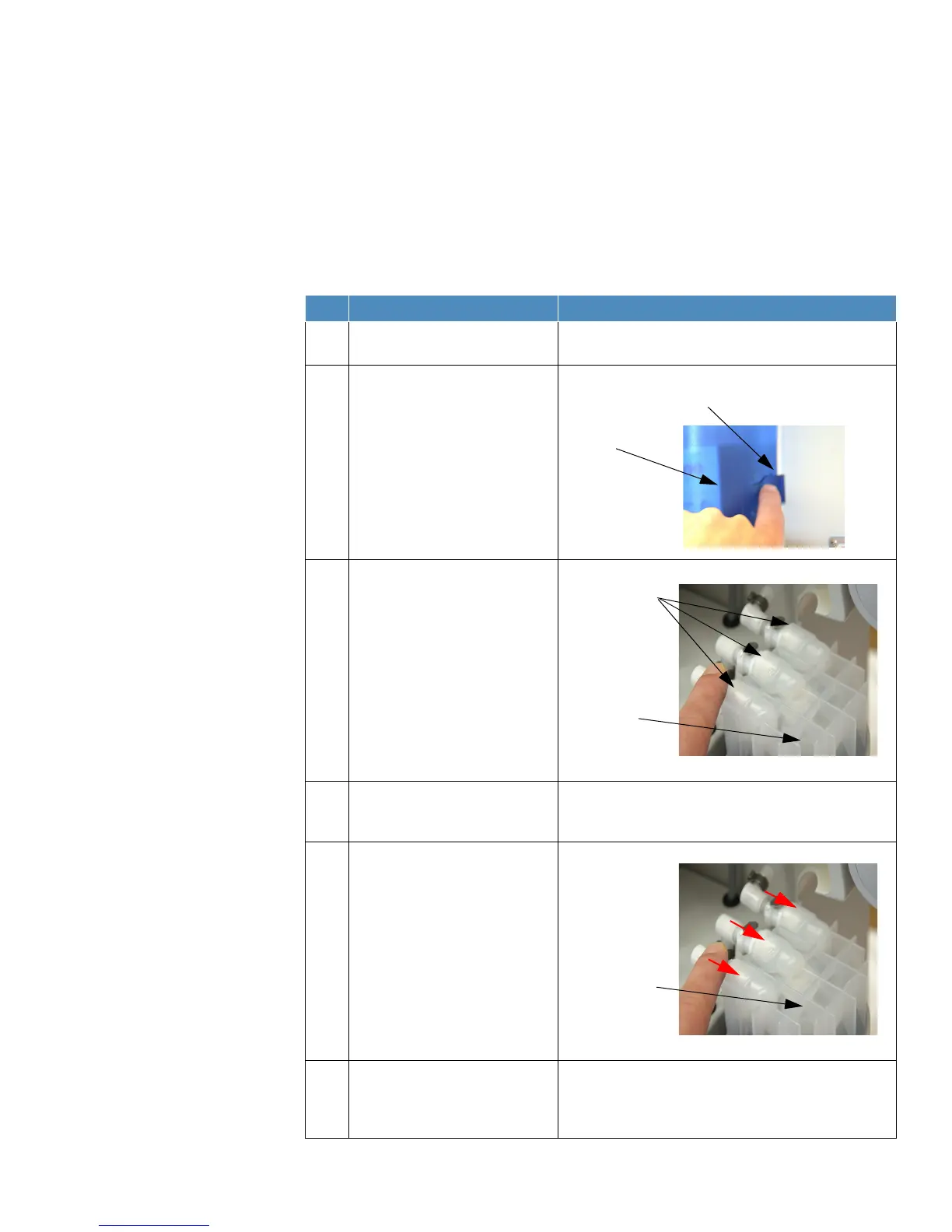
3 Press on the three quick connectors
on the cover of the RO/pretreatment
cartridge and remove the used
cartridge from the system.
4 Locate the new RO/pretreatment
cartridge and insert the cartridge into
the system.
5 Insert the quick connectors into the
connecting points on the new
RO/pretreatment cartridge. When you
hear an audible click you can be sure
that the quick-action fasteners have
been inserted correctly
NOTE!
The quick connectors are attached to
the system in such a manner so as to
prevent any confusion switching.
6 Replace the cover over the
RO/pretreatment cartridge and switch
the system on (connect main power
supply).



 To Next Page