TEBS E
6
GIO functions
123
You use this voucher code to retrieve the PUK from the internet
Open the WABCO website http://www.wabco-auto.com
.
Here click on the link Products, driver assistance system, Trailer Immobilizer, PUK
portal.
Task of the PUK
• Activating the immobilizer function in the TEBS E modulator.
• Defining / changing the user PIN.
• Definition of a new PIN after incorrect entry.
The PUK is reserved for the vehicle owner only. Handle the PUK with care and
protect it from unauthorised access by others. Keep the PUK in a safe place.
WABCO will not be held responsible for the loss or misuse of the PUK.
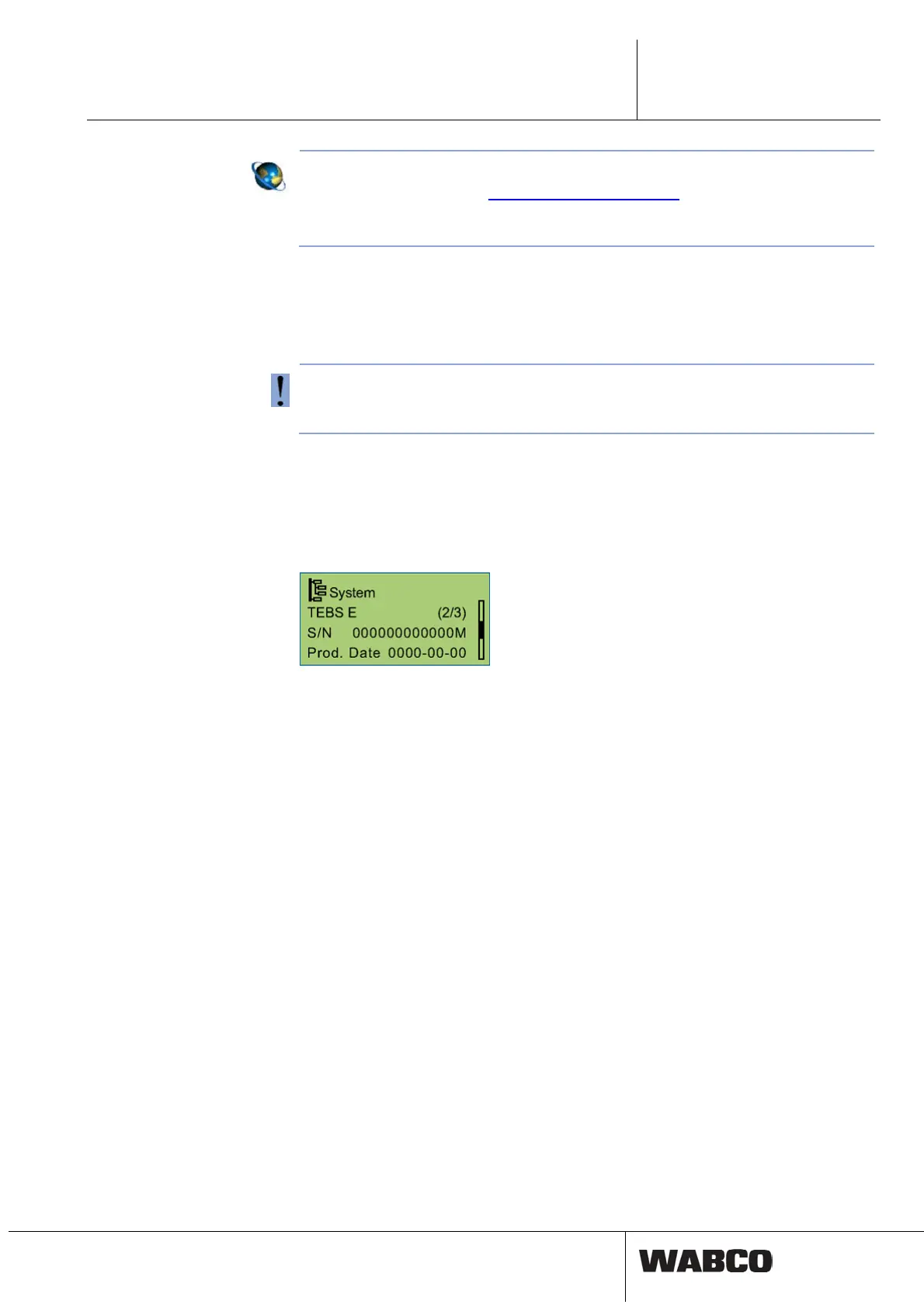
Serial number of the TEBS E modulator
The 13 digit serial number (S/N) including the check digit (last position) can be dis-
played as follows:
• SmartBoard (menu Tools, System Info, System)
• EOL log
• System label (Print the system label)
Activation via the SmartBoard and definition/change of PIN
– Connect the SmartBoard to the TEBS E Modulator.
– Open the Tools, Settings, Enter new PIN, with PUK menu in the SmartBoard
– Enter the PUK via the SmartBoard.
– Define a PIN and enter it via the SmartBoard.
– Re-enter PIN to confirm.
Upon successful activation a confirmation appears on the display.
Activation via the TEBS E Diagnostic Software
– Connect the TEBS E modulator to the TEBS E Diagnostic Software.
– Open the TEBS E Diagnostic Software see chapter 9.1 ‘Parameter definition
with TEBS E Diagnostic Software’, page 165 => Wi
ndow TEBS E Diagnostic
Software. Click on Tools/Immobilizer.
– Click on Change PIN with Super PIN.
– Enter the PUK in the Super PIN field.
– Define a PIN and enter it in the Enter new PIN field.
– Confirm the PIN by re-entering it in the Re-enter new PIN field.
Following successful activation a confirmation window appears.



 To Next Page