32
Connecting to the Internal Sensors
12.4.1 Stimulate the Internal Sensors (SMS) with the WABCO TPMS Manager
(WABCO part number: 300 200 001 0)
To use the WABCO TPMS Manager to control the internal sensor (SMS), the latest software
version must be installed on the WABCO TPMS Manager (see Section 12.3 WABCO TPMS
Manager, page 30).
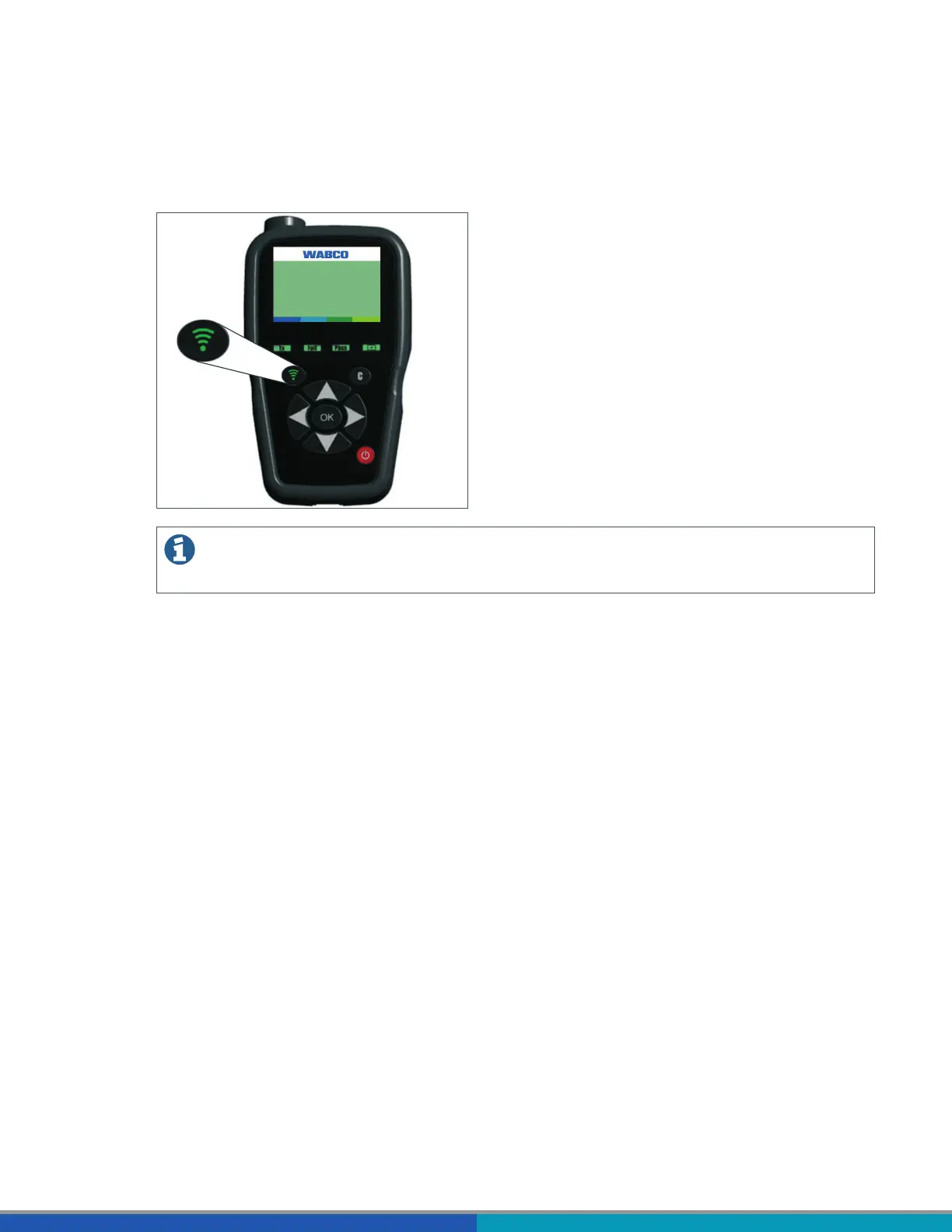
Select an internal sensor (SMS) from the READ OUT SENSOR menu of the WABCO TPMS Manager.
Hold the WABCO TPMS Manager close to the internal sensor, either from the side of the tire sidewall or
from the tread.
The adjacent wheel may interfere with the radio signal, in which case the respective wheel must be
turned.



 To Next Page