38
Checking the Installation
14 Checking the Installation
4019866b
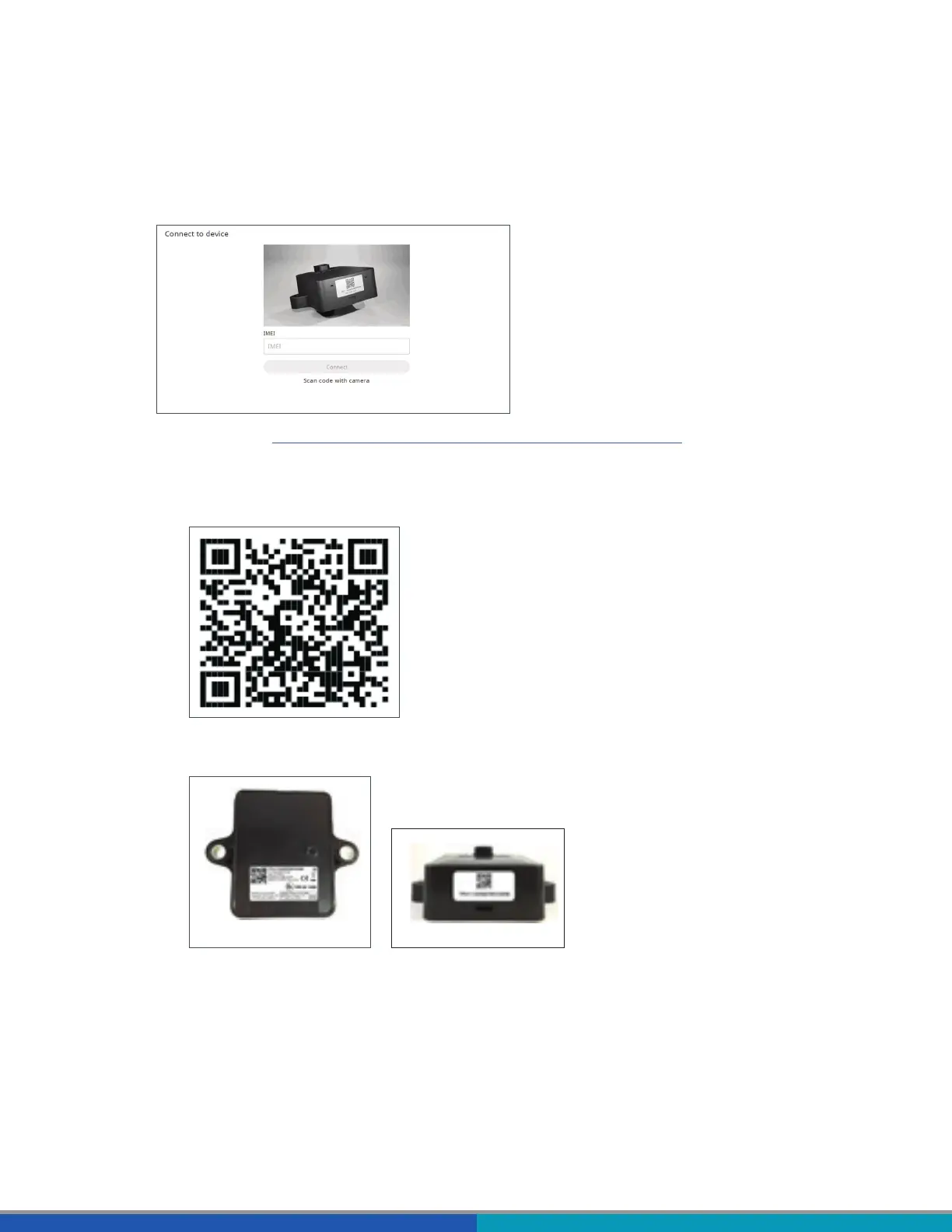
1. Navigate to .
OR
Scan the following QR code with your smartphone (a QR code reader app installed on your
smartphone is required):
2. On the WABCO Fleet Installer page, tap Scan QR code and scan the QR code on the TRAILERCAST
with Battery device label (back/top side).
4019868a
4019869a
can be found on the device label: for example, TPU1-123456789012345.



 To Next Page