EasyManua.ls Logo

WABCO TP2205 - Installation Wizard - Vehicle Identification; Vehicle Identification and Setup

WABCO TP2205
48 pages
Print Icon
To Next Page IconTo Next Page
To Previous Page IconTo Previous Page
Loading...
39
Checking the Installation
This procedure requires an active Internet connection on your smartphone.
3. Before checking the data with WABCO Fleet Installer:
Make sure iABS or RSSplus is not connected to the TOOLBOXPLUS™ software. Turn ON the vehicle
contact.
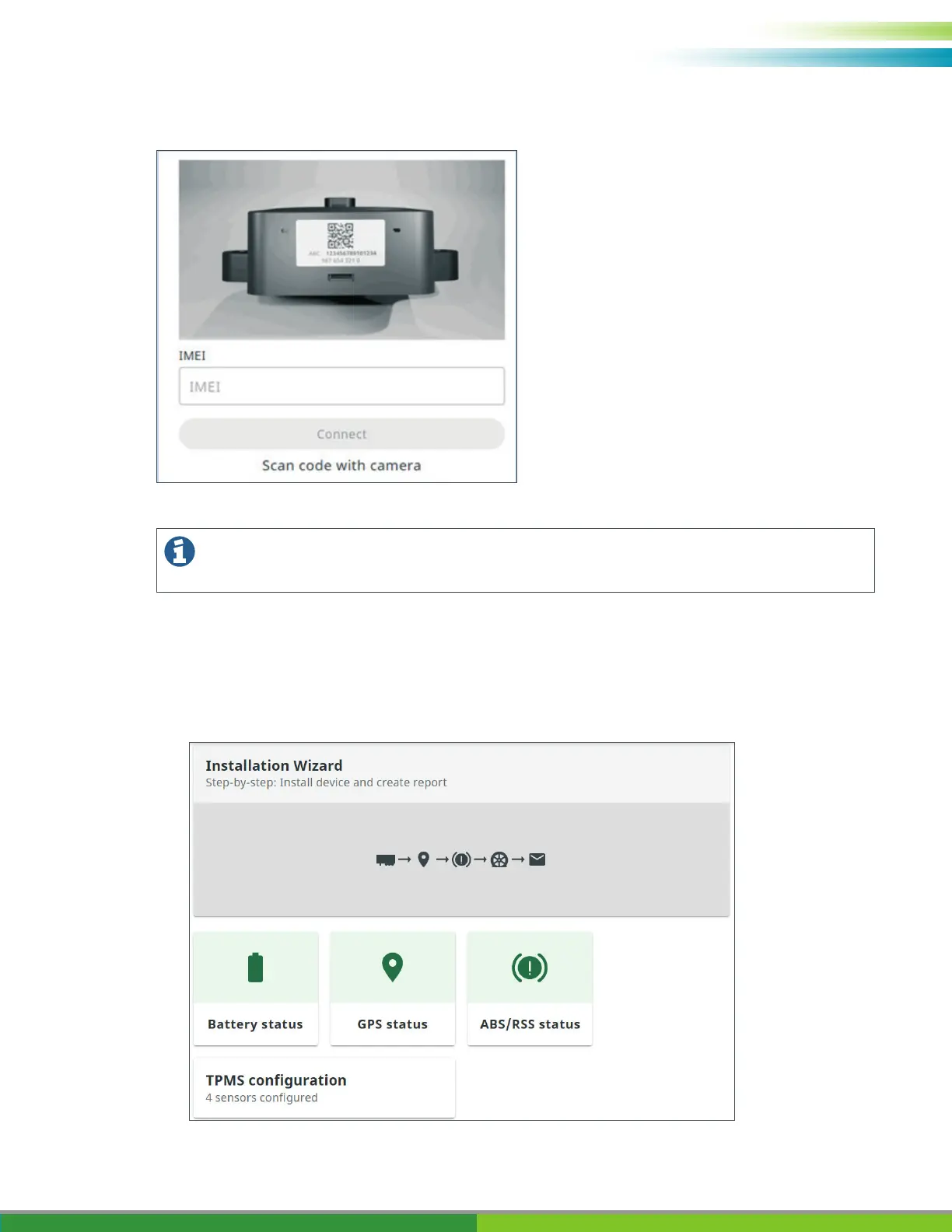
Select the Installation Wizard.



Table of Contents

Related product manuals