4-34 BA E14 track en* 1.3 * E14t_13_400.fm
4 Putting into operation
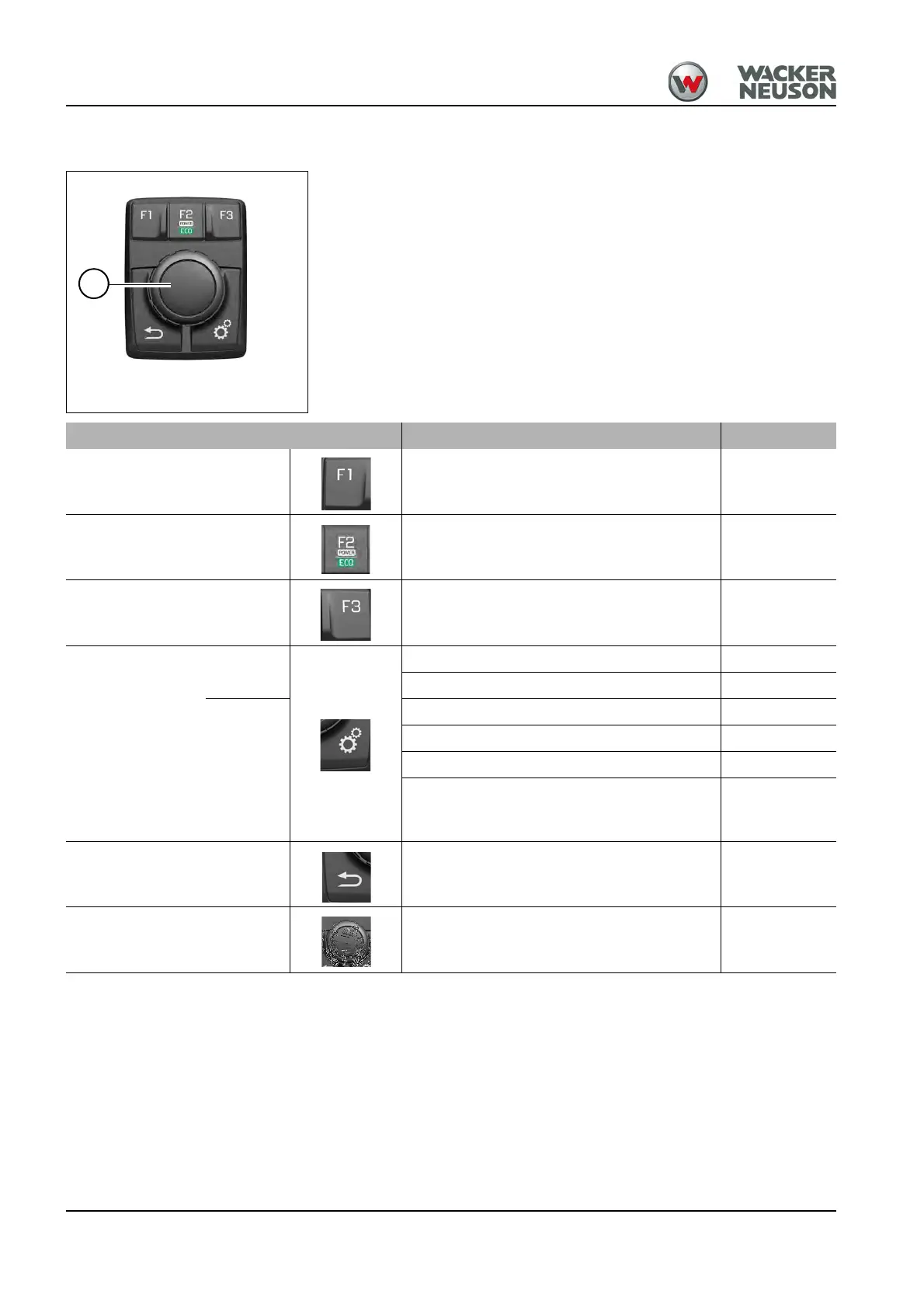
Jog dial
Control button
Menu levels are selected (turn) and confirmed (press) with control button A.
Control element Function See page
F1 Displaying operating states 4-41
F2 Changing the engine operating mode directly 5-2
F3 Automatic engine speed setting 5-4
Menu button
Press
briefly
• Selecting control circuits 5-30
• Changing the engine operating mode 5-2
press
and hold
• Selecting and configuring attachments 5-30
• Stabilizer blade 5-30
• Service menu/error messages 8-5
• Adjusting the multi-functional display
• Setting date and time
• Individual menu
4-43
Return button Returning to previous menu --
Control button
Selecting menu items (turn)
Confirming menu items (press)
--











 To Next Page