18
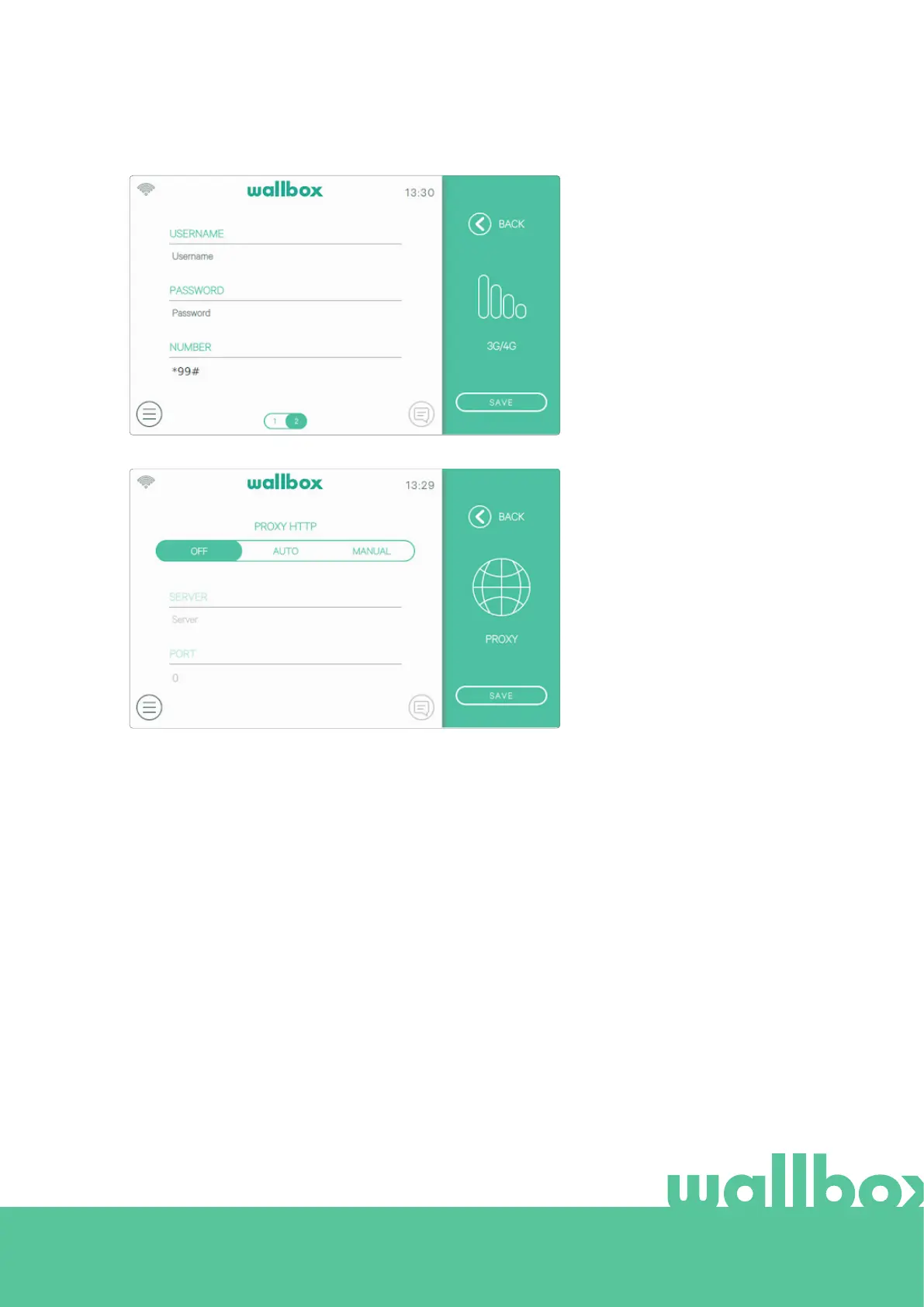
Proxy
The charger can be configured
to use a proxy server. By default
this option is disabled. To ena-
ble this feature press Auto
or Manual. For Auto, you only
need to enter the proxy Server
address. For Manual, you will also
need to enter the proxy server
port. Press the Save button to
save the configuration.



 To Next Page