IP Camera W2(1080P)/W3(720P)
13
/ Flip/Mirror: If the live video is upside down because of the installaon, tap and
to make it right.
Exit: Turn off the live feed screen.
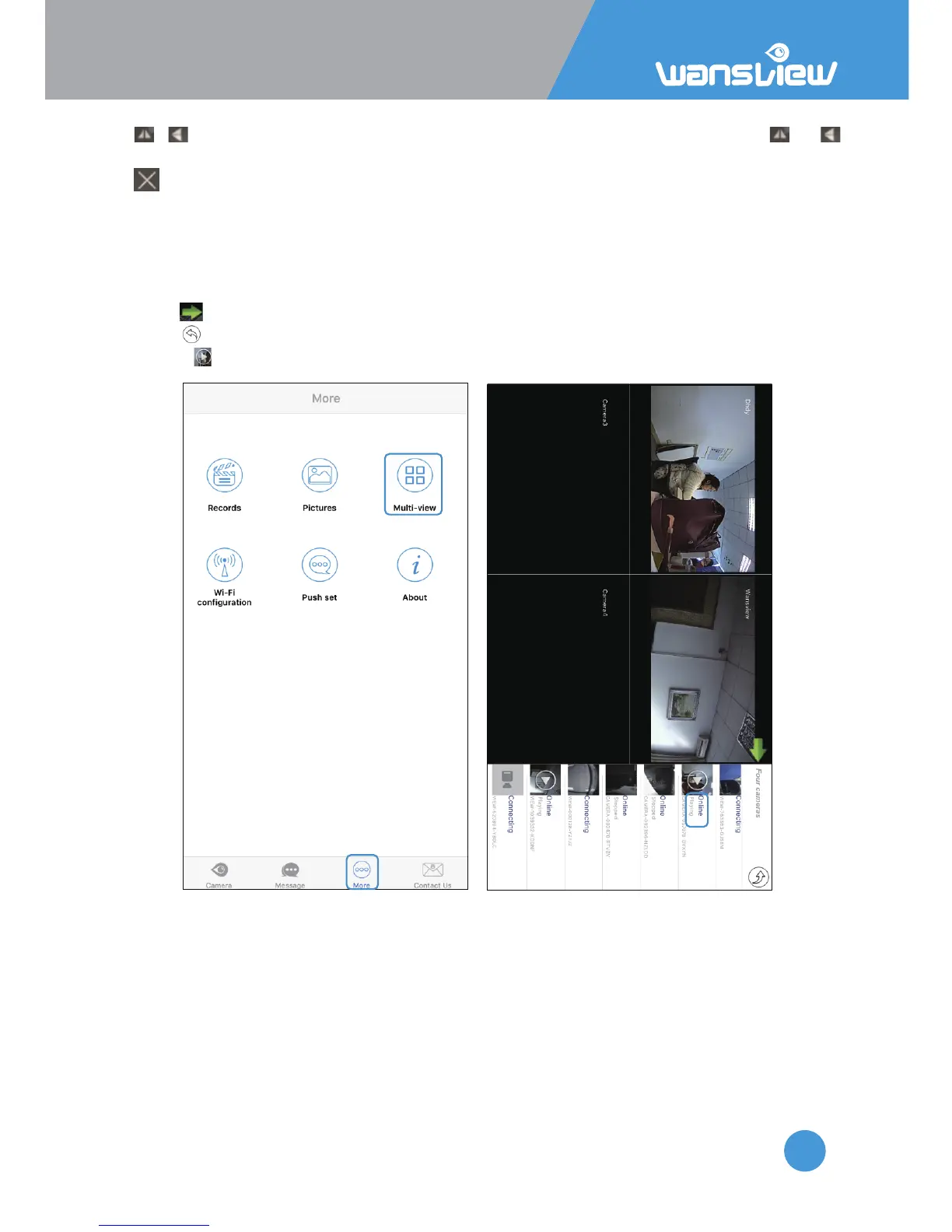
Viewing Camera on Mul-View
User can monitor several cameras (Max. 4 )at the same me on Mul-View.
1: Tap “More” and select “Mul-View” Click on cameras on the list to add the view on the
main screen.
2: Tap to hide the camera’s list
3: Tap to exit mul-view mode
4: Press to play camera, Tap again to stop the video.



 To Next Page