IP Camera W2(1080P)/W3(720P)
44
5. Web Access
5.1 Sengs
To view your camera in any web browser you’ll need the camera’s IP address and camera’s
Port.
If your computer is in the same network, just type the address in browser address bar:
hp://IP:PORT for example hp://113.116.100.223:80. Users can get these data from the
app > advanced sengs > about camera.
If your computer is located outside the network where the camera is installed, users need
to input manually the camera’s IP in the router in the Port Forwarding Secon (please
consult your router user guide or search on line) to view the camera.
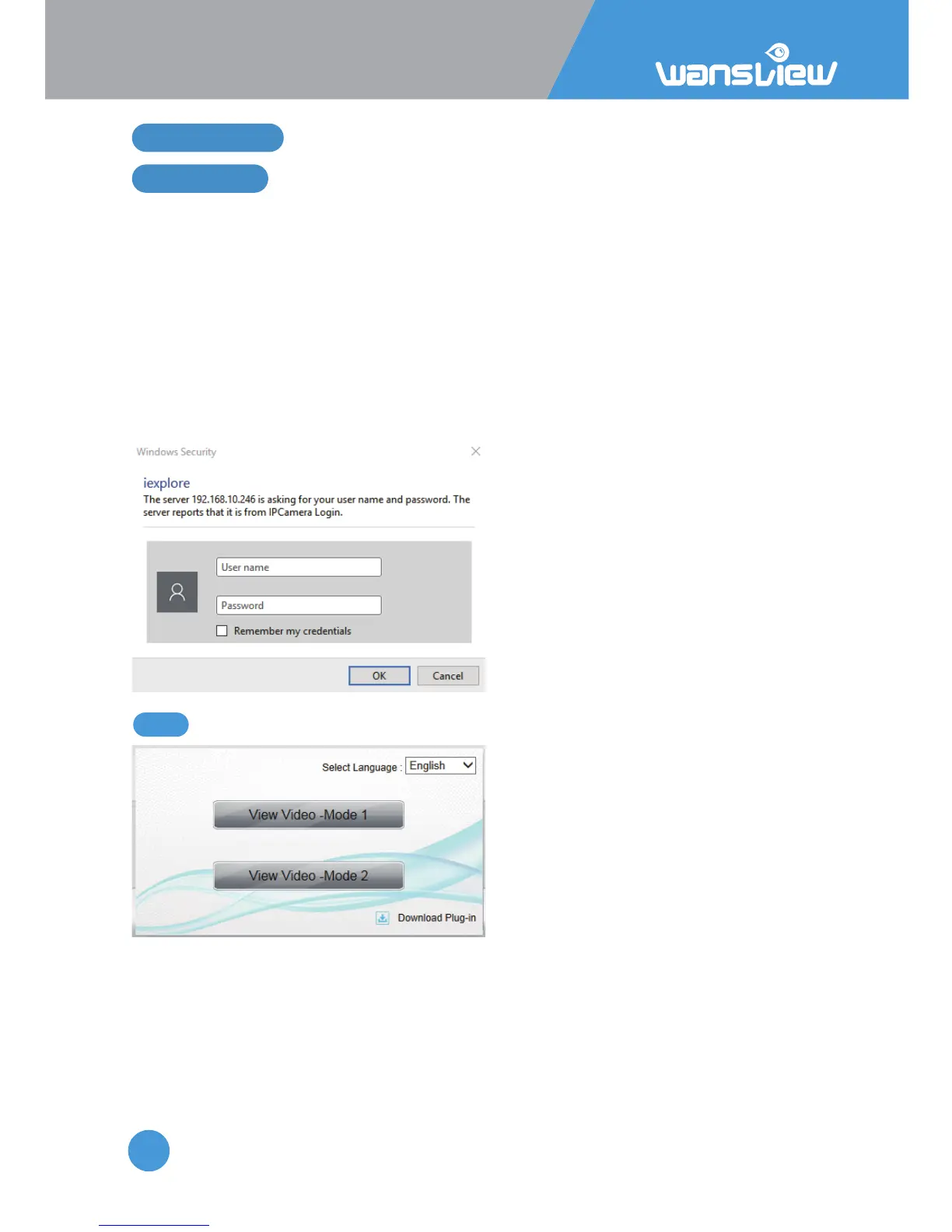
The Camera has 2 view mode:
View Mode 1 supported by an OCX Plugin (HYPlayer.exe)
View Mode 2 supported by an Adobe Flash Player Plugin
5.1.1 Plugin installaon



 To Next Page