IP Camera W2(1080P)/W3(720P)
42
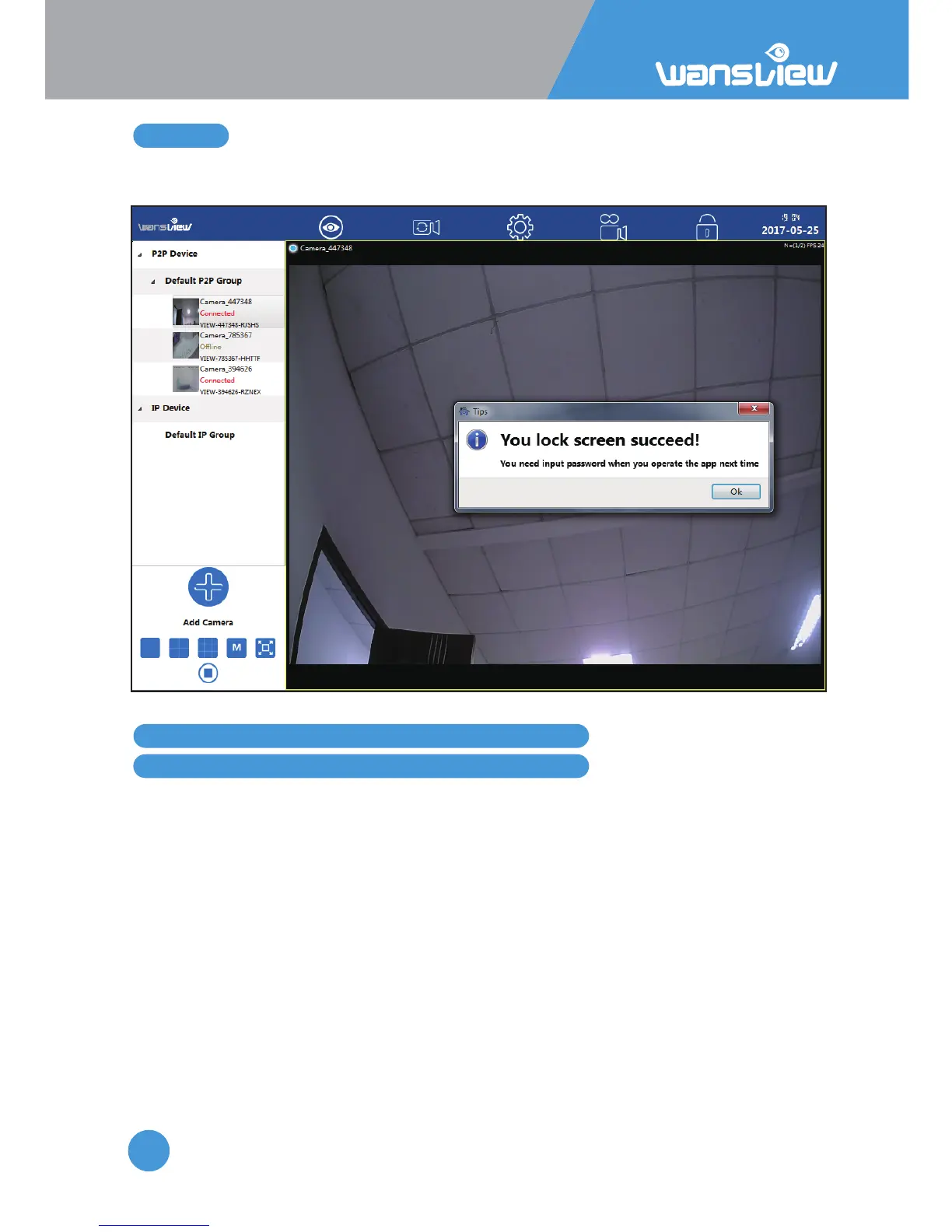
3.8 Lock
4. Manage Camera with other Apps and Soware
Add Camera to iSpy Connect
Lock the screen if you don’t want to operate it or prevent others to operate the camera.
The default lock password is 123456.
Steps
1.Add IP Camera
2.In the Video Source mask, select the FFMPEG(H2.264) tab
3.In the URL field type: rtsp://user:password@IP:port/live/ch0 or ch1 or ch2
4.RTSP Mode: select TCP
5.Test
6.Click OK
7.In the following mask, click finish
8.The camera is online
User: your user
Password: your password
IP: your camera’s IP (get it from the app)
Port: your camera’s port (get it from the app



 To Next Page