IP Camera W2(1080P)/W3(720P)
60
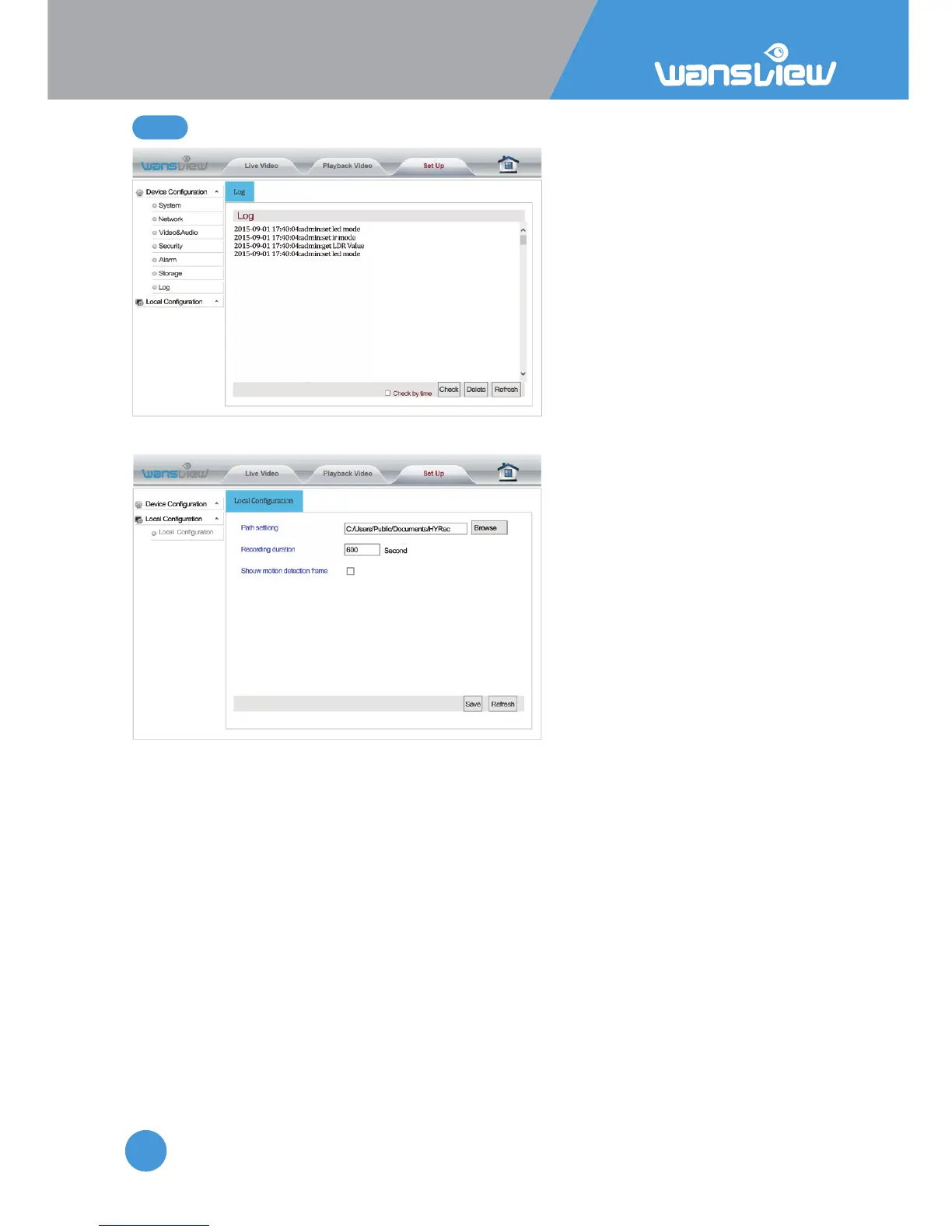
Log > Local Configuraon (not available for MAC users)
Enter "Local Configuraon". You can set the save path for videos and pictures on your PC
as well as the recording duraon.
Reminders:
1: When using IE9 or higher, please run the browser video path and picture path as
"administrator" so that you can save the files successfully. The default video path is
"HYRec" on disk C. The default picture path is “HYSnap” on disk C.
2: The user can start up the Moon Detecon Alarm and view the flashing box on the
screen.
5.4.7 Log



 To Next Page