Installing analytical and preparative columns 2-43
2. Program the Mark function in the detector.
Installing analytical and preparative columns
This section describes how to install analytical and preparative columns in
both the PrepLC and Delta-Prep systems.
PrepLC system
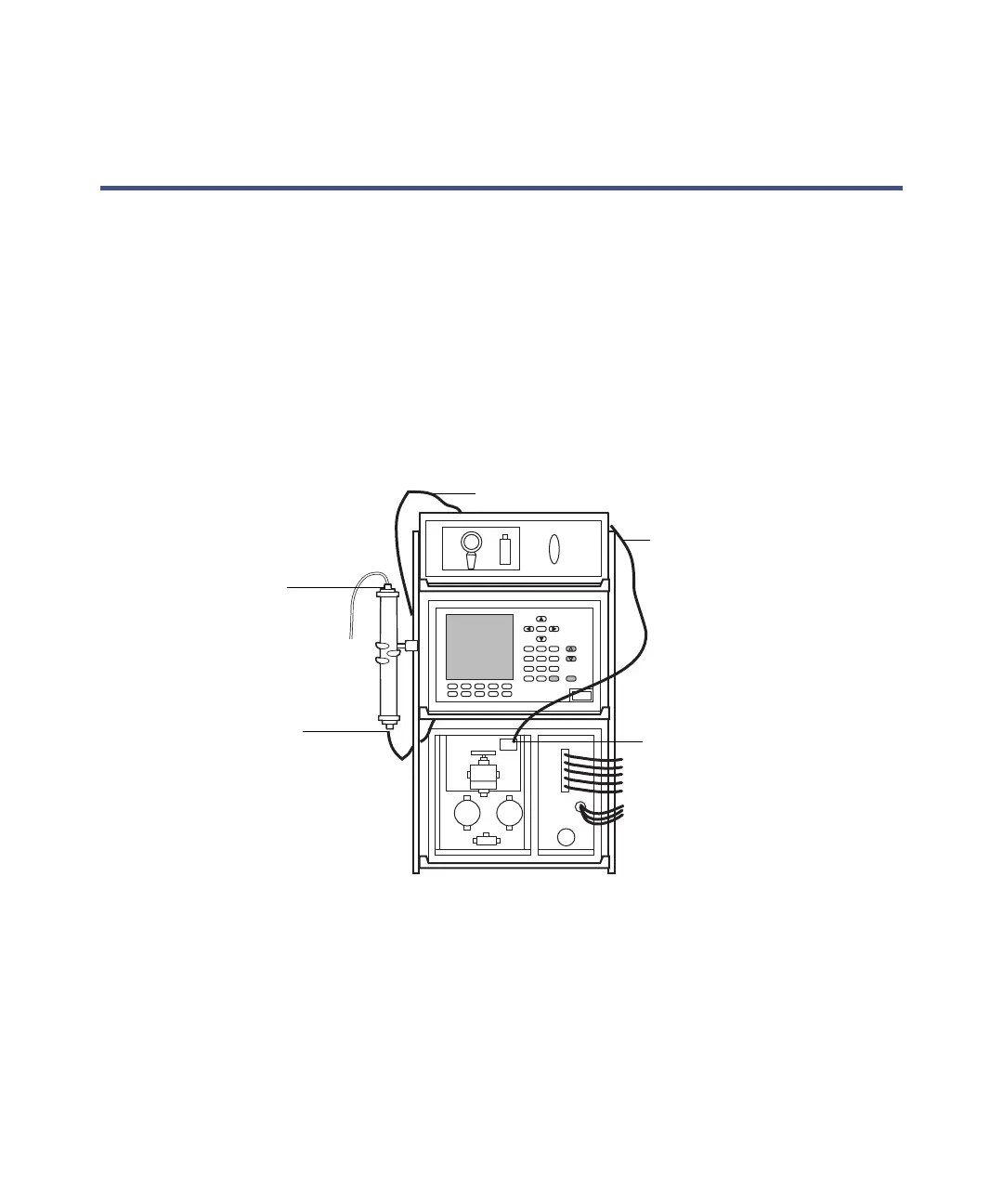
The PrepLC system includes clamps and clamp holders for mounting a column
vertically onto the shelf unit. The figure below illustrates how to attach a
preparative column.
Attaching the column
Installing the column
To install the column:
1. Prepare a length of 0.040-inch ID tubing to extend between the pump
outlet connector and the column inlet. Prepare another to reach between
the column outlet and the detector.
Column outlet
Column inlet
To purge valve
Pump outlet
From injector outlet












 To Next Page