Appendix E-2: Check Wiring and Settings
No COMS on Modbus RTU side. If Tx/Rx are not flashing rapidly, then there is a COM issue on
the Modbus side and you need to check the following things:
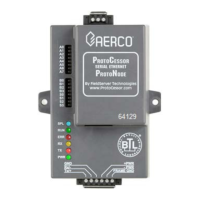
o Visual observations of LEDs on ProtoNode (see Appendix E-5)
o Check baud rate, parity, data bits, stop bits
o Check Modbus device address
o Verify wiring
o Verify all the Modbus RTU devices were discovered in Web Configurator. (Chapter 5)
• Field COM problems:
o Visual observations of LEDs on ProtoNode (see Appendix E-5).
o Visual DIP switch settings (using correct baud rate and device instance)
o Verify IP Address setting
o Verify wiring
If the problem still exists, a Diagnostic Capture needs to be taken and sent to Sierra Monitor
Corporation (see Appendix E-3).


 To Next Page
 Loading...