EasyManua.ls Logo

Wavetek 3000 - Step Attenuator Accuracy Test

Wavetek 3000
225 pages
Print Icon
To Next Page IconTo Next Page
To Previous Page IconTo Previous Page
Loading...
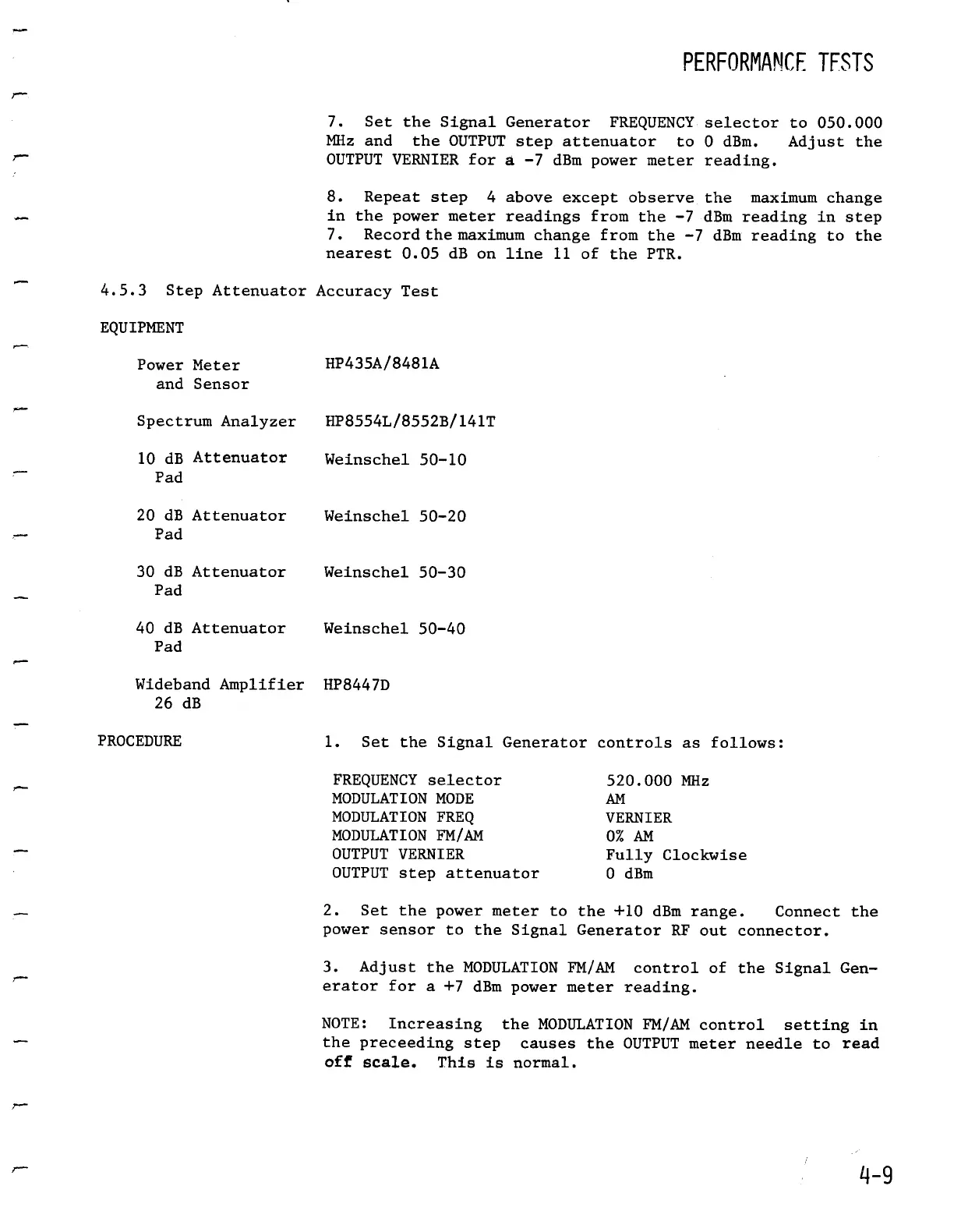
4.5.3
Step
AttenuatorAccuracy
Test
EQUIPMENT
Power
Meter
HP435A/8481A
and
Sensor
Spectrum
Analyzer
HP8554L/8552B/141T
10
dB
Attenuator
Pad
20 dB
Attenuator
Weinschel
50-20
Pad
30 dB
Attenuator
Weinschel
50-30
Pad
40 dB
Attenuator
Weinschel
50-40
Pad
WidebandAmplifier
HP8447D
26 dB
7
.
Set
the
Signal
GeneratorFREQUENCY
selector
to
050
.000
MHz
and the
OUTPUT
step
attenuator
to
0
dBm
.
Adjust
the
OUTPUT
VERNIER
for
a
-7
dBmpowermeter
reading
.
Weinschel
50-10
PROCEDURE
1
.
Set the
Signal
Generator
controls
as
follows
:
FREQUENCY
selector
520
.000
MHz
MODULATION
MODE
AM
MODULATION
FREQ
VERNIER
MODULATION
FM/AM
0%
AM
OUTPUT
VERNIER
Fully
Clockwise
OUTPUT
step
attenuator
0
dBm
PERFORMAMCF
TESTS
2
.
Set
thepower
meter
to
the
+10 dBmrange
.
Connect
the
power
sensor
to
the
Signal
Generator
RF
out
connector
.
3
.
Adjust
the
MODULATION
FM/AM
control
of
the
Signal
Gen-
erator
for
a
+7 dBm
power
meter
reading
.
NOTE
:
Increasing
the
MODULATION
FM/AM
control
setting
in
thepreceeding
step
causes
the
OUTPUT
meter
needle
to
read
off
scale
.
This
is
normal
.
8
.
Repeat
step
4
aboveexcept
observe
the
maximum
change
in
the
powermeter
readings
from
the
-7 dBm
reading
in step
7
.
Record
the
maximum
change
from
the
-7
dBm
reading
to
the
nearest
0.05
dB
on
line
11
of
thePTR
.

Table of Contents

Related product manuals