11
F
irst Time Installation and Basic Operations
First Time Installation
When starting up your receiver for the rst time, an initial setup of the receiver needs to be
performed before it is ready to be used.
1
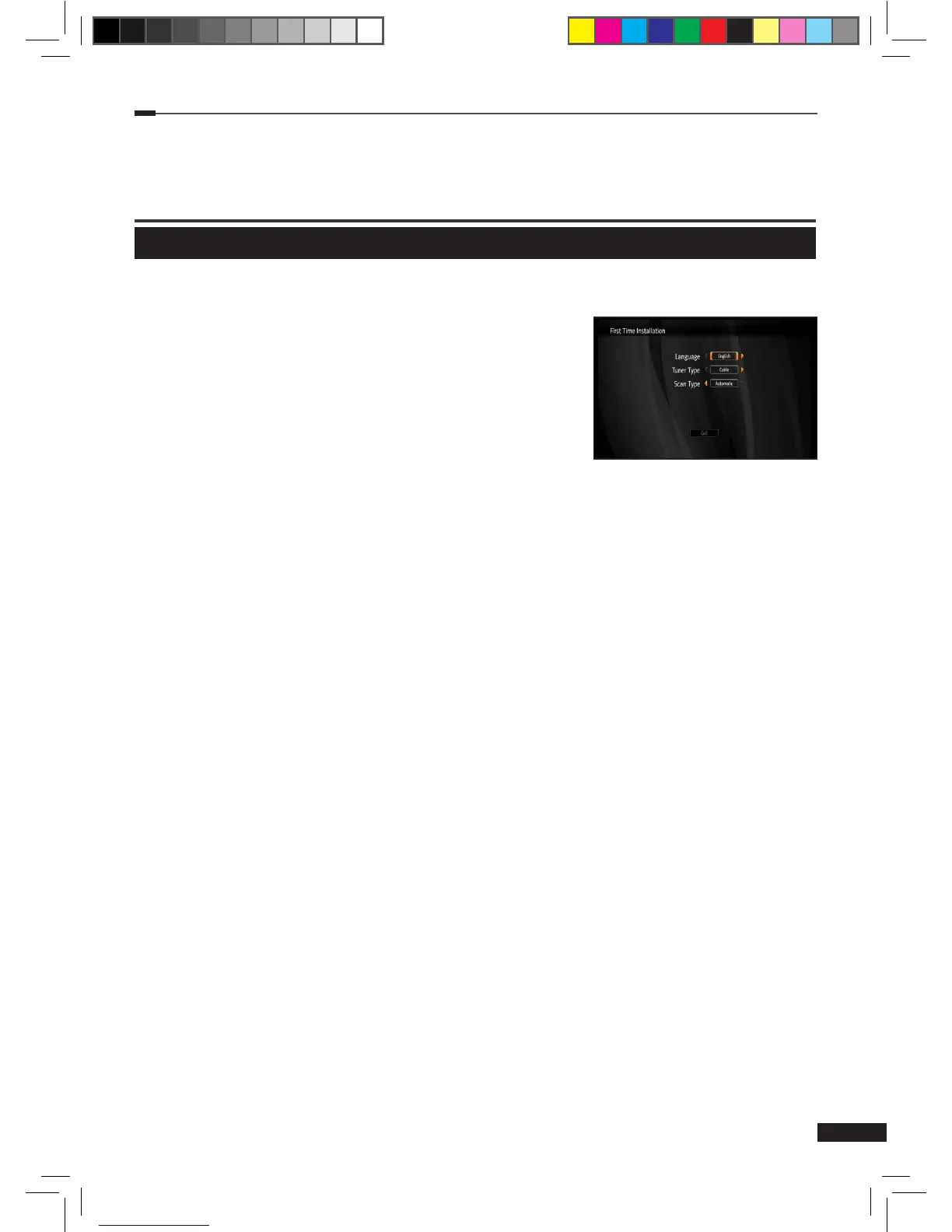
Select your language (Finnish/Swedish/English).
2
Select tuner type (Cable/Terrestrial).
3
Select channel scanning type (Auto/Manual).
4
Select Go! and press the OK button to enter the selected
scanning menu.
5
Manual scanning: Adjust variable settings using the
Arrow (▲/▼/ ◄/►) and Numeric (0~9) buttons. Select
Start and press the OK button to start channels search. (If you selected Auto channel
scanning type, you don’t need to perform this step).
6
The results of the search are shown when the scanning has nished. Select Save and
press the OK button to save all found channels.
7
Press the Menu button to exit the scanning menu.
※To change the tuner type, please do Restore Factory Defaults.
M_180_DNA_HD-T63CX_ENG_120322_jte.indd 11 2012-03-22 �� 2:41:24


 To Next Page