23
Edit a directory
1
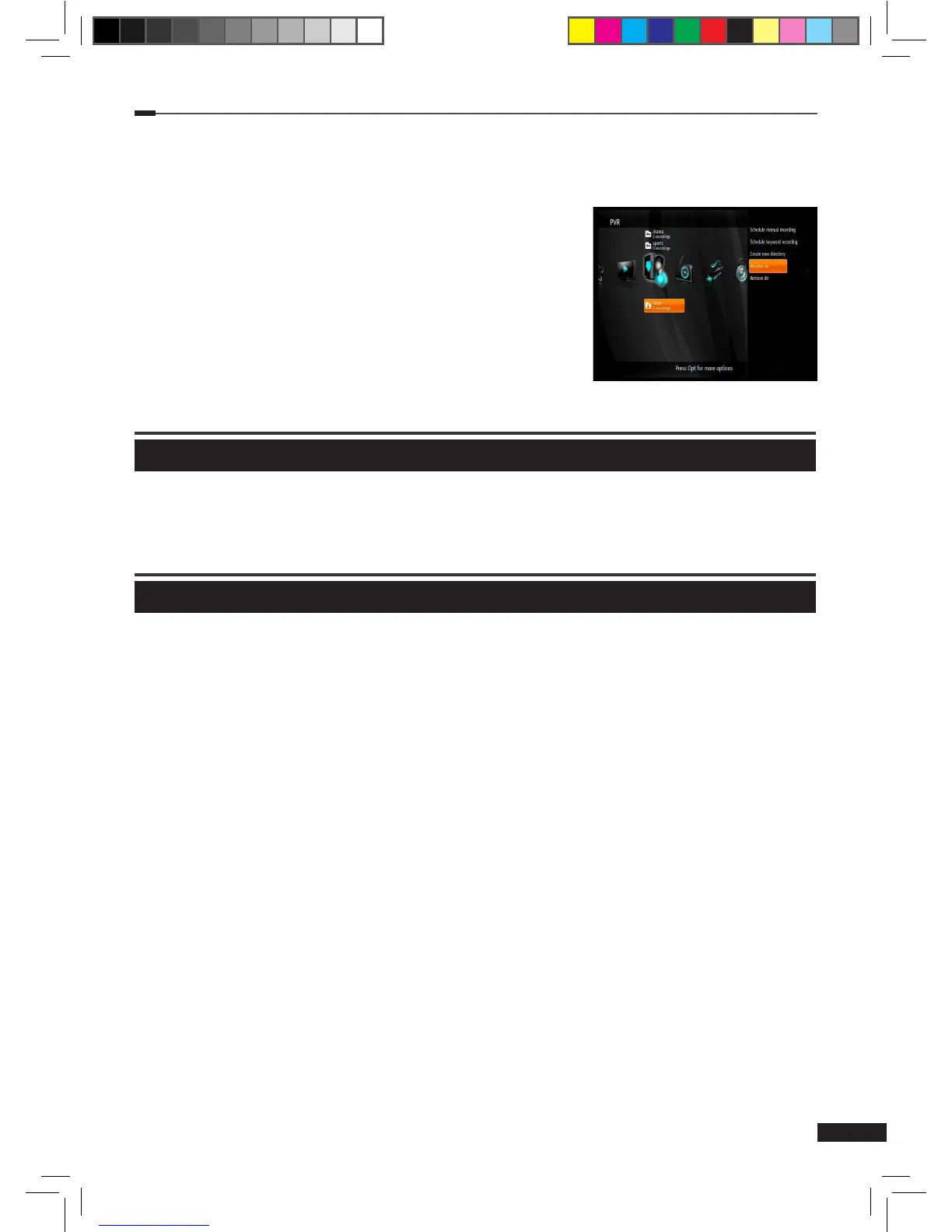
Select the directory you wish to edit using the Arrow (▲/▼) buttons on the PVR menu and
press the Option button to display a list of functions.
2
Use the Arrow (▲/▼) buttons to select a function and
press the
OK button. Available functions are listed below:
(1) Rename dir: This function will open a virtual keyboard
for inputting a new name for the directory. Input a name
for the directory using the Arrow (▲/▼/◄/►) and OK
buttons. Then select enter and press the OK button to
set it.
(2) Remove dir: This function will delete the selected
directory and any recordings in it.
Radio
Radio List
This part of the menu displays all radio channels.
USB
USB
This part of the menu can be used to format an External HDD or USB stick.
1
Press the Option button on the USB menu
2
Select Begin format now and press OK.
[Note] After formatting you cannot use the same External HDD or USB device with your
computer any more.
M_180_DNA_HD-T63CX_ENG_120322_jte.indd 23 2012-03-22 �� 2:41:27


 To Next Page