20
PVR
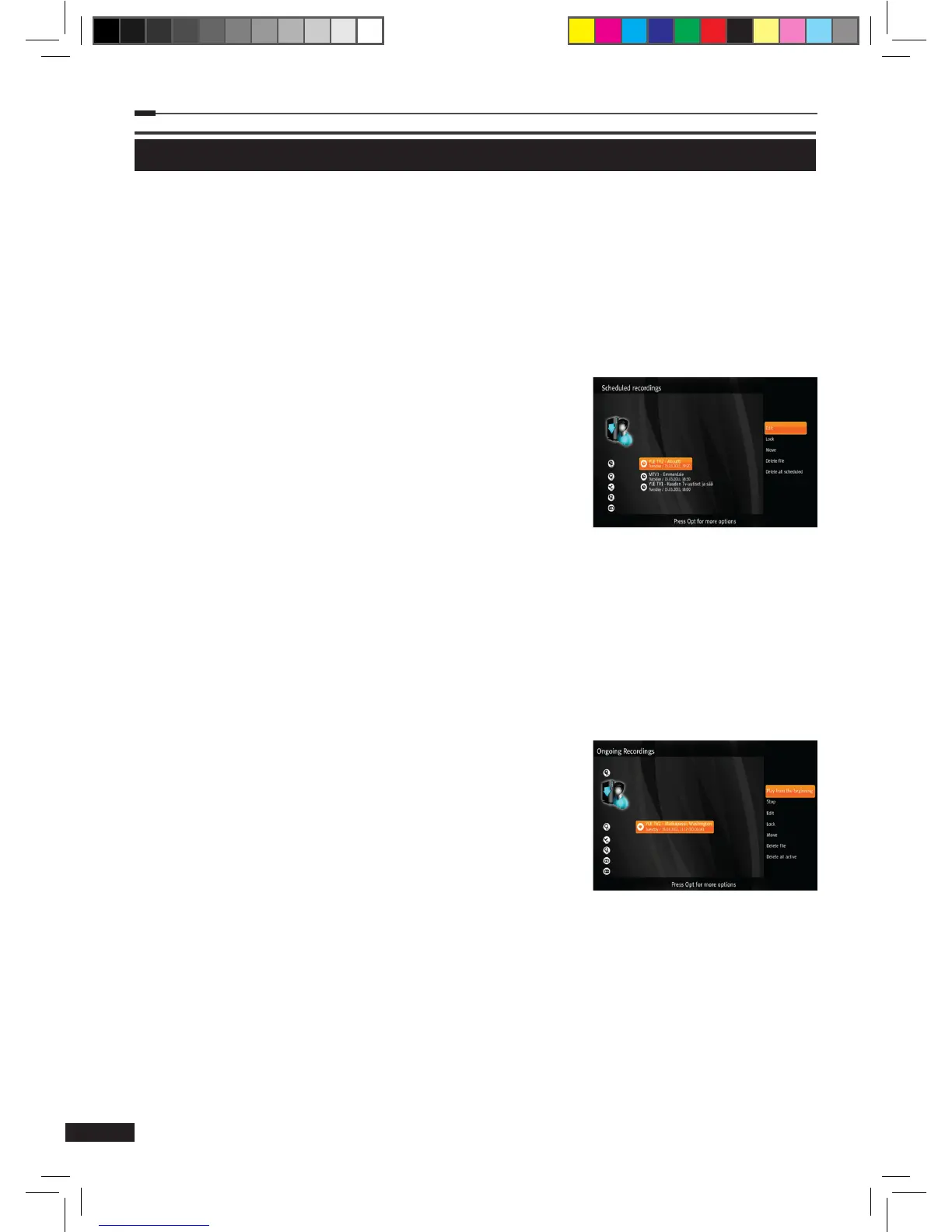
Scheduled recordings
This menu lists recordings that have been scheduled and are waiting for the determined time or
program to come up.
1
Select Scheduled recordings using the Arrow (▲/▼) buttons on the PVR menu and press
the OK button the display the list of recordings.
2
Press the Option button on the scheduled recordings list to open more options.
(1) Edit: Displays an additional menu for changing details
of the scheduling (Channel, Date, Start time, End time,
Repeat). When done editing, select Save and press the
OK button to save the changes.
(2) Lock/Unlock: Locks or unlocks the selected recording.
Locked recordings cannot be deleted.
(3) Move: Move the selected recording to another folder.
(4) Delete le: Remove the scheduled recording.
(5) Delete all scheduled: Removes all scheduled recordings.
(6) More info: Display more information about the selected program.
Ongoing recordings
This menu lists recordings that are currently active and being recorded.
1
Select Ongoing recordings using the Arrow (▲/▼) buttons on the PVR menu and press
the OK button to display the list of recordings.
2
Press the Option button on the ongoing recordings list to
open more options.
(1) Continue: Resume watching an active recording.
(2) Play from the beginning: Play an active recording
from the beginning.
(3) Stop: Stop an active recording. This le can then be
found in Completed recordings.
(4) Edit: Displays an additional menu for changing details
of the scheduling (Channel, Date,Start time, End time, Repeat). When done editing,
select Save and press the OK button to save the changes.
(5) Lock/Unlock: Locks or unlocks the selected recording. Locked recordings cannot be
deleted.
(6) Move: Move the selected recording to another folder.
(7) Delete: Stop the selected recording and delete it.
(8) Delete all active: Stop and delete all ongoing recordings.
(9) More info: Display more information about the selected program.
M_180_DNA_HD-T63CX_ENG_120322_jte.indd 20 2012-03-22 �� 2:41:26



 To Next Page