13
Viewing the Teletext
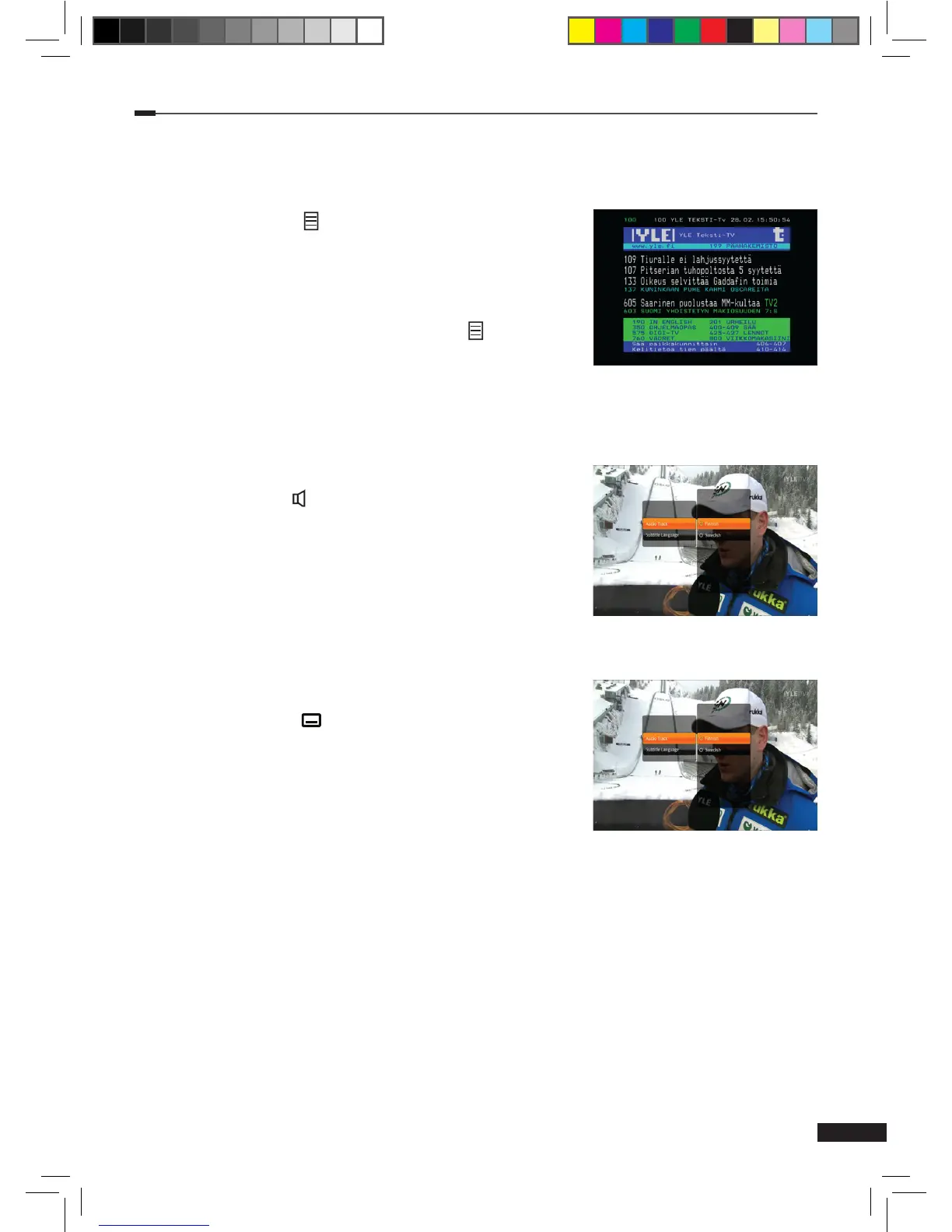
To view the teletext service:
1
Press the Teletext
( )
button to display the teletext
service, if present.
2
Use
Arrow (▲
/
▼)
or Numeric (0~9) buttons to change
pages. Use Arrow (◄/►) buttons to navigate between
sub pages, if present.
3
To exit the teletext service, press Teletext
( )
button
again. The rst press will switch the Teletext transparent
mode. The second press will close the Teletext service.
Selecting the Audio Track
To select the audio track language:
1
Press the
Audio
( )
button and then OK button to display
Audio Track pop-up menu.
2
Select audio track using the Arrow (▲/▼) buttons and
press the OK button to conrm your selection.
Selecting the Subtitle
To select the subtitle language:
1
Press the Subtitle ( ) button and then OK button to
display Subtitle Language pop-up menu.
2
Select subtitle language using the Arrow (▲/▼) buttons
and press the OK button to conrm your selection.
M_180_DNA_HD-T63CX_ENG_120322_jte.indd 13 2012-03-22 �� 2:41:25



 To Next Page