15
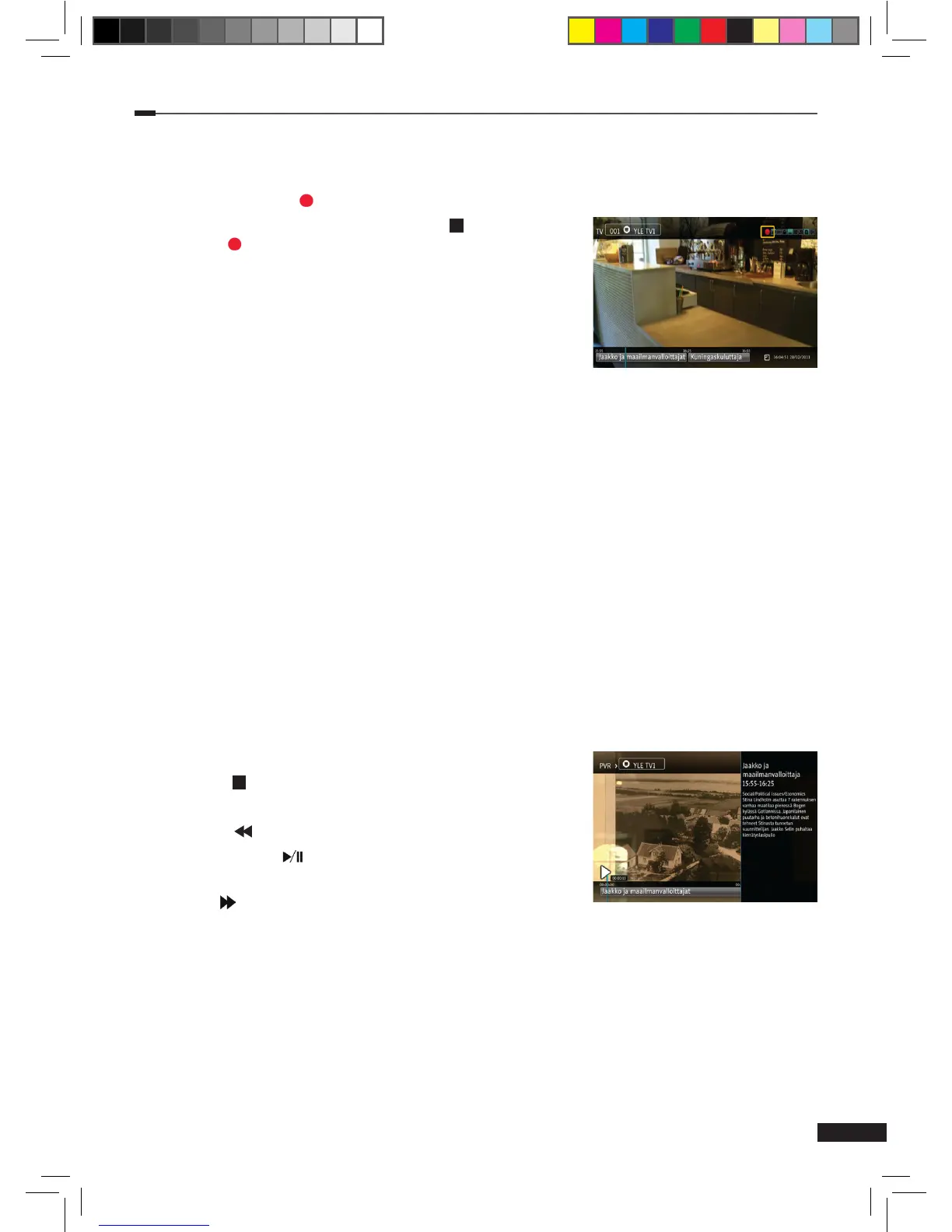
Instant Record
1
Press the Record
( )
button to start recording the current program instantly.
2
To stop a recording, press the the Stop ( ) button or the
Record
( )
button again. The list of ongoing recordings will
appear.
3
Select the recording channel and press the OK button.
Available functions:
(1) Stop: ongoing recording will stop.
(2) Play: play the ongoing recording.
(3) Cancel: close the menu.
EPG Record
1
Open EPG and select a program to be recorded using the Arrow (▲/▼/◄/►) buttons.
2
Press Option or OK button to view all recording options.
(1) Record: Set the selected program to be recorded.
(2) Record always: Opens a menu for creating a keyword recording for the selected
program. Recording can be set for all channels or a specic channel. Select Save to
save the keyword recording.
(3) Record repeatedly: Creates a new manual repeating recording for the selected program.
You can adjust the settings of the recording from the menu that is displayed. Available
settings are: Channel, Date, Start time, End time, Repeat (Disabled, Daily, Weekly,
Weekends, or Weekdays). Select save to save the recording.
Playback
The following buttons are usable in playback mode.
(1) Stop ( ): Stops playback.
(2) PVR: Return to the completed recordings list.
(3) REW ( ): Rewind the recorded program.
(4) Play/Pause ( ): Puts the recorded program on pause
or resumes playback.
(5) FF ( ): Fast forward the recorded program.
M_180_DNA_HD-T63CX_ENG_120322_jte.indd 15 2012-03-22 �� 2:41:25


 To Next Page