8
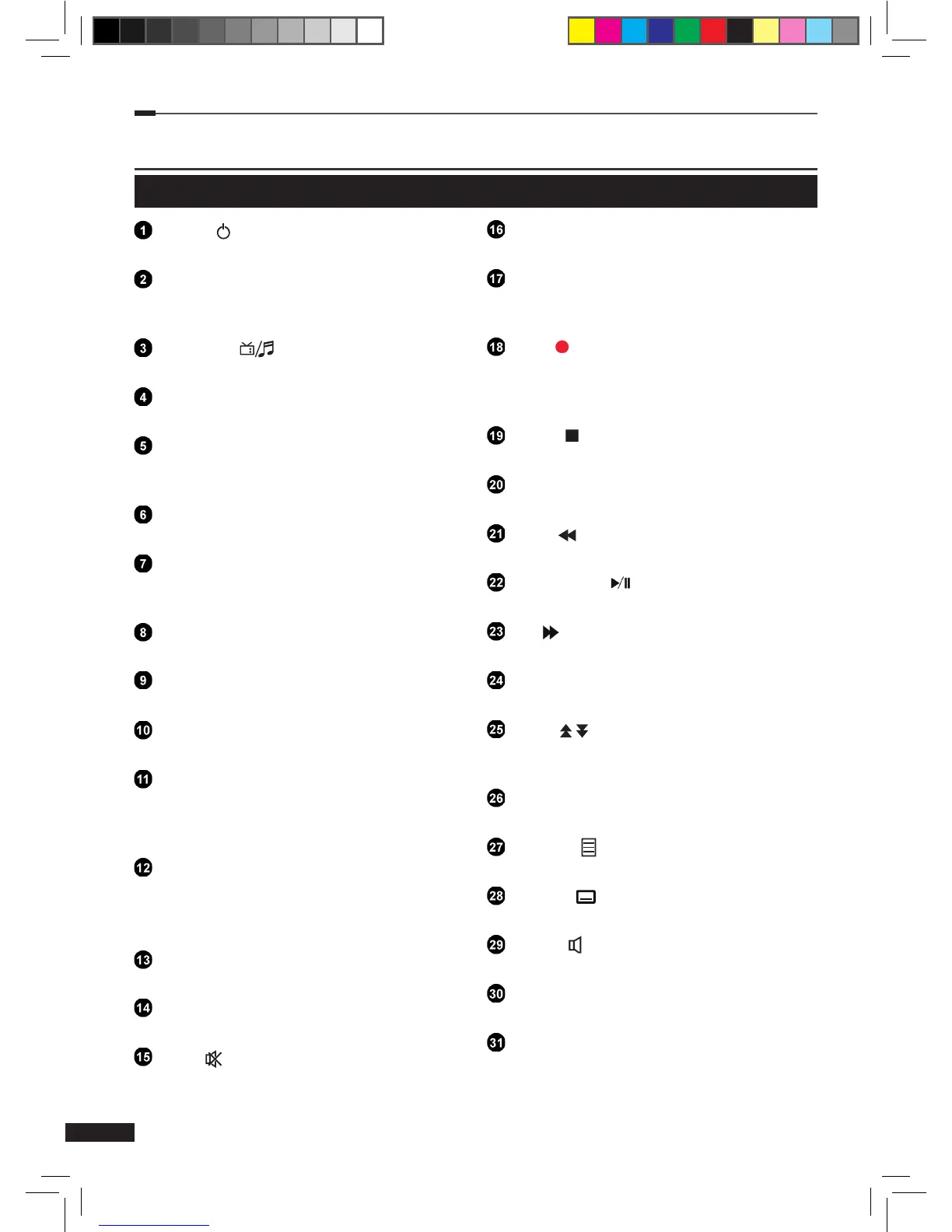
Remote Control Unit
Power ( )
Turns your receiver On/Off.
Numeric (0~9)
Access channels directly via channel
number.
TV/Radio ( )
Switch between TV and Radio channels.
Last
Switch back to the previous channel.
Red
EPG: Move the EPG timeline one day
backwards.
Green
EPG: Move the EPG timeline to current time.
Yellow
EPG: Move the EPG timeline one day
forwards.
Blue
For future usage
EPG
Display the TV program guide.
VoD
For future usage.
OK
Select a menu or conrm selection.
Display the channel list menu when watching
TV.
Arrow (Up/Down/Left/Right)
Move the cursor up, down, left or right.
Turn volume up/down (Right/Left). Switch
channel up/down (Up/Down).
Back
Close a menu or go to the previous menu.
Option
Display more options when applicable.
Mute ( )
Mute audio output.
Menu
Display the main menu.
Info
Show channel and program information on
the screen.
REC ( )
Start recording a program.
EPG: Sets the selected program to be
recorded.
STOP ( )
Stop a recording or playback.
PVR
Display the PVR (Personal Video Recorder) menu.
REW ( )
Rewind the recorded program.
Play/Pause ( )
Play/Pause the live program or recording.
FF ( )
Fast forward the recorded program.
VOL +/-
Adjust the volume level.
Page (
/
)
Move up or down pages on the menu and TV/
Radio List.
PR +/-
Change channel up or down.
Teletext ( )
Start teletext service.
Subtitle( )
Select subtitle languages.
Audio ( )
Select audio track languages.
Fav
Displays the favorites list selection menu.
F1~F4
M_180_DNA_HD-T63CX_ENG_120322_jte.indd 8 2012-03-22 �� 2:41:23


 To Next Page