111V2.0/02.11
Recordingmeasuredvalues
ENGLISH
Press the OK key to save the data records. Press the STOP/ESC key
to end recording measured values; all data records will be written in the
measured value memory.
The data format FAST (recording interval ACT values in 0.5 ms)
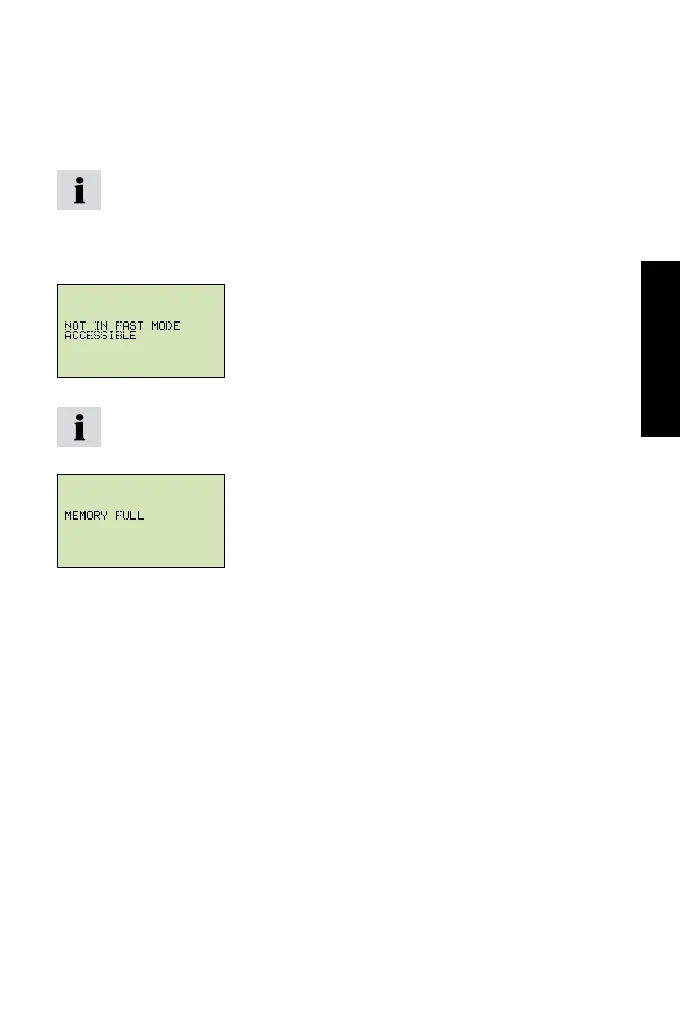
cannot be used when the device is in the START/STOP mode.
The following message is displayed:
If the measured value memory is full, the following message is
displayed:


 To Next Page