24
Cura Soware Detailed Introducon
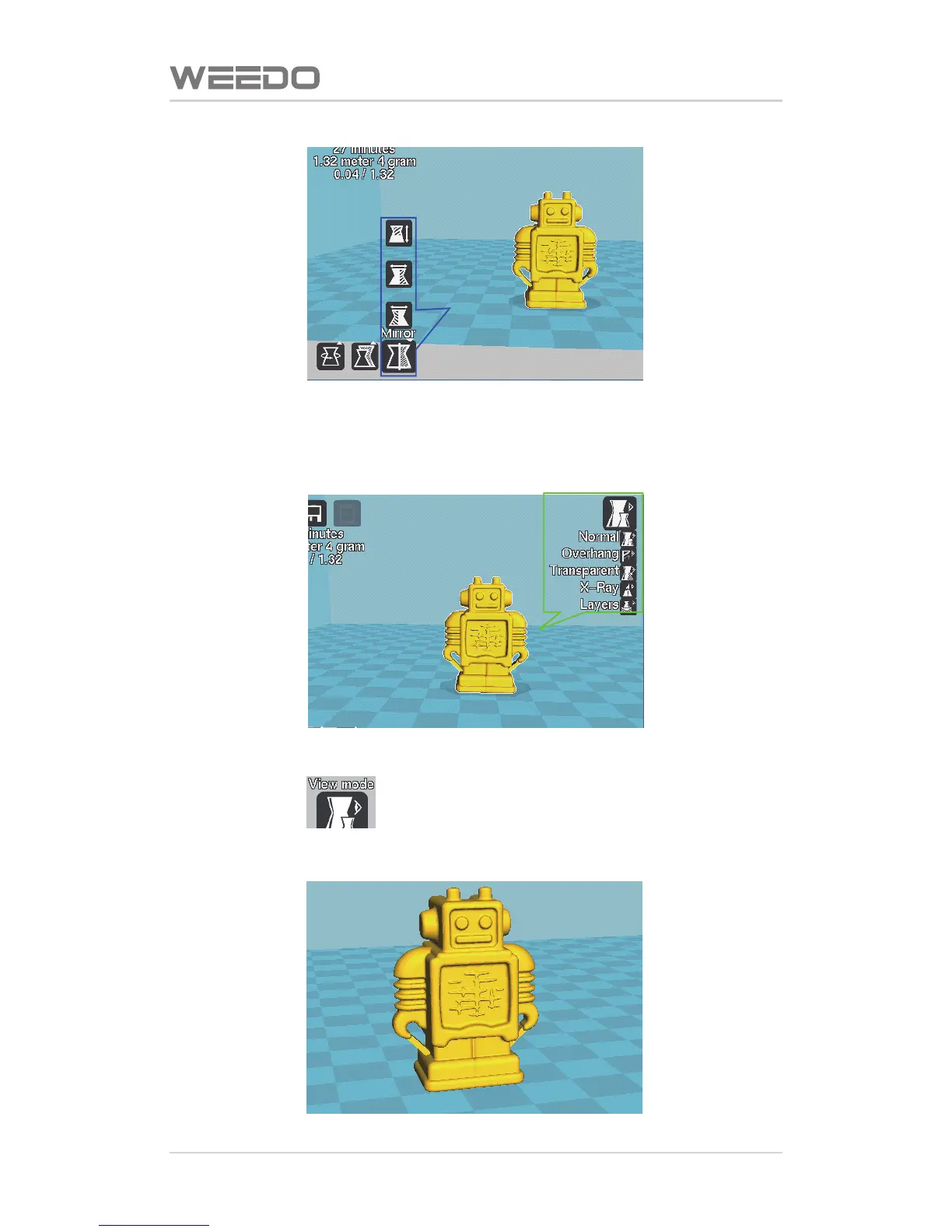
Blue box is model mirror image, click the mirror image buon, three buons
would pop up and they represent the mirror images of three direcons of Z, Y,
X respecvely.
Green Box is Check Mode Opon
Click the buon ,five modes buons, respecvely:
“Normal” is normal mode, show the model appearance only, which is default mode



 To Next Page