WEIGHTECH USA Weighing indicator WT3000-IR ABS– Technical manual
Wt3000irabs v20151126
28
9.3 9.3. CAPACITY AND DIVISION SETTING
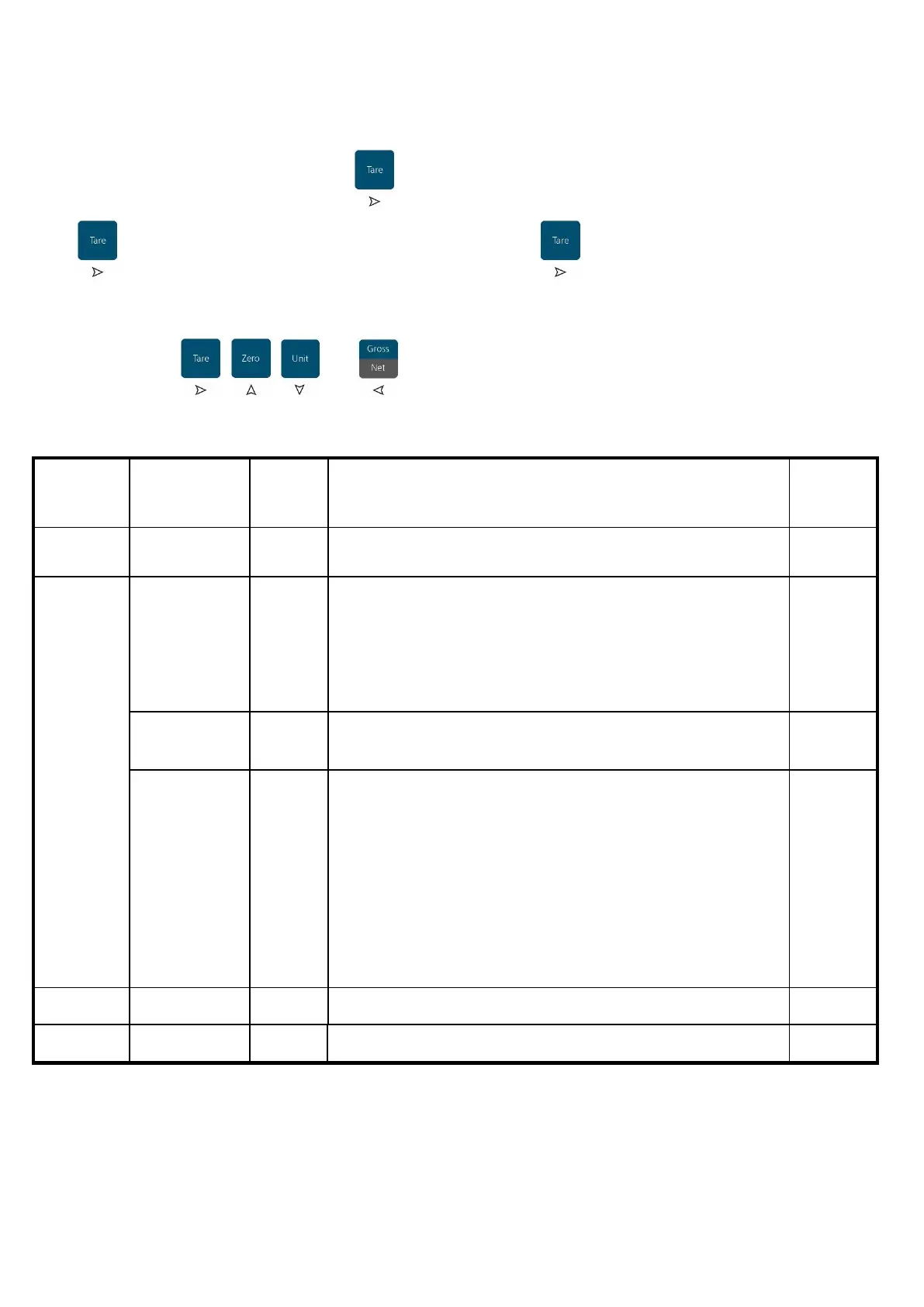
Once inside the 01 CSP menu press and select the parameters CSP-00 to CSP-03, press
to confirm. Perform the desired alteration and press to save and return to the
parameter selection menu.
Use the keys , , and to navigate through the menu screens.
Returns to the
previous menu
Returns to the previous menu
100001 indication in grams (g)
000001 indication in kilograms (kg)
200001 unit in (lb)
200002 unit in (kg) and (lb)
Example: choose “kg” and “lb” (2 units).
Type the capacity of the scale without the comma.
Division and
decimal point
d
a
0
b
0
c
0
d
0
e
0
f
• The digit “a”, indicates the division (1,2 or 5);
• The digit “b”, indicates the position of the comma (0 to 5);
• The digit “c”, indicates the amount of ranges of the scale
(0 and 1 for full segment range or 2 for 2 segment range
divided at ½ of the full scale)
• The digit “e”, indicates the division multiplied by 10 (10, 20
ou 50);
• The digits “d” and “f” must always be “0”.
•



 To Next Page