WEIGHTECH USA Weighing indicator WT3000-IR ABS– Technical manual
Wt3000irabs v20151126
37
10.5.2 CONNECTIONS WITH REMOTE DISPLAY DR-WT75DR-
WT125 E DR-WT200
The serial output is connected via terminal located on the main board of the indicator in
accordance with the table below:
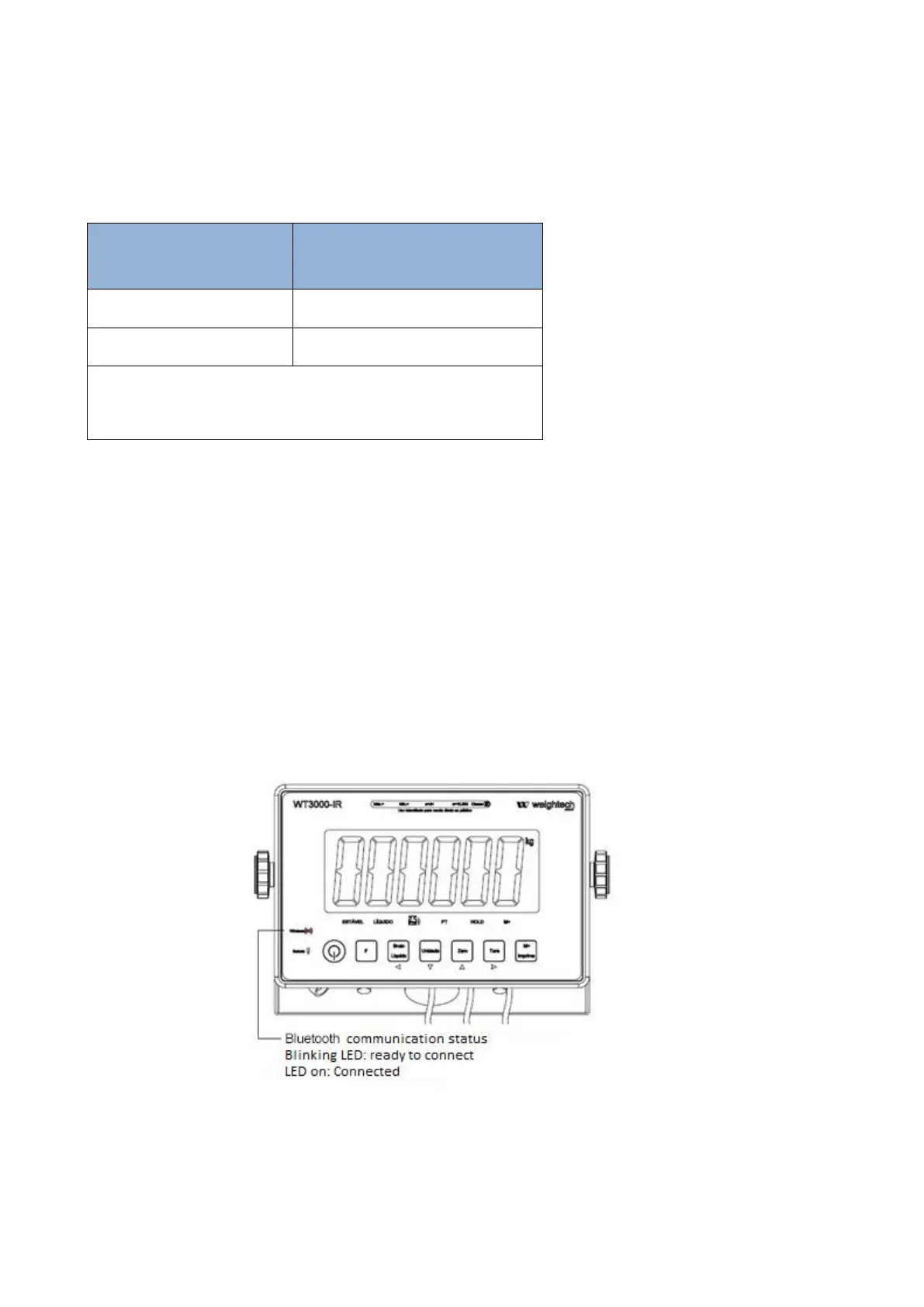
10.6 BLUETOOTH CONNECTION INTERFACE (OPTIONAL)
The Bluetooth communication shares its configuration parameters with the RS-232 port in the
indicator, the changes in 03 RS1 are used in communication via serial port and.
The password to connect to the device is “111111”.
The Bluetooth communication port is active and ready to accept connections as soon as the
indicator enters in weighing mode.



 To Next Page