WEIGHTECH USA Weighing indicator WT3000-IR ABS– Technical manual
Wt3000irabs v20151126
30
9.5 FILTER AND AUTO ZERO CONFIGURATION
Once inside the 04 CFn menu press and select the parameters CFn-00 to CFn-06, press
to confirm. Perform the desired alteration and press to save and return to the
parameter selection menu.
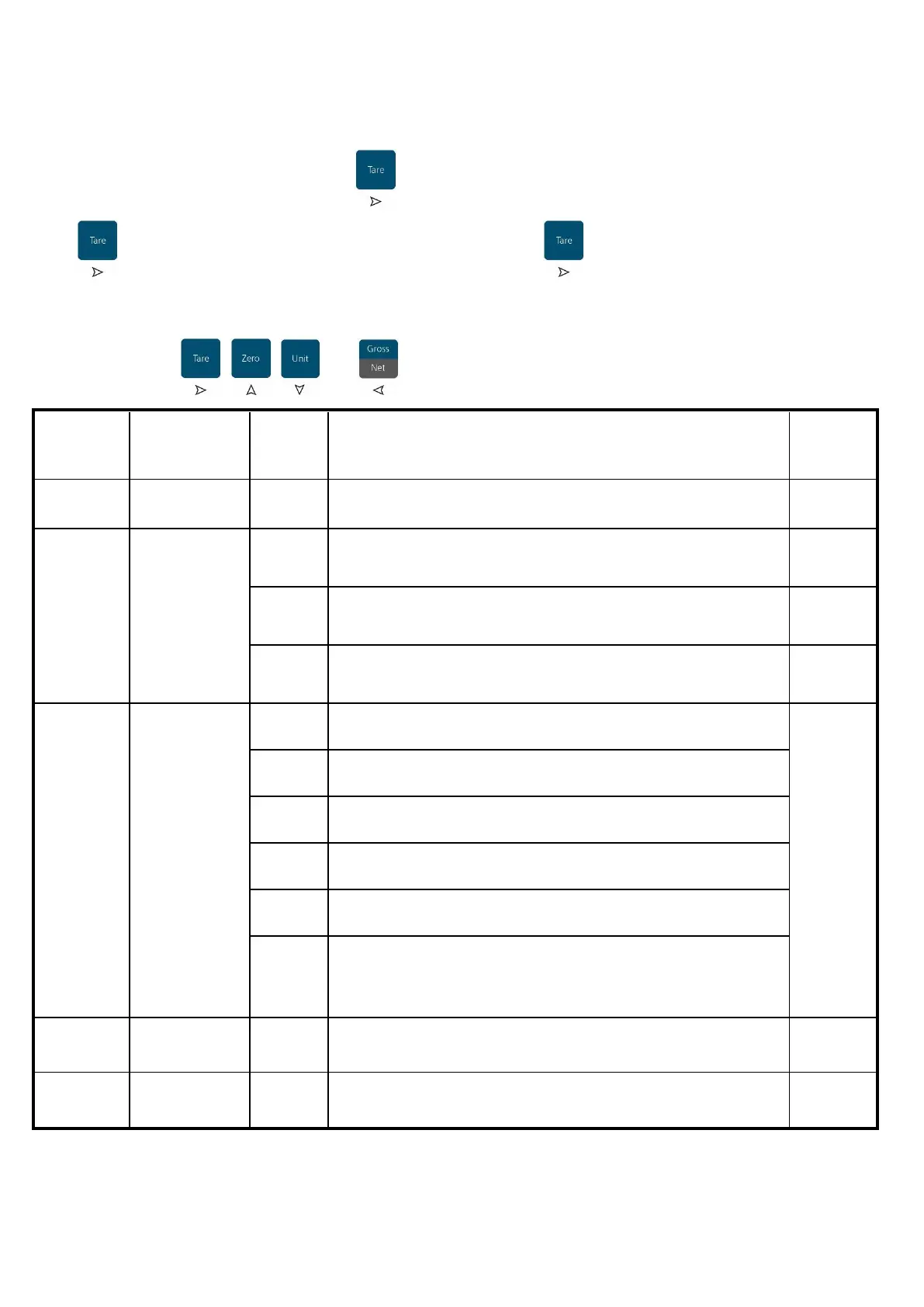
Use the keys , , and to navigate through the menu screens.
Returns to the
previous menu
Returns to the previous menu
After reach 1/3 of the maximum load the indicator will forces the
return to zero when the weight applied is removed.
Stability filter from 0 to 9
Higher the value, more stable the weight show.
Digital filter from 0 to 9
Higher the value, faster is the response of the indicator
Non approved models (allows external calibration)
Approved models (OIML and NTEP)
Approved models for Sri Lanka (Zero up to ±3%)
Approved models for Sri Lanka (Zero up to ±3%)
Approved models for Brazil
With tare activated by pressing the "Net / Gross" button, the
gross weight is show for 5 seconds and then back to the net
weight.



 To Next Page