WEIGHTECH USA Weighing indicator WT3000-IR ABS– Technical manual
Wt3000irabs v20151126
29
9.4 CALIBRATION
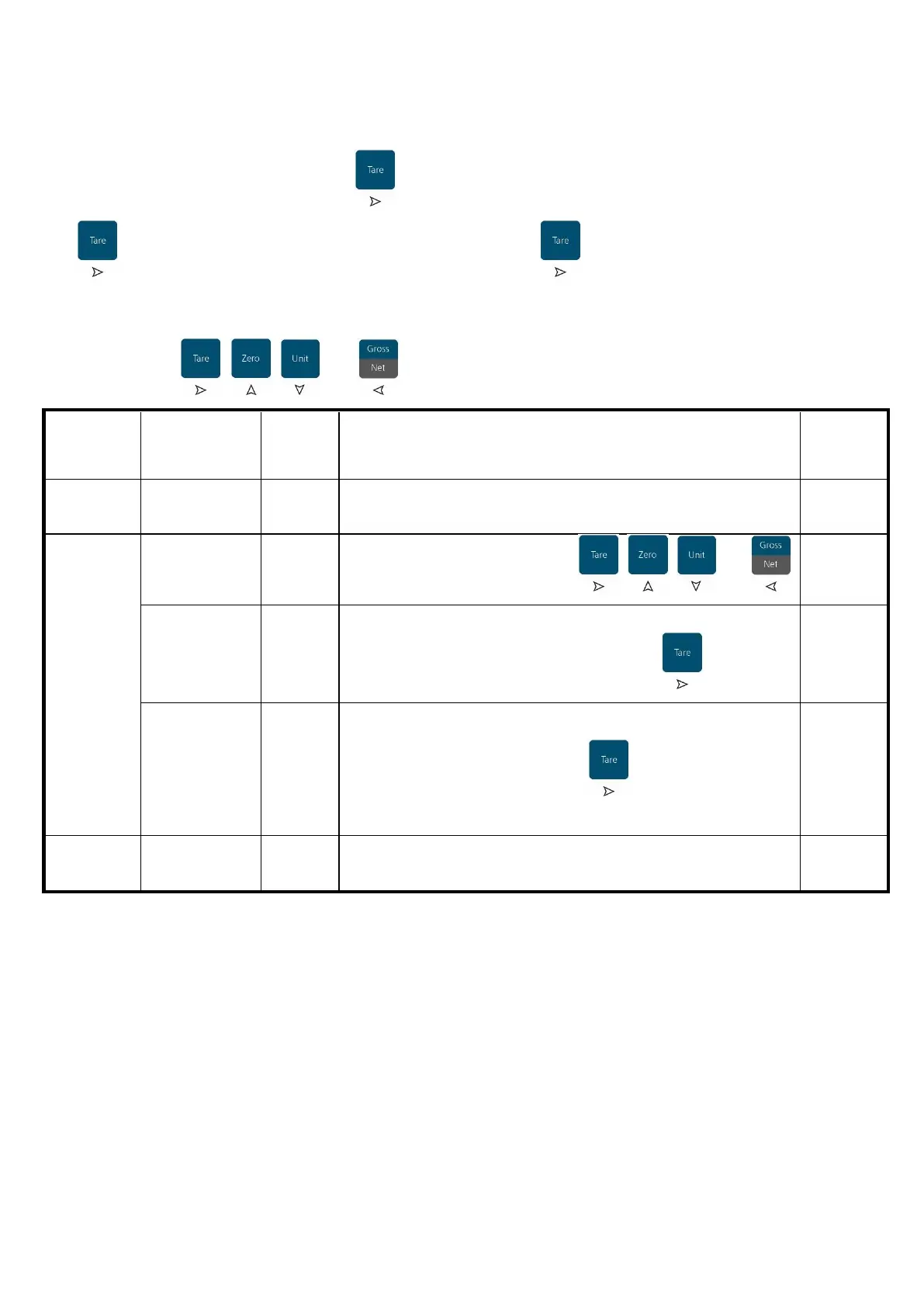
Once inside the 02 CAL menu press and select the parameters CAL-00 to CAL-02, press
to confirm. Perform the desired alteration and press to save and return to the
parameter selection menu.
Use the keys , , and to navigate through the menu screens.
Returns to the
previous menu
Returns to the previous menu
Type the calibration weight using , , and
After insert the calibration weight value, ensure that the scale
platform is empty and then press .
The indicator shows the calibration weight blinking.
Apply the calibration weight on the scale platform and then
press
After the end of the calibration process the indicator
shows“02 CAL”



 To Next Page