EasyManua.ls Logo

WeighTech WT3000-P - 10.5 Remote Display Setup and Connection

WeighTech WT3000-P
41 pages
Print Icon
To Next Page IconTo Next Page
To Previous Page IconTo Previous Page
Loading...
WEIGHTECH USA Weighing indicator WT3000-IR ABS Technical manual
Wt3000irabs v20151126
36
10.4.3 PRINT BUTTON
Printing is done by key or using the foot switch if FnC 11 = Print.
10.4.4 CONNECTION WITH ZEBRA PRINTER
The serial output is connected through the terminal located on the main board of the indicator
in accordance with the table below:
Indicator
DB-9 male connector
(Zebra printer)
GND
Pin 5
TX
Pin 3
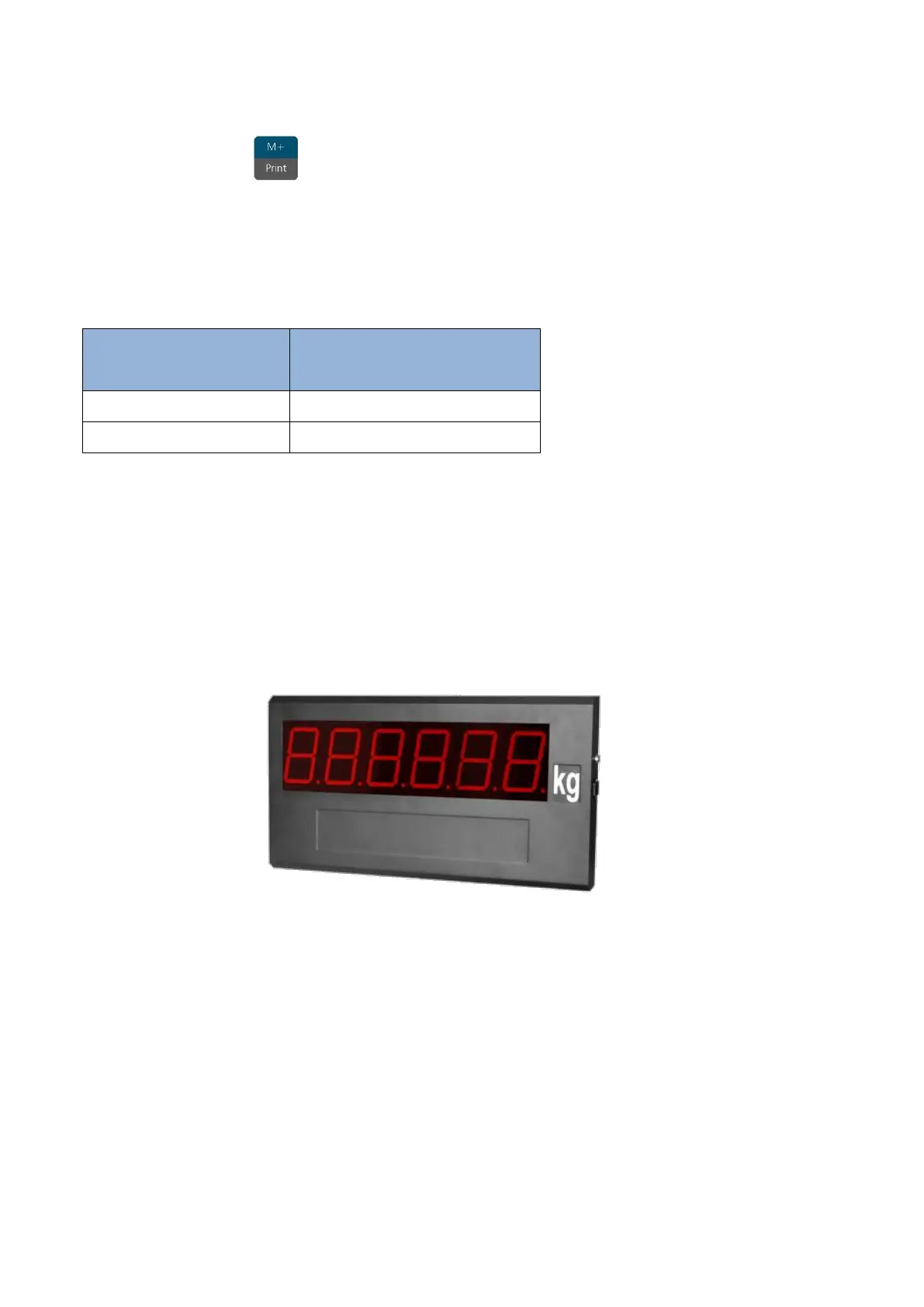
10.5 REMOTE DISPLAYS DR-WT75DR-WT125 E DR-WT200
The remote display has the function to repeat the weight value that appears on the
indicator.
10.5.1 SETTING THE INDICATOR
CFn - 02= 4;
rS1 01 = b 1200;
rS1 02 = p n81;
rS1 03 = F-M 12;
rS1 04 = StrEAn;
rS1 05 = rPS 4;
rS1 08 = ALL-P;
rS1 09 = SEvEn.

Related product manuals