Pa‑
ram‑
eter
Description
Type C = Connected / directly connected route, you are automatically added to a routing table when an in‑
terface is configured with an IP address S = Static route / manually entered route by the administrator R
= RIP (Routing Information Protocol) / dynamic route added by RIP O = OSPF (Open Shortest Path First)
/ dynamic route added by OSPF
Des‑
tina‑
tion
The destination is the target host, subnet address, network address, or default route. The destination
for a default route is 0.0.0.0.
Net‑
mask
The network mask is used with the destination to determine when a route is used. For example, a host
route has a mask of 255.255.255.255, a default route has a mask of 0.0.0.0, and a subnet or network
route has a mask between these two values.
Gate‑
way
The gateway is the IP address of the next router to which a packet must be sent.
In‑
ter‑
face
The interface is the network interface to be used to get to the next router. Cellular 1 = radio interface
GSM Loopback 1 = internal loopback address (loopback) FastEthernet 0/1 = network port FastEthernet
0/1 on the router VLAN 1 = network ports which are assigned to VLAN 1.
Dis‑
tance/
Met‑
ric
Distance/Metric is the priority of the route. If several routes lead to the same destination, the route with
the lowest metric is considered the best route.
Time Time
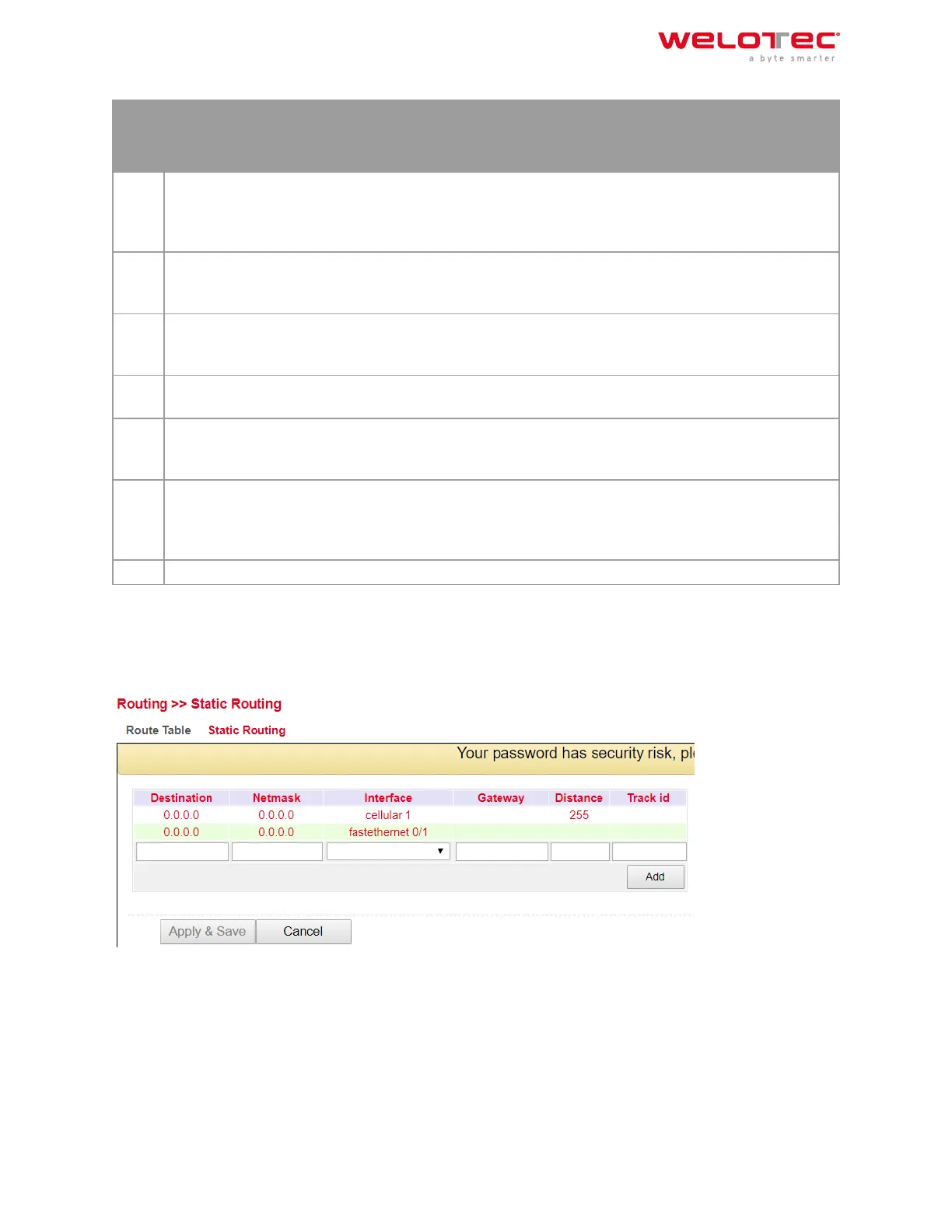
3.5.1.2. Static Routing
Static routes are set up in the navigation under Routing > Static Routing > Static Routing. Normally no static route
has to be entered. The router enters the routes itself by making changes in the configuration.
Welotec GmbH
Zum Hagenbach 7
48366 Laer
www.welotec.com
info@welotec.com
+49 2554 9130 00
Page 87



 To Next Page